Marking on image

Dear All,
I am new to Capture One. Currently in one month testing period.
After few days testing with one session, the software looks great. Today I started another session and the loaded image are having attached 6 water marks.
Please advise what are they?
Thanks in advance for anyone's help.
Cheers,
Johnson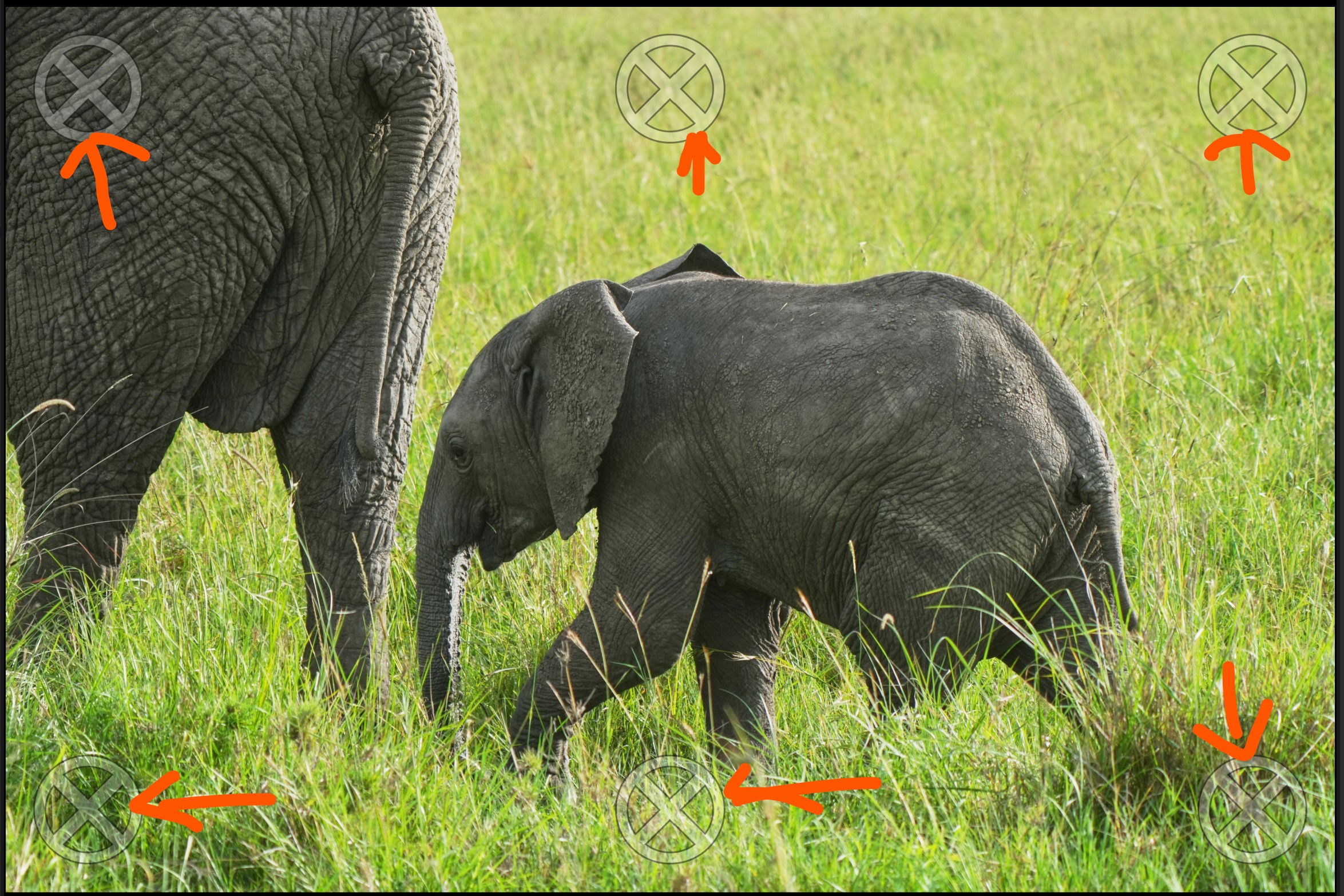
-

Hi Johnson – welcome to the Capture One community. It's great to have you here :)
You are in Composition Mode. Go to Camera > Composition Mode to turn it off.
That should see you right! Let us know if you have any follow up questions.
0 -
Hi Jack,
Thanks for the info. It works.
(I thought that the markings were due to one month trial version ;-P )
Cheers,
Johnson
0 -
You're very welcome! I can see that your name has defaulted to "FirstName LastName" – could you let me know how you are logging into the forum and if you are able to change your name by clicking on your profile in the top right and then choosing to edit your profile?
0 -
I did input once my first and last name. Not sure where it gone.
Just update it again.
Thanks again and regards
Johnson
0 -
Johnson All fixed now. You even have a profile picture, nice!
Hope to see you in more conversations in the near future :)
0
Post ist für Kommentare geschlossen.
Kommentare
5 Kommentare