Option to remove distracting pop-ups in Capture One Pro

In the new Capture One Pro there is a pop up whenever you are using keyboard shortcuts to navigate the program, connecting a camera, using the undo command, deleting variants, etc. I find the pop-up distracting and an amateur feature in an otherwise professional software. There is currently no way to turn this feature off. I was on set with an art director yesterday and they were annoyed by it as well. Every time you switch from browser to viewer you get a pop up telling you and showing your keyboard shortcuts. Enough with the mandatory training wheels.
I'd suggest the option to turn it of being grouped with the "enhanced tooltips" checkbox in settings.
There are currently no workarounds as confirmed by tech support. I'm sure inexperienced users will appreciate it, but I spend a majority of my day in this program and the feature is absolutely distracting.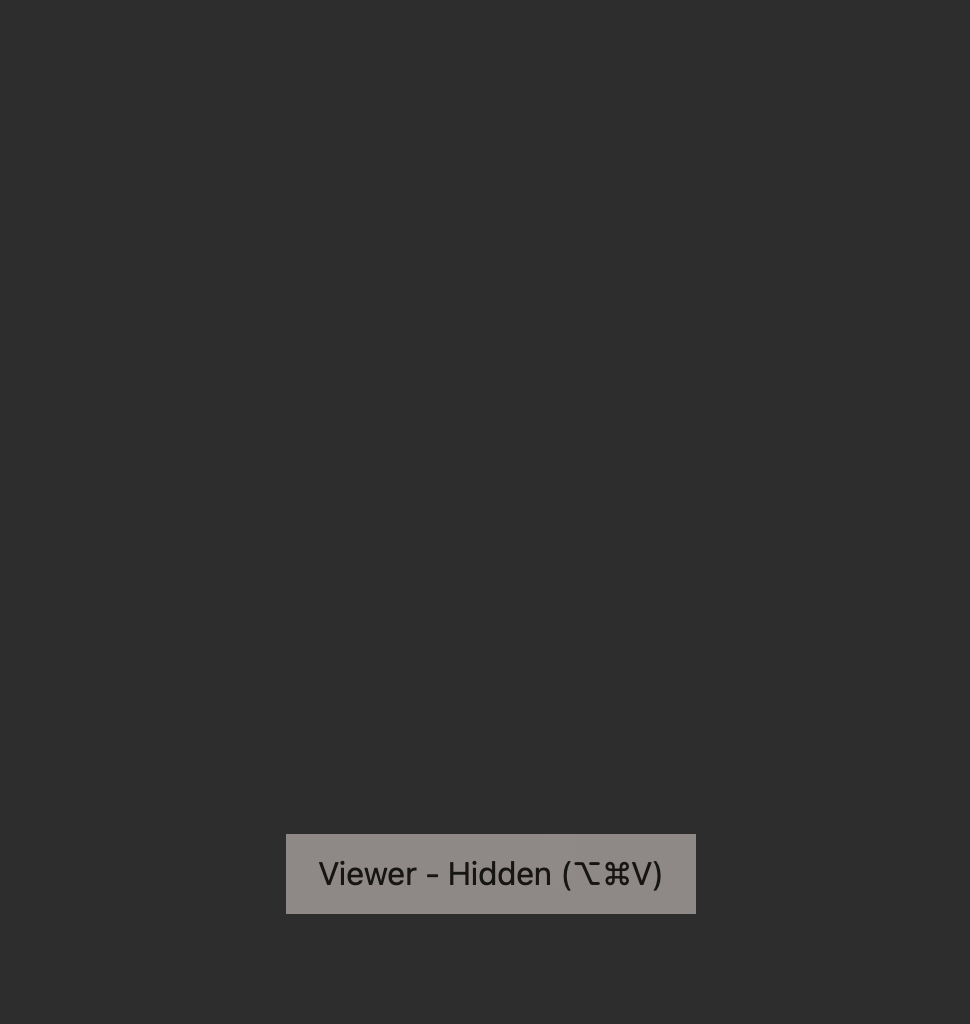
-

Thank you for posting this.
I hope we will receive an answer from C1 team!0 -

Requested here first - please upvote the original post if you agree with this feature request and would like to see it implemented in Capture One.
0
Post ist für Kommentare geschlossen.
Kommentare
2 Kommentare