Color shift in dark images

Hello.
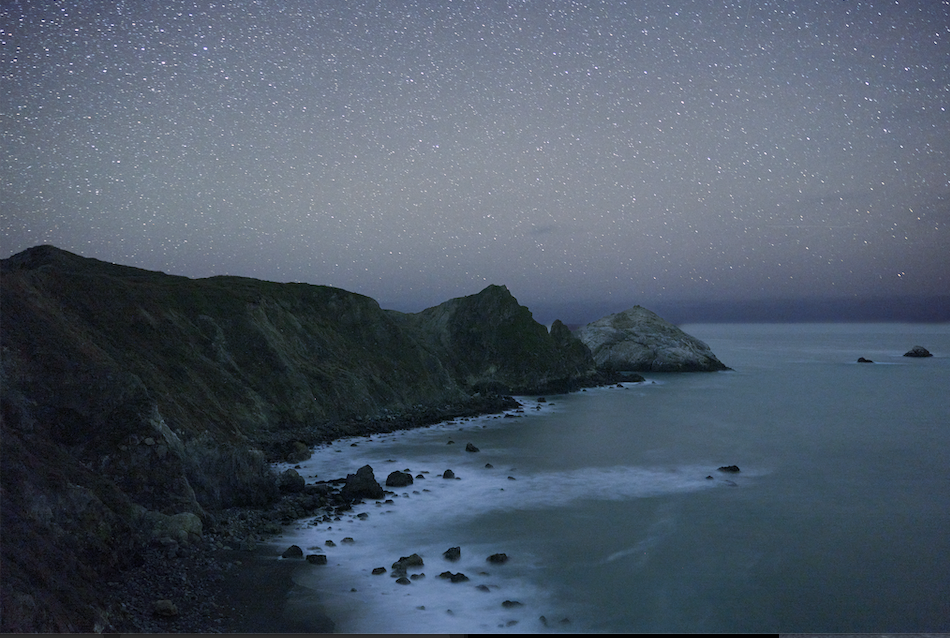
When I export a RAW canon R5 image, the color in the shadows does not match the new Tiff file. I exaggerated the effect here and swung the shadows way blue/green for the sake on analysis. You can see that when I exported, C1 pushed a lot of pink/red into the file, or desaturated it. Has anyone dealt with this? My Color Space is "sRGB" in the export recipe, as well as the Proof Profile. Does anyone have a process that can guarantee color accuracy? Even with noisier images.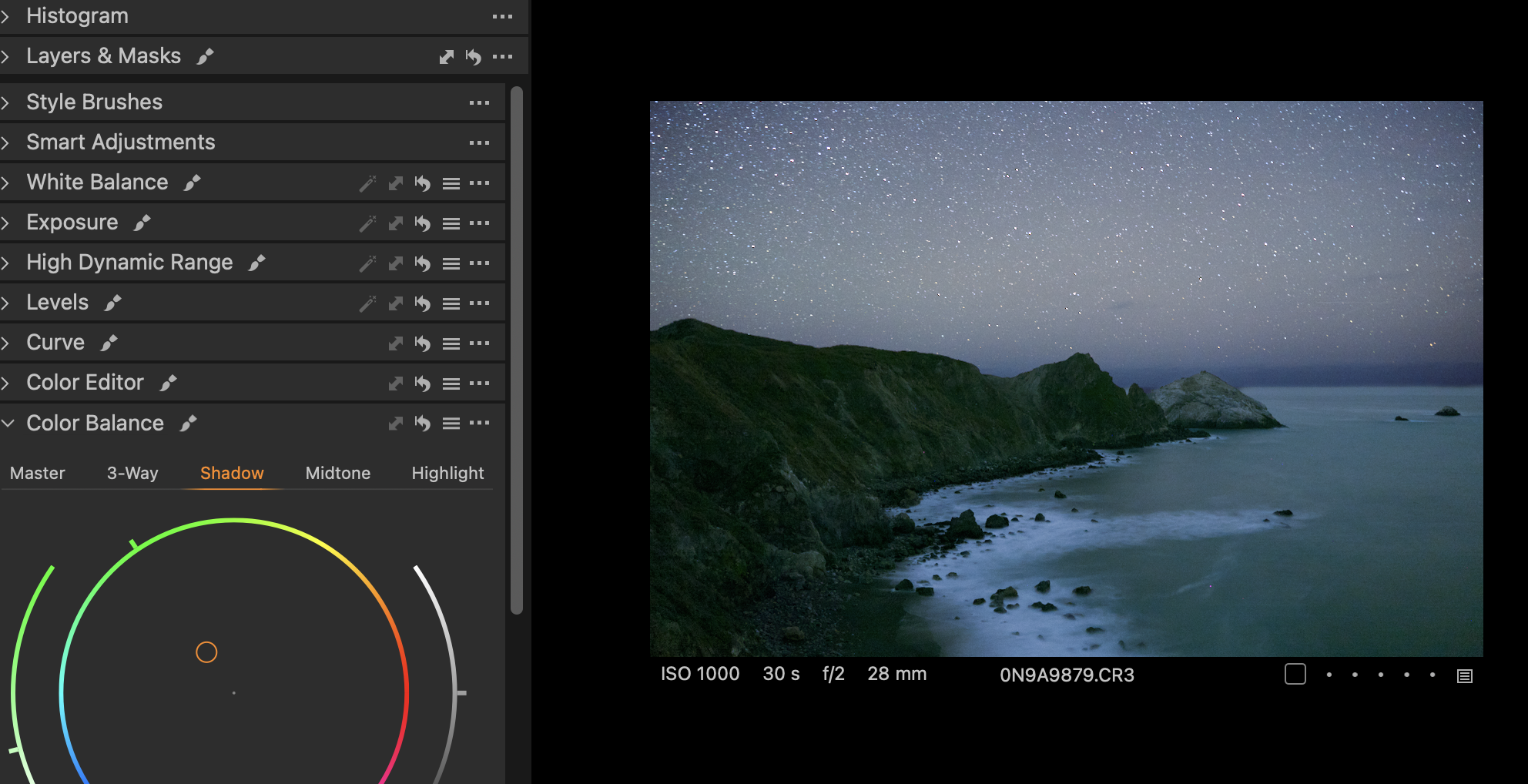
-
When you exported, what colour space did you use? And what appear you using to view the TIFF? Is that how it looks in Capture One, or viewed in some other application?
Ian
0 -

At the most zoomed out level, Capture One previews are not colour accurate when there's high-frequency details or noise. An image with leaves in fall colours has a different hue when viewed at zoomed out (25%) as compared to a 33+% zoomed view.
Edit: Since this water doesn't seem to have much high freq details, perhaps this is a more likely cause: https://support.captureone.com/hc/en-us/community/posts/6754186879133/comments/23013920114205
0

Post ist für Kommentare geschlossen.
Kommentare
2 Kommentare