Quality of Embedded Thumbnails in Exported JPEGs

Hi Guys,
I noticed that the JPEGs that I export from Capture One have really low thumbnail quality when viewed in Windows File Explorer and XnView.
Do you know if it's possible to either increase the quality of exported thumbnails or not embed them at all letting the external apps create their own?
Please see below a screenshot of XnView with same photo exported from Capture One and Lightroom: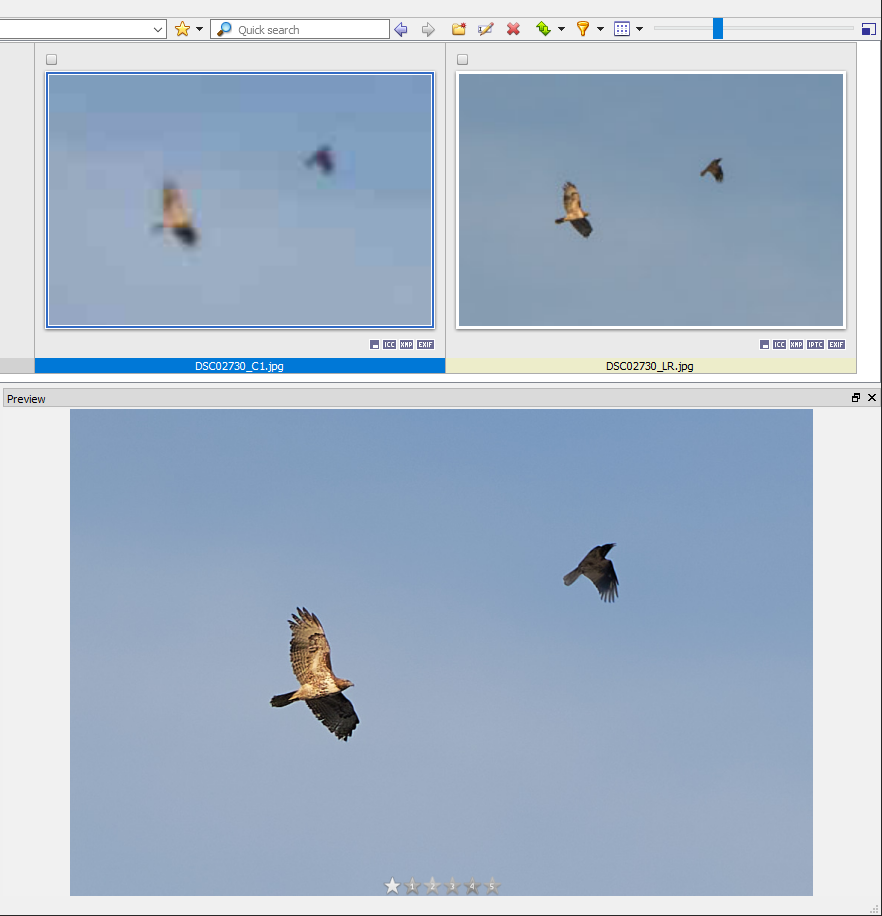
-
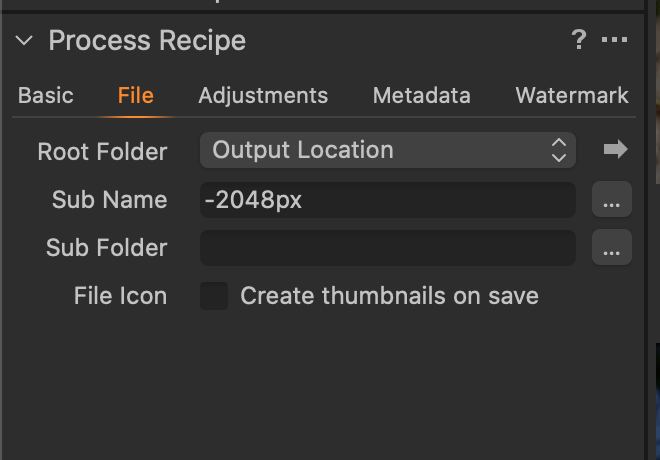
In the process recipe you can find a checkbox for this. Uncheck it if you don't want Capture One to create the thumbnail. (If you are using the Export command instead there is a similar checkbox in the Export dialog box.)
Ian
 0
0 -

I thought the purpose of the thumbnail creation (especially for a jpg file) was simply to provide a very small image for use by file explorer type listings in preference to generic icons of some sort. Certainly not for critical viewing, especially viewing of a jpg.
0 -
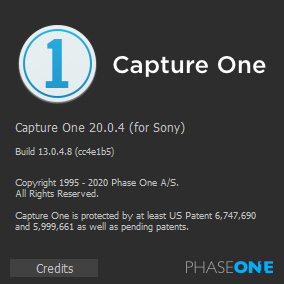
Ian, what version of C1 do you have? I use Build 13.0.4.8 for Sony, and I don't see this checkbox for any export format.
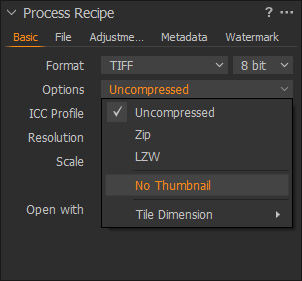
I do have "No Thumbnail" in Basic > Options for TIFF, but I don't export TIFFs.
0 -
I thought the purpose of the thumbnail creation (especially for a jpg file) was simply to provide a very small image for use by file explorer type listings in preference to generic icons of some sort. Certainly not for critical viewing, especially viewing of a jpg.
SFA, it's not about critical viewing. As you can see on the screenshot, the image is barely visible in such thumbnail which makes it utterly useless. Besides, it looks aesthetically unpleasing when I browse image folders. The source images look better than the edited ones.
I would definitely prefer no embedded thumbnails to this level of thumbnails quality.
0 -
Gregory - I have the latest version 20.0.4 (build 13.0.4, same as yours). But this has been in Capture One for ever as far as I remember. Are you sure you are looking on the File tab in the Process Recipe (highlighted in orange in my screen shot)?
Ian
0 -
Here is how mine looks:
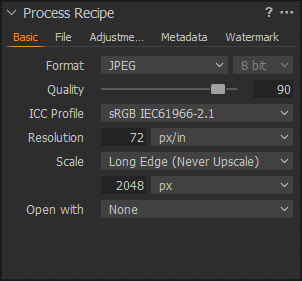
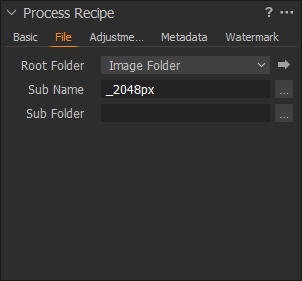
And here is the Basic tab for TIFF, it does have an option to exclude thumbnails:
The About Capture One info:
 0
0 -

I've never seen this option either, Ian. Are you on Windows or Mac?
0 -
B.O, good point. I'm on Windows, optionless.
0 -
I seem to recall that the option is a Mac thing since Windows does things differently as far as Explorer icons are concerned.
Gregory, which XnView product are you using?
I have never used it but I have never experienced anything like what you have shown in you screenshot with any other viewer I have used.
1 -
I'm using XnView MP Windows Version 0.94.1.
It's an amazing image browser!
Also, I strangely experience same issue with thumbnails in Windows File Explorer when I look into a folder on my phone, where the pictures were copied.
0

Post ist für Kommentare geschlossen.
Kommentare
10 Kommentare