White and Black points detection - on grey mask
Logged
This feature existed in Nikon's Capture NX2.
I think it is in LR as well.
Would be nice to have in C1 now - makes the WP and BP detection so much easier.
The screen turns grey, and by adjusting the sliders on the histogram, you see where the "whitest" and the "blackest" points are.
See image below - hugely exaggerated for the sake of this post.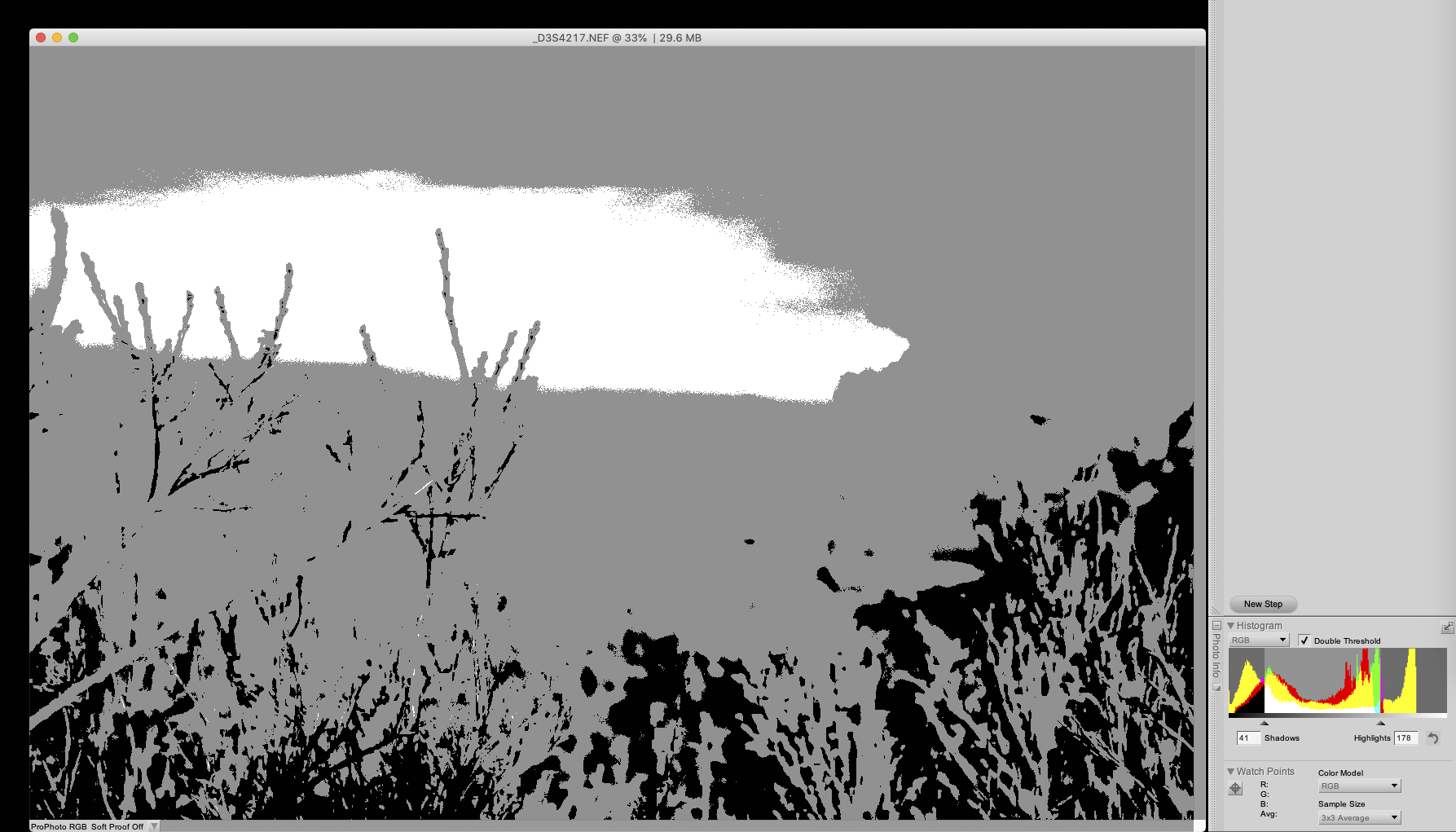
EDIT: added missing "points" in the title - make much more sense now :-)
-
Hi Claude,
Thank you for the post.
In Capture One, the whitest and the blackest points are shown when the Exposure Warning is active (orange-colored).
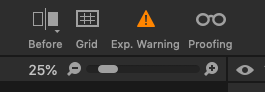
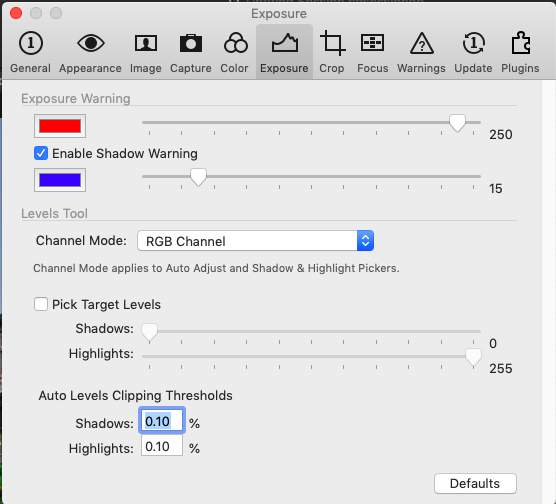
By default, shadow warning is disabled, but it is possible to change that in the Preferences. Other settings can be changed as well.
Read more about exposure warnings here
 0
0 -
Hello Lily,
Thank you for the feedback. You are right, the Exposure tool could be used in conjunction with the Level threshold "levers".
Something to explore. (the subject of the Levels and Auto-levels and Levels Preferences has been debated recently here, with excellent contributions: Why does auto-levels cut some of the data ?)
However, as the "grey masking" already exists in C1P (for the Layer masks), perhaps that additional option could be brought in the Exposure tool as well ? I think it helps tremendously, the red or blue of the genuine tool being easily confused with color spots on the image.
Thank you for reading me.
1
Post ist für Kommentare geschlossen.
Kommentare
2 Kommentare