Stroke Capability (like in Photoshop)

Hello,
I have an older version of Photoshop and LOVE the "Stroke Feature." It is quick, and easy to apply to an image. Does Capture One have this feature and is it easy to apply? And if yes, what version of Capture One is needed.
Aside- Tried to download the Capture One Express, and it did not work... files corrupt. I will try again, but a deal breaker is that I really want a "Stroke Feature."
Sy S.
-
I was not familiar with the stroke feature, but having googled it, I now know roughly what you mean. Capture One does not have such a feature. And is is notable that it is a Photoshop feature not a Lightroom feature. Capture One is a raw editor as Lightroom is, but it is not a pixel editor like Photoshop.
What do you use the stroke feature to accomplish. Can we help you understand whether and how you could achieve the result you want in Capture One?
Ian
0 -
Hello Ian,
I am using Photoshop CS4. The "Stroke Feature" puts a small "stroke" around an image.. and with 5 keystrokes, fast and easy to accomplish. See three examples below: There are other ways to add a "stroke" but it is very involved.
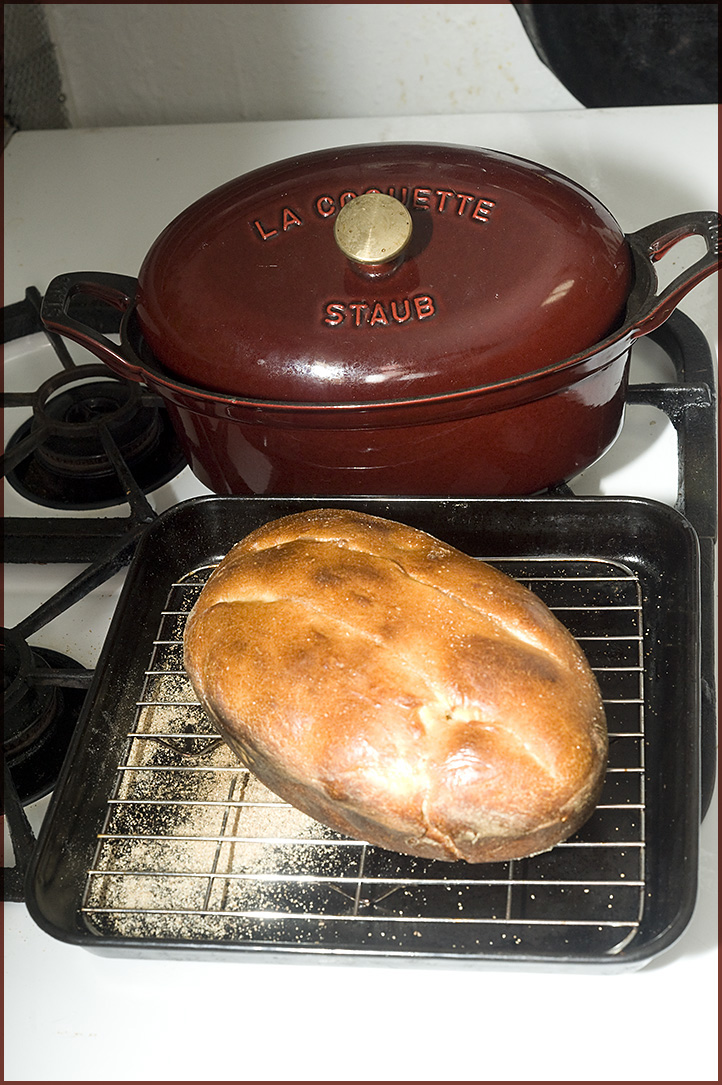
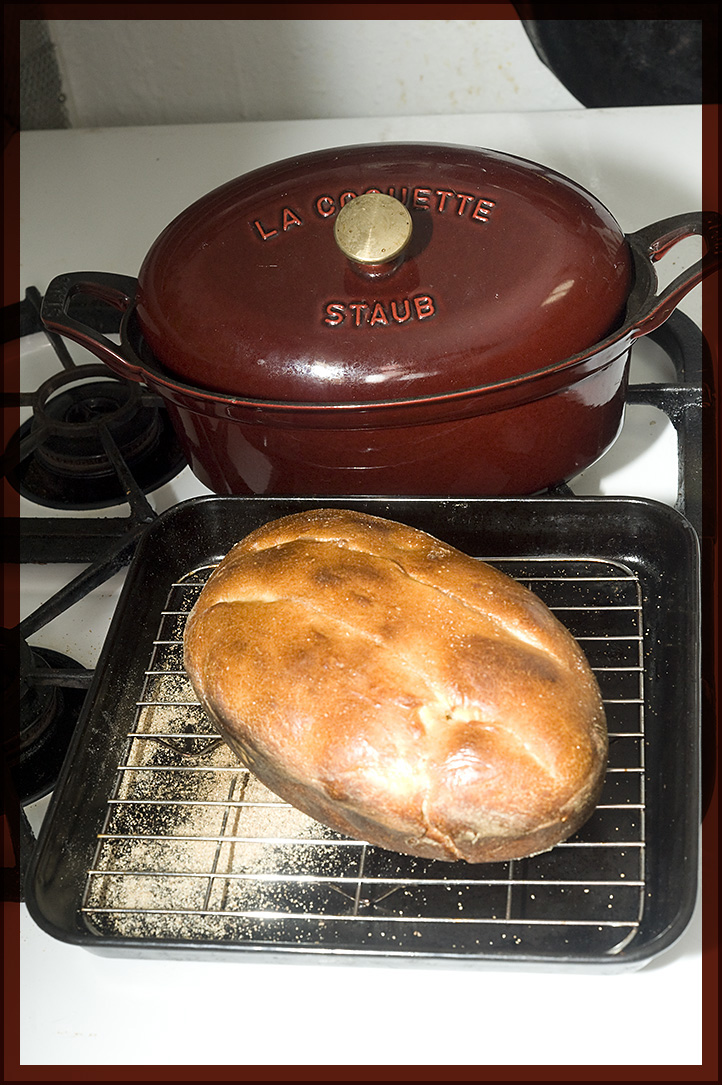
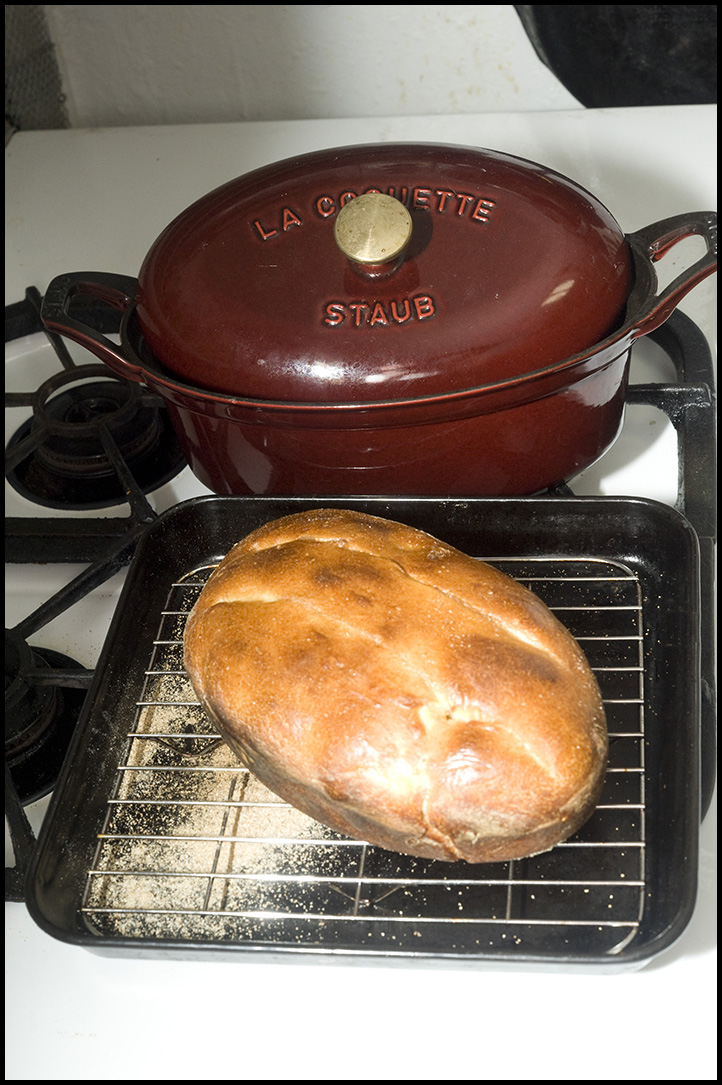
I also use PhotoImpact to add more detailed Photo Frames... as well (no example added).
Sy S.
0 -
#3 Stroke has a black stroke around the image, but when viewed you can not see it, because the background is black.
Here is Stroke#4 with a "White Stroke" around the image.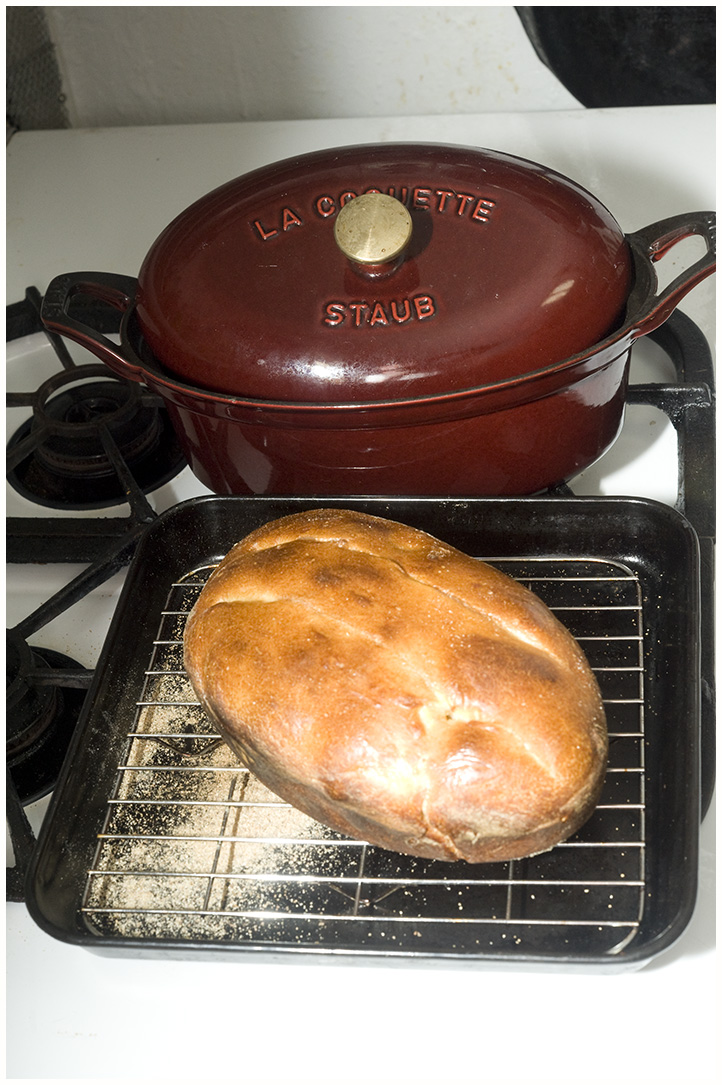 0
0 -

I have used Strokes very extensively particularly when designing photo albums for manufacture with Graphistudio but I always had to do the Strokes in Photoshop after having processed the RAW files in Capture One. As far as I can tell there is still no Stroke option in Capture One (20:13).
I am transitioning to Affinity Photo from Photoshop. That has much the same functionality as Photoshop but costs peanuts. Affinity calls Strokes Outlines and you can add them by adding an Fx - a Layer Effect. You select Outline and then just choose the Radius in pixels or whatever, the alignment (outside, centre, inside), Colour and Opacity, which obviously you can go back and amend should you wish. It will all look very familiar to you. I have saved several "Actions" which Affinity calls Macros, and are then found in Affinity's Library palette.
You can do a Capture One round trip if you want and videos are online e.g.
https://www.youtube.com/watch?v=bYk4B8Gx-k0
https://www.youtube.com/watch?v=NIyiRZwDp08
Pete
0 -
Hello Pete,
Thank you very much for your information on Capture One + Affinity Photo and adding a Stroke/Outline. I watched the two URLs you posted and did not see anything about actually creating an Outline. Capture One appears to be a nice program and I can download RAW images (Own Nikon cameras and currently open RAW files in ViewNX2). Then I can go into Photoshop and enhance images as needed... no subscription since it is an older version. And in addition to the Stroke feature, I can do almost anything I want. Plus as I mentioned I also go to PhotoImpact X3 if I then want to add a nice photo frame (and beautiful Text Graphics).
Thanks again for your time and comments,
Sy S.
0

Post ist für Kommentare geschlossen.
Kommentare
5 Kommentare