exporting error

Some pictures that I exported looks like this one
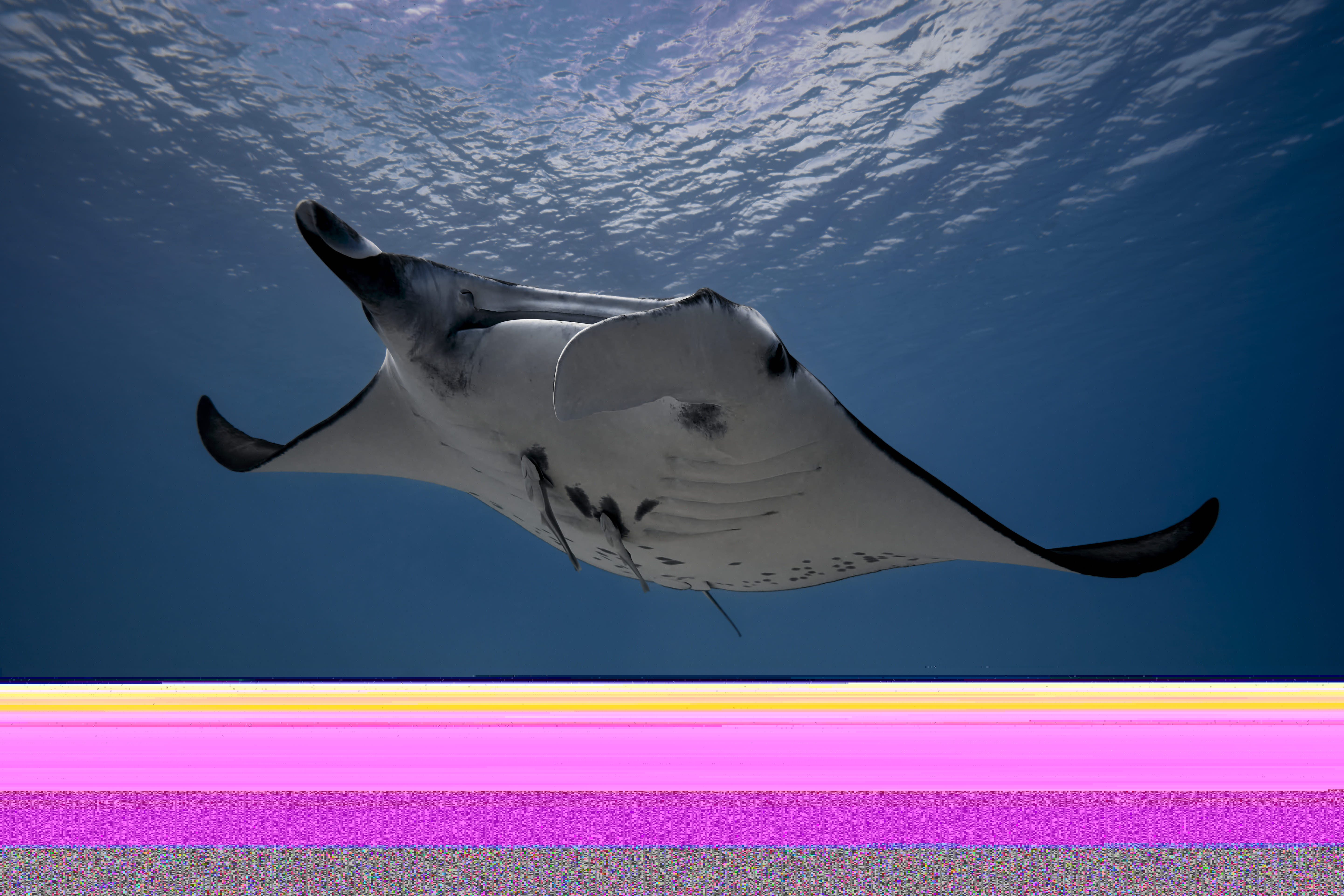
-

Try turning off GPU acceleration. If that fixes it, go to the GPU manufacturers web site and download the latest drivers. If they have both Gaming and Studio versions pick the Studio version.
Ian
0 -
Thanks.. Im using a dell xps with nvidia 1050 ti gpu and also intel gpu. I'm not sure what should I do.
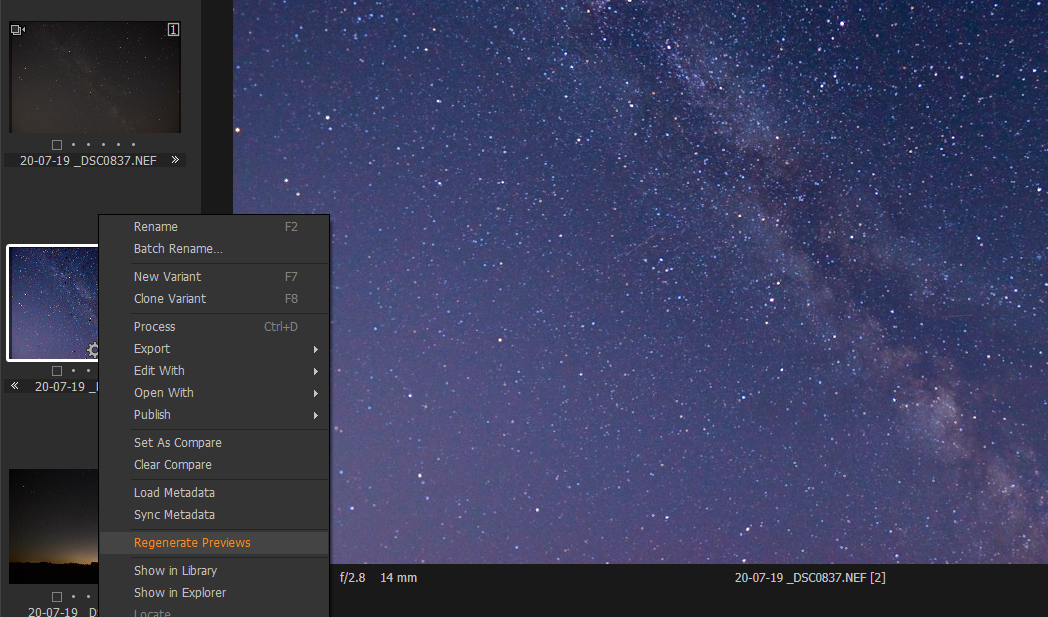
I also have this issue with previews.. Some weird spots are in the preview but not in the exported file
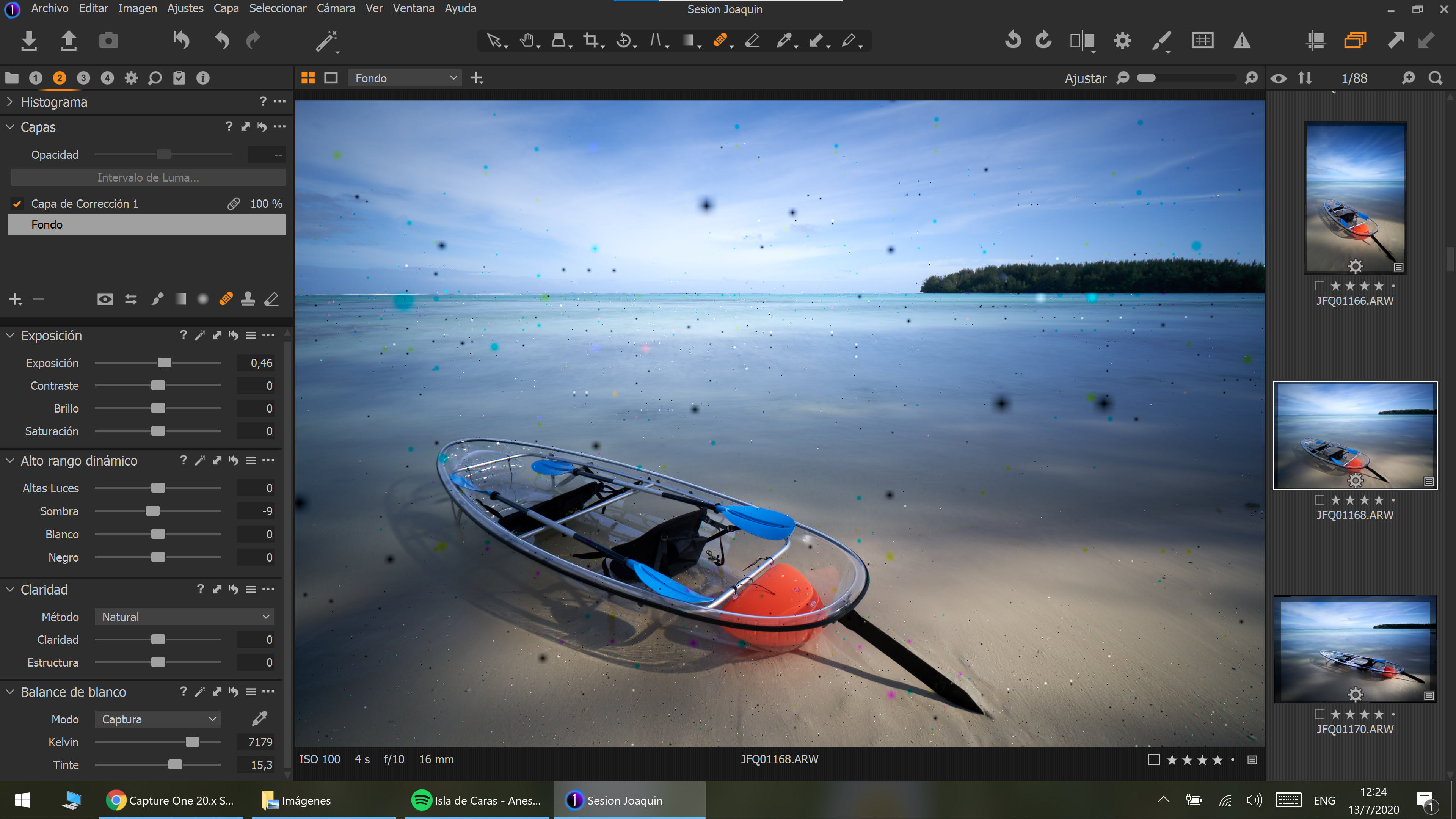
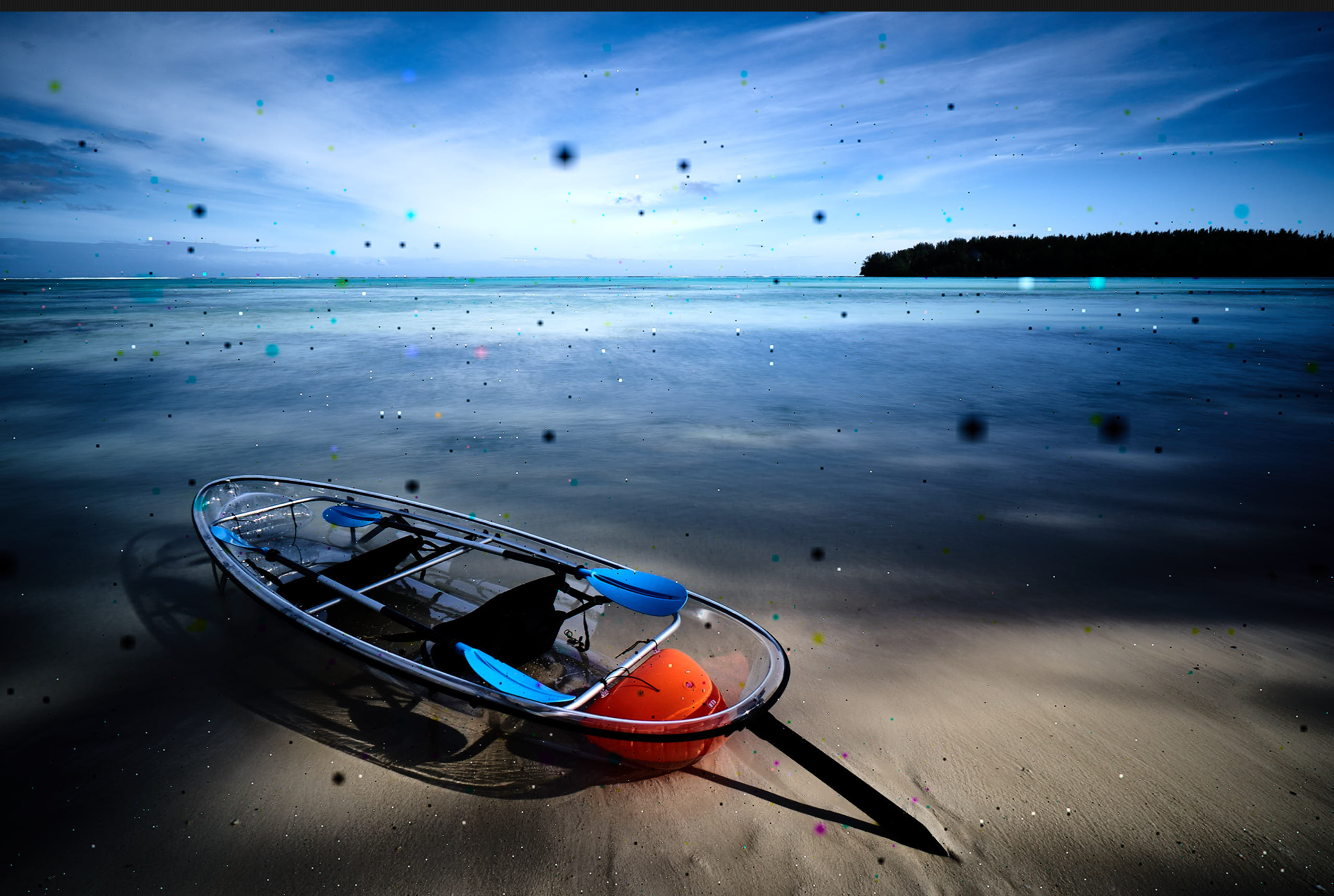 0
0 -

I would put a support request in. I have not seen either of these behaviours before so it is hard to say what the problem is. You could try switching you Hardware Acceleration off in Preferences. Mine are set to Auto, but change them to Never to see if anything changes.
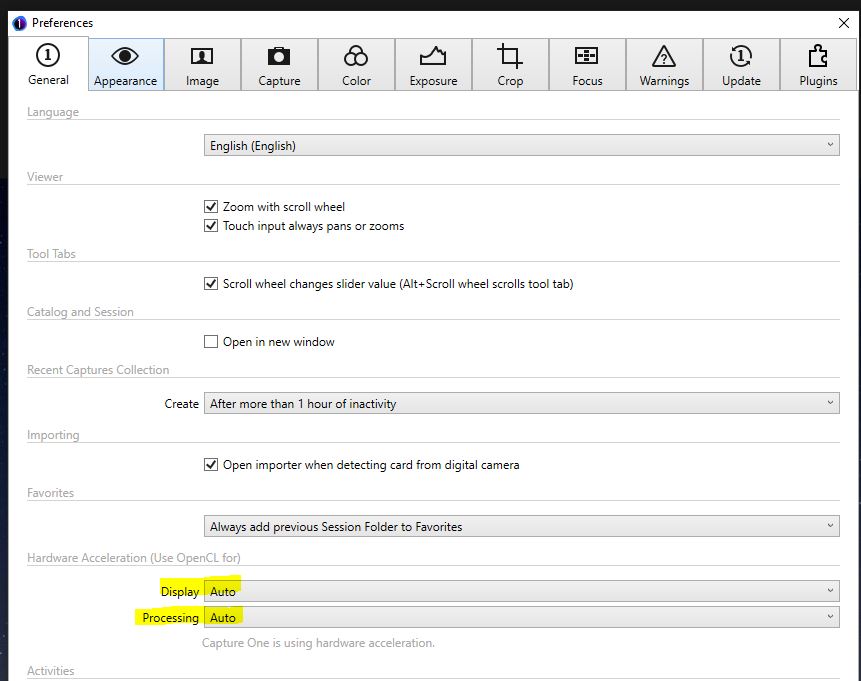
As for the spots, try regenerating the previews.
 0
0 -
I will do all this.. thank you
0
Post ist für Kommentare geschlossen.
Kommentare
4 Kommentare