IPTC Extensions

I would like to tag images with IPTC Extensions metadata fields, specifically Person Shown and Additional Model data, model age, model release status etc.
Is there any way to do this within CO or do I have to use another application like Adobe Bridge?
Ideally I would like to add this data before a tethered shoot, not afterwards when I get back to the office.
-

All these options are available and may be integrated when
tethered using the "same as last" in the capture tab or save
as user preset.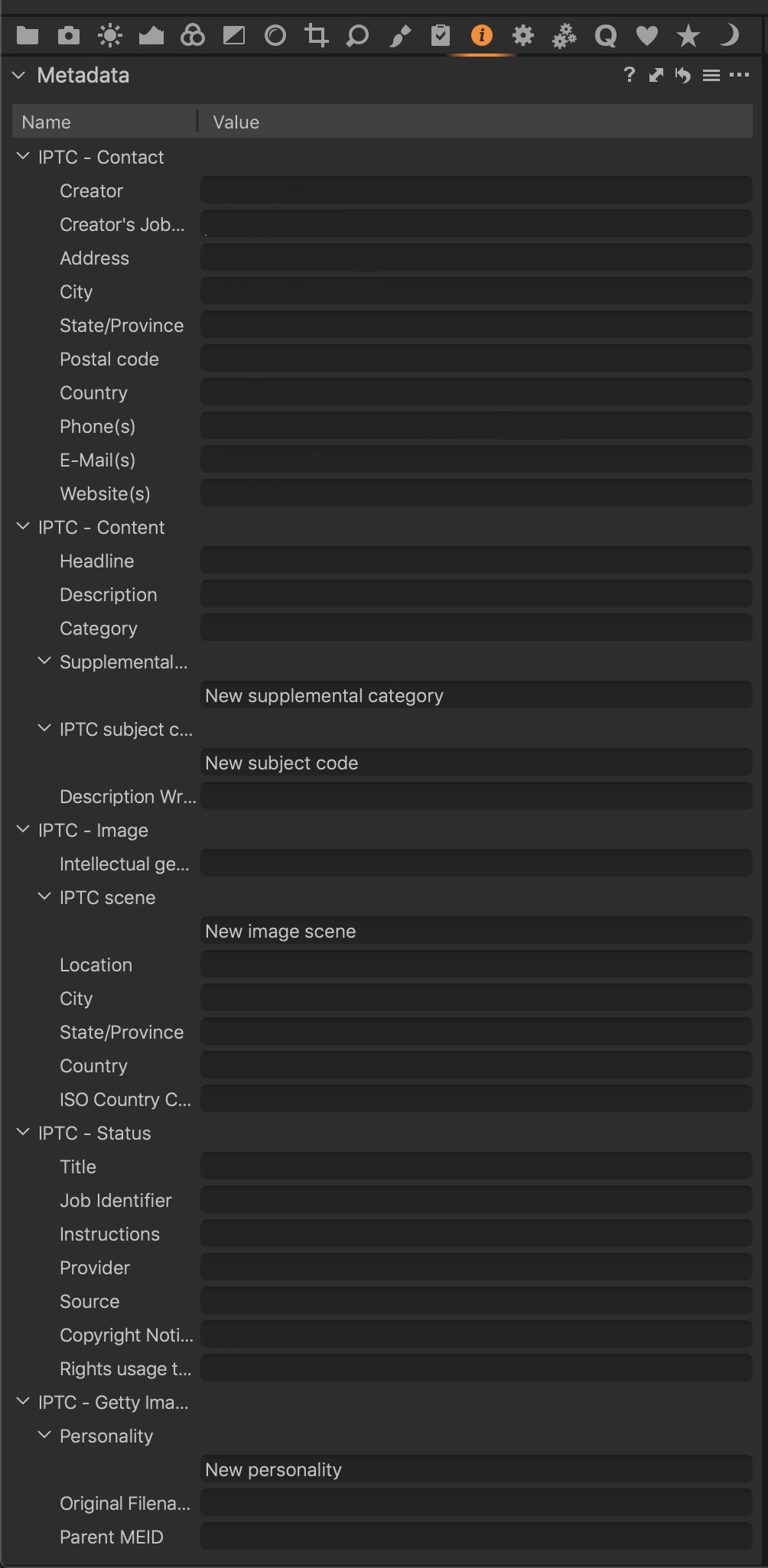 0
0 -
Still can't see the IPTC extensions in that screen grab. They are the original IPTC set, not the IPTC extensions.
0 -
They are listed in this document: https://www.iptc.org/std/photometadata/documentation/userguide/#_persons_depicted_in_the_image
0 -

I ran into the issue with C1 not letting you fully edit (add or delete) all metadata....and found this tool that will let you do anything with it:
https://exiftool.org ExifTool.
It is command line, but VERY effective. I'll have to look for my other post where I showed some uses of it, but basically used this tool to dump everything in current images in a directory (I wanted to make mass changes to all of them)....I dumped the info to a .csv file you can edit in Excel or Numbers for Mac or even open source spreadsheet tools.
You then go in and edit this and save as a new .csv file...you then run exif tool to write all these changes back to the files...once you do it once or twice, it's easy peasy.
Not easy to search through the forums but if I can find it I'll post the link where I gave examples.
HTH,
cayenne
0
Post ist für Kommentare geschlossen.
Kommentare
4 Kommentare