Pixeled image in preview

Can i please ask why some of the pictures in capture one picture tab are all coloured previews as per image posted. I am very new to Fuji... a couple of days and have purchased capture one for Fuji. trying to get my head around using software after using lightroom for years. I have no idea why this would be. They are RAF files.. thanks in advance Michelle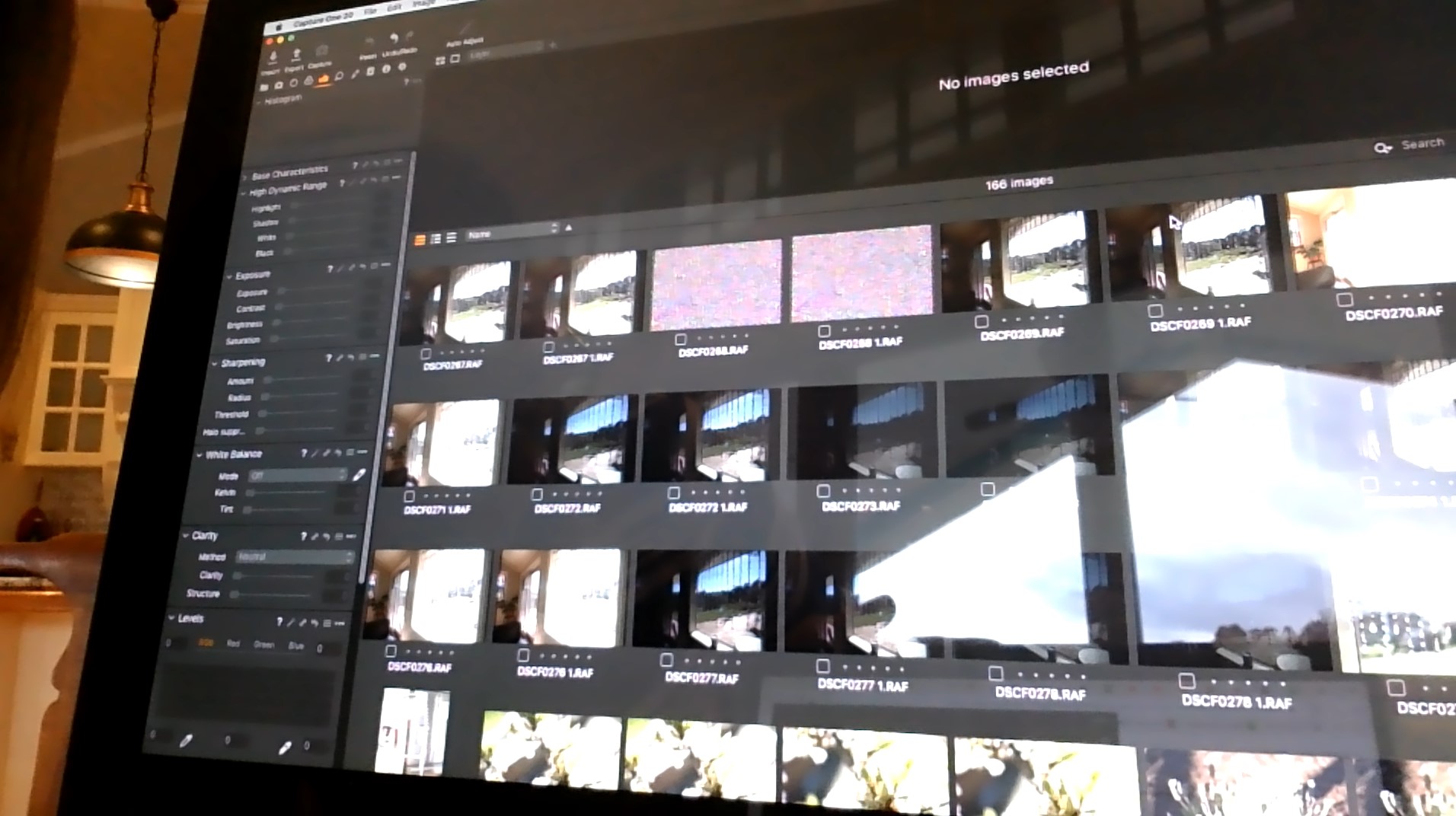
-

CMD+shift+3 or CMD+shift+4 to get screenshots. I can’t see any issue there? The photos are colored, do you expect them to be BW? What’s your question?
0 -
Sorry, look at photos top row 3 and 4 - they are just all coloured pixels, no image, if you click on them the pic comes up in the main viewer, but in the scroll bar that holds you pics every time i import there are random ones like this in preview... this import had 166 photos and at least half a dozen were just coloured pixels. some are in red and green stripes and some are just random
0 -

Hi Michelle,
Usually, disabling hardware acceleration in the C1 preferences can help, but mostly for viewer issues, not for thumbnails. Anyway, trying it doesn't cost a lot....
0
Post ist für Kommentare geschlossen.
Kommentare
3 Kommentare