Fujifilm XF 16mm f2.8
Logged
Please can you add a profile for the Fujifilm XF16mm f2.8 lens?
-

Don’t Fuji provide a built in profile for this lens which CO uses?
Dave
0 -
I'm fairly new to capture One. The Lens correction panel does show 'Manufacturers profile', but I always have to set the distortion slider to 100 manually. Why doesn't it do that automatically?
1 -

Hi Laurie,
Thank you for the lens profile request.
I have also sent it to the thread dedicated to the lens profiles' requests here.
0 -
Good point, this seems a bit random. Why don’t you raise a support case on this and see what CO have to say.
Dave
0 -
Thanks Dave. I'll do that.
Laurie
0 -

Laurie,
I have not looked into this for fixed lenses because I don't have any that would be viable for automatically applied corrections but for zoom lenses things like distortion adjustments are not always applied depending on the zoom length. In other words they are not needed at all zoom lengths.
Could it be that this lens does not require distortion correction or does not require it in all situations once the included Manufacturer corrections are deployed? Hence, in the absence of the need for a C1 profile, there is no correction required?
Since you obviously see some change if you alter the slider - which is quite normal, a user can choose to make changes for artistic reasons even if they are not required - do you think the changes are actually required in some way?
If so one would wonder why the Manufacturer settings do not pick them up. (Assuming that the data arrives from the camera fully corrected. I.e. the RAW file rendition as it appears in C1 matches the results of the Out of camera jpeg in so far as distortion is concerned.
Or are you looking at something other than distortion?
0 -
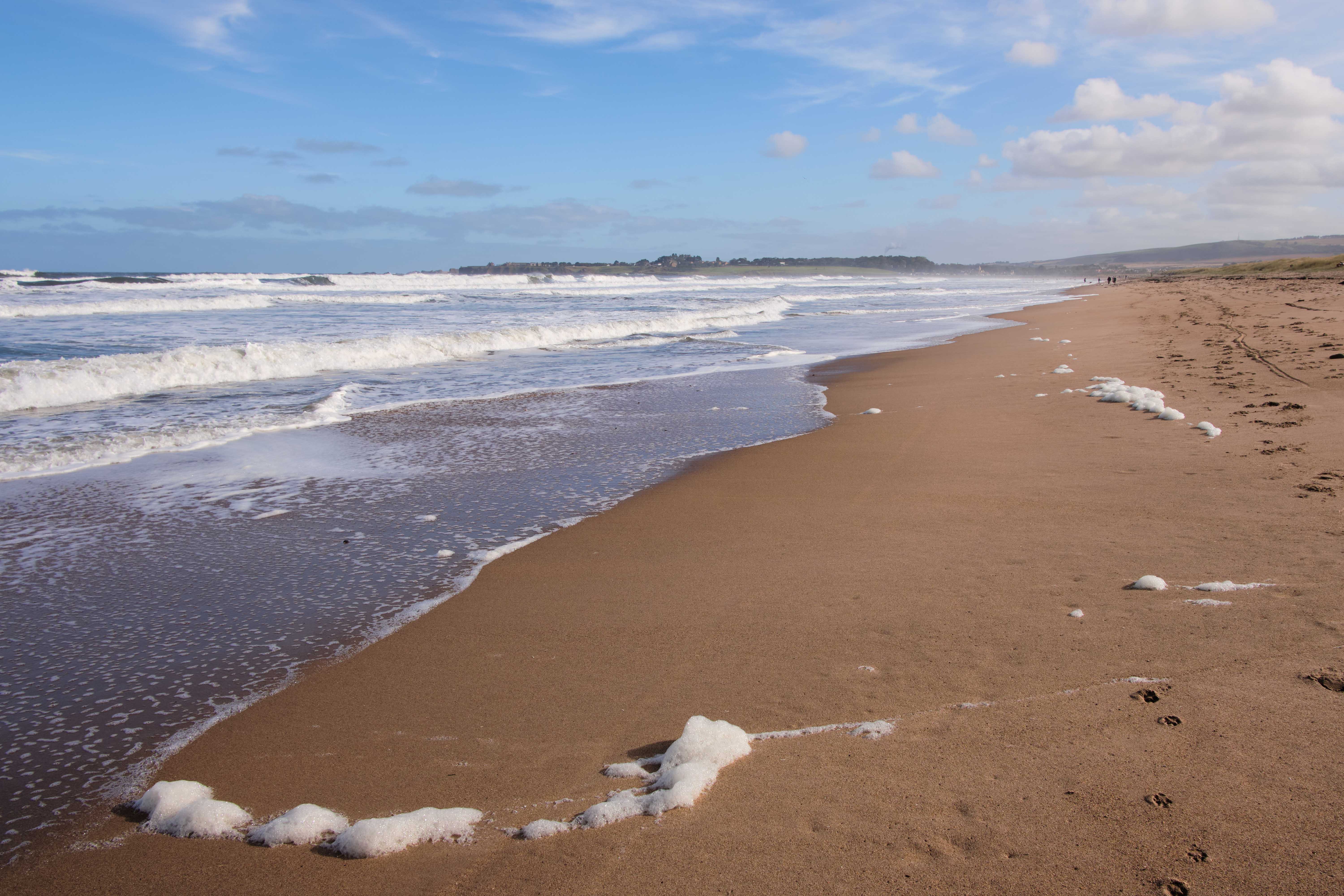
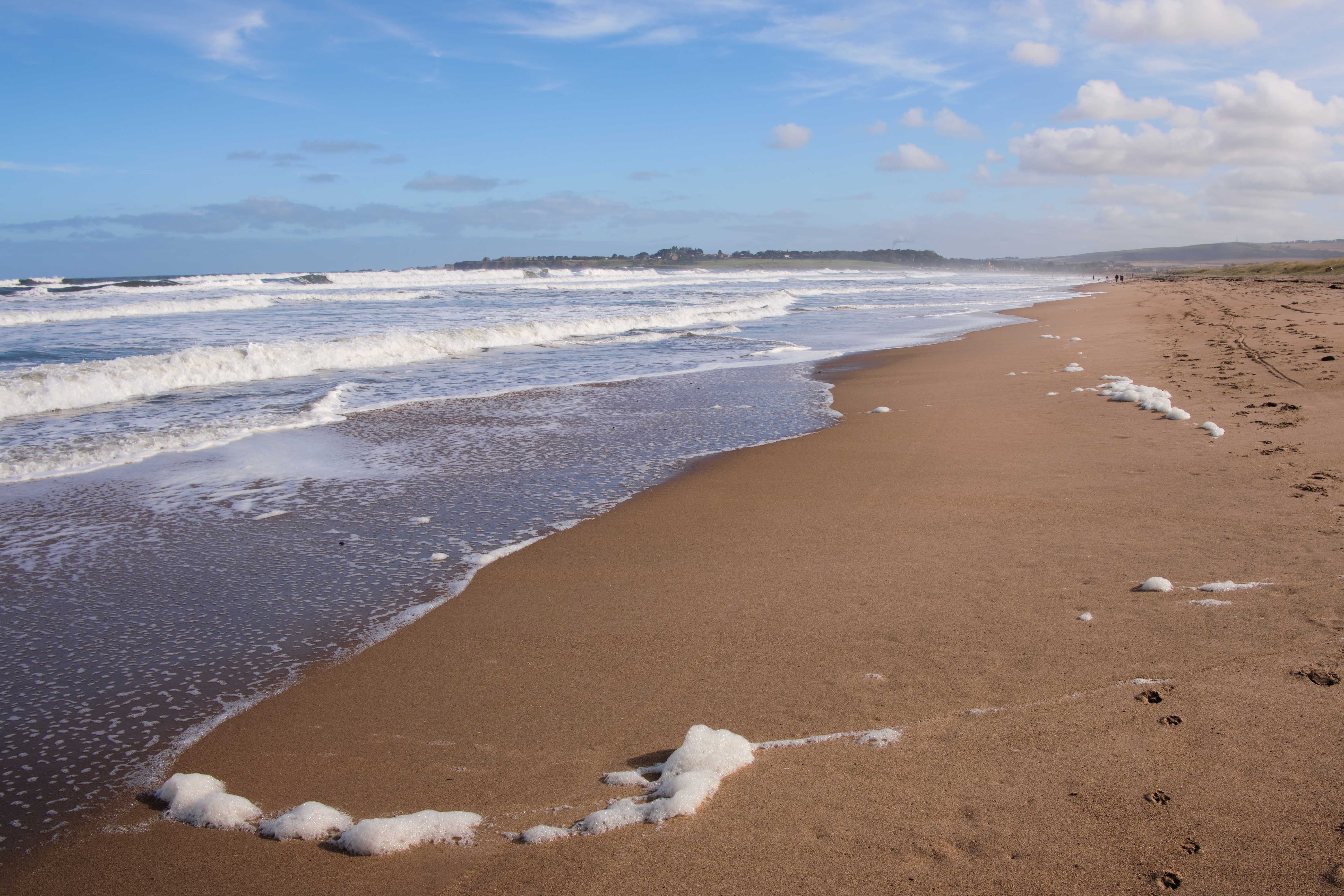
This lens definitely needs distortion correction (unlike many Fuji lenses). Of course there will be some situations where it doesn't show much but in landscapes with a horizon it's very notable. I haven't compared a RAW with a jpg since I don't normally use jpgs out of camera. I'm attaching a couple of images showing it corrected and uncorrected.
Thanks
Laurie
The example below is corrected at 100 on the slider. The other one is uncorrected.
 0
0
Post ist für Kommentare geschlossen.
Kommentare
7 Kommentare