How to separate raw files from catalog

So I did a tethered shoot and when I started the new catalog I put it in a directory with all my lightroom catalogs (for every job/gig I make a new catalog). At the end of the shoot I noticed the catalog was huge compared to my lightroom catalogs. When I view package contents I see a folder called 'originals' that has all the RAW files in.
I left the catalog on my hard drive as I do with lightroom, moved the folder 'originals' to my NAS and when I open the catalog I cannot see how to link the catalog with that orginals folder. All files are OFFLINE now. When I click right on the folder location in the panel on the right (see image below), the option ' locate' is greyed out.
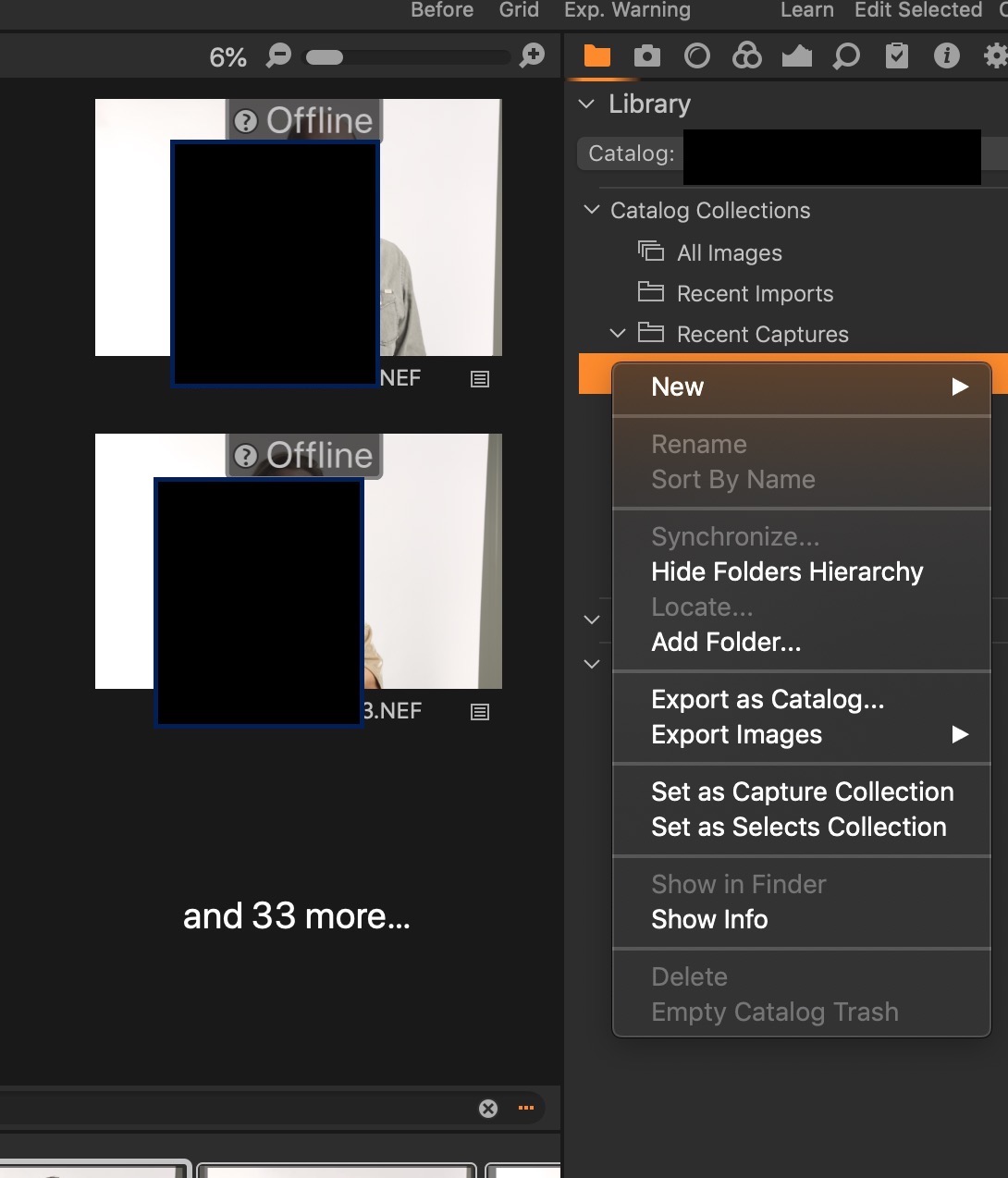
Can anybody please advise how I can keep the catalog on my internal hard drive and link to my RAW files on the NAS?
-
I think you should
- put Originals back where you moved it from
- add to the catalog the folder you want the images to go in
- USING THE LIBRARY TOOL IN CAPTURE ONE drag the images from the In Catalog section of the library to the folder you just added. That way, Capture One can keep track of where they are.
Ian
1 -
Now that is a good idea and that seems to be working.
I made a folder on my NAS called ' raw files', in capture one library mode I clicked on 'In Catalog' then clicked on the plus icon and navigated to the folder on my NAS called raw files. At the top of the library panel 'Catalog Collections' I clicked on ' All images', did command + A to select all files then dragged them to the folder called ' raw files'.
They are all copying over to my NAS now, I think it will work perfectly.
Thank you!!!
0

Post ist für Kommentare geschlossen.
Kommentare
2 Kommentare