Eos R6 problem

Hello, I have a problem, I bought a new Canon Eos R6 camera and My C1 does not read its files. What should I do, where is the problem?
-
Permanently deleted user
Exactly which version of Capture One 20 are you using?
0 -
yes
0 -

Hi Piotr,
R6 was added in Capture One 20 (v. 13.1.2), make sure to have that or a more recent version installed.
-1 -
Permanently deleted user
"Yes" doesn't answer my question, Piotr.
0 -
C1 20 Pro 13.1.1.24
0 -
Can I upgrade my C1 v 20 to version 21 for free? Or should I cancel my subscription and start a new one?
0 -

A current subscription includes all new releases for that variant of C1. So as long as you have the full "for Sony" variant (not Express) or the full Pro version you can update as part of your subscription.
0 -
SFA Up to Capture One 21 (14.1)?
After downloading Capture One 21 (14.1), I have one month of trial information. What am I doing wrong0 -

Hola me acabo de comprar una canon EOS R6, no consigo reproducir los videos, en el video descargada en capture one 21 aparece el signo de play pero tachado con una raya, te adjunto una captura
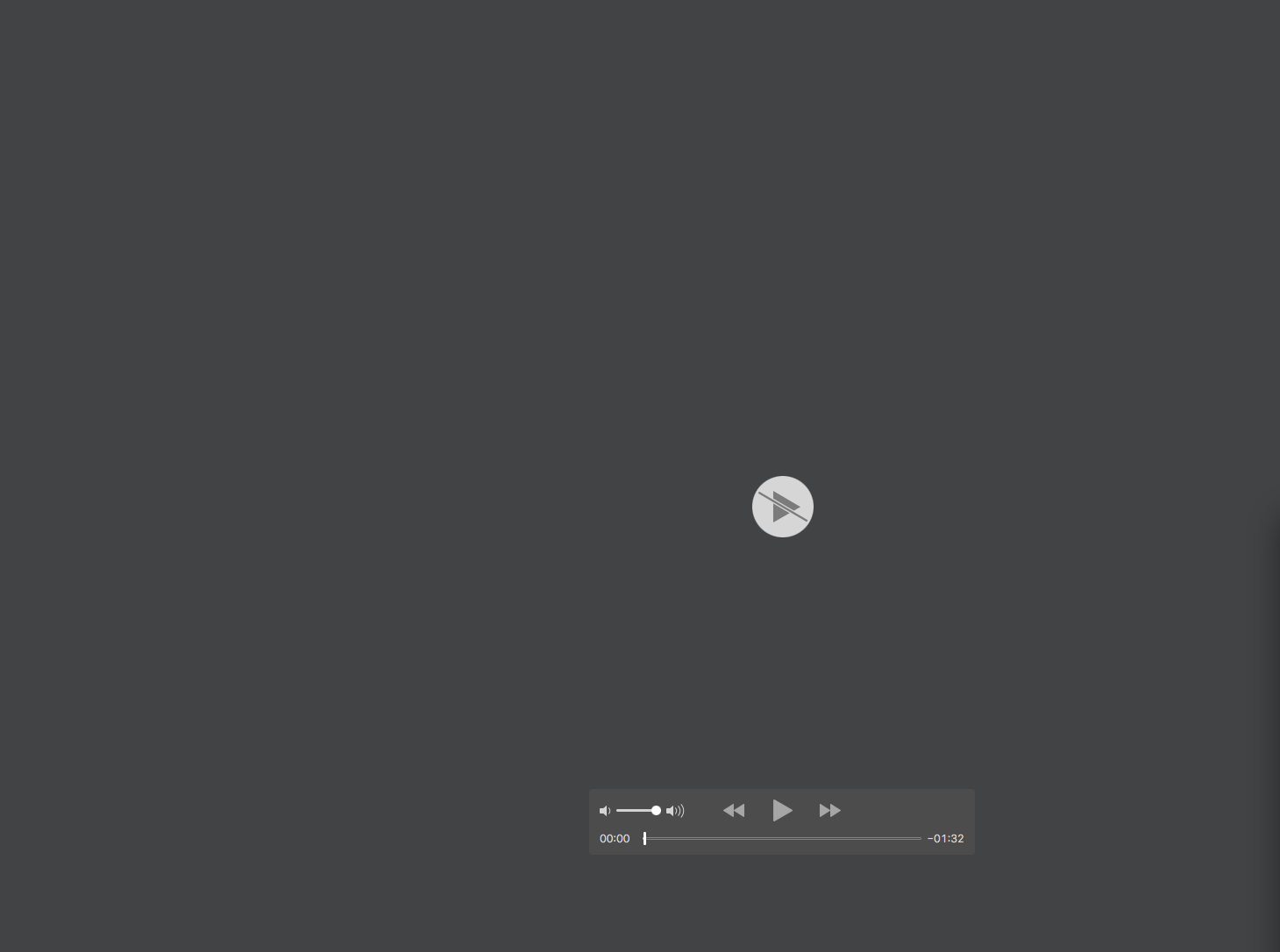 ¿ tengo que Bajar algún codec o algo? Te ruego que me ayudes te lo agradezco. Un saludo0
 -

Hello, I have an R6 and I did the linked capture with capture one. But I can't reproduce image in camera and pc at the same time. it's possible? I remember that on the Canon 6D I could. Thank's.
0
Post ist für Kommentare geschlossen.
Kommentare
10 Kommentare