Previews images

Everytime that I open a session, Capture is doing previews of all images ,
I don't understand it , and I cannot see where I can choose this....
-

David,
C1 loads the basic preview files into working memory and at the same time applies any previously performed adjustments and display requirements depending on your system settings, output recipe profiles and so on.
If you think it is doing more than that and re-creating Previews and thumbnails then something unusual is going on.
If you are using a Session you should be able to check the creation date for the Preview files. If all of them are constantly changing daily then that is unexpected. One or two changing from time to time compared with their peers in the same import set would not be so unusual depending on what sort of processing and workflow you follow.
0 -
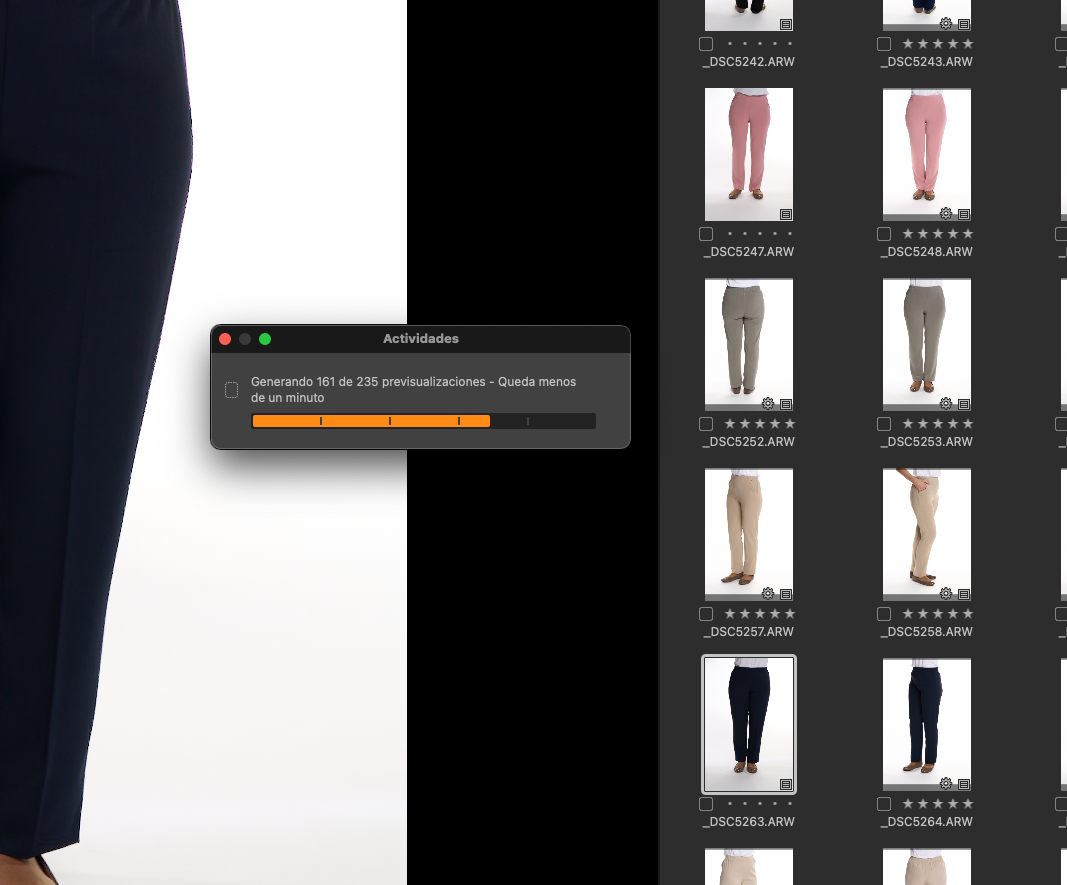
As you can see, C1 is generating previews all the time that I open session. And It is during 2-3 minutes depending how long was the session..... it's a mess for me, it's very tired to wait this for me.... I don't understand because this not doing in another C1 of my friend. And we don't know what is the parameter ot setting that is diferent.....
0 -
Is this a session or a catalog?
Have the files been imported? Where are the original files stored? Where is the session or catalog saved?
Which version of Capture One? (I assume V21 as you have posted in the V21 section of the forum BUT it is not always safe to make that assumption based on where a question is posted!)
0 -
It's a session saved on MAC SSD.
Suscription mode (Sony) . v21
0 -
Sessions save the related Thumbnails and Previews (Cache folder ) and edit related data (Settings 140 iirc) in a "CaptureOne" subfolder of the folder that contains the source images.
You can check the creation dates of the Previews and thumbnails by looking in the Cache subfolder. It would be a good first check to ascertain whether C1 is for some reason really regenerating the preview and thumbnail images on disk every time you open C1.
There are also Log files produced that record everything that is happening. If you feel up to interpreting a log file or two they could be worth a look to see if they offer any clues about what is happening.
Using a session do you use the Import function or do you just open a folder of images when you want to edit? Is it always the same folder? DO you add more images to existing folder with previously edited images in them?
Just asking in order to get a feel for how you are working with C1.
0 -
I create a New Sessión, insert SD card, import all files to Capture Folder. Then I work in editing pics.
Close C1.
So, when I open C1, and open any session, C1 will be create previews all the time that I open this session. This is not doing to my colleague C1. He said maybe this is happens in Sony version?
0 -
Just to confirm that you are not accidentally still editing the images on the SD card and then removing it? It's probably a silly question bit has to be asked for completeness.
Also, after import, check the subfolder I described previously to make sure that the preview files are there.
If they are and they are still there when you close C1 (use the "Close Window" option and be sure to allow any time required for C1 to fully shut down - it may disappear from the screen a little time before the process actually stops - and then once again check what is in the "Capture One" folder's subfolders within your session's Capture folder.
0 -
of course I'm editing in SSD MAC not in SD card.
this pic is folders session
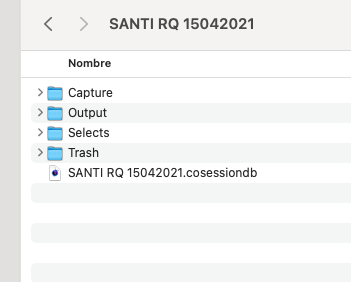
This inside capture
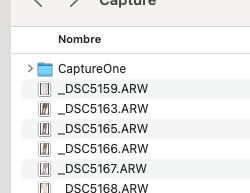
Inside CaputreOne folder
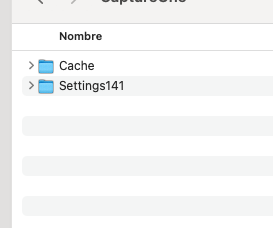
inside cache
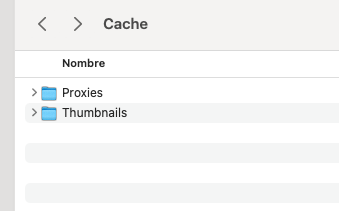
inside thumbails
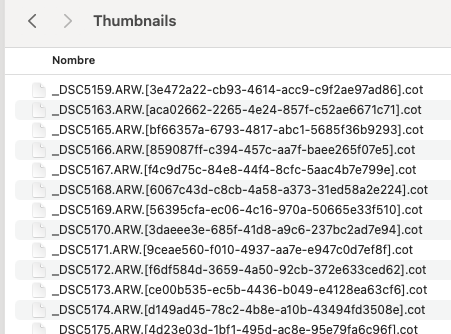 0
0 -
What dates and times do you see for the .cot and .cop files?
I would normally expect them to relate to the time that the import was performed.
The Thumbnails tend not to change at all.
The Previews may change if, for some reason, they have been forced to regenerate either individually or because something like the preview size chosen has been reset and then regenerated. There may be some other reasons if updating from older versions of C1 but that does not seem to be a factor for you in this problem.
If the import is working, the number of files shows the correct full content count then there would be no obvious need to make any further proxies. If the proxy creation process had not finished when the system was closed down then it will resume on re-opening the session.
Does the problem if you close C1 and reboot the machine? Maybe clear the plist entries as well?
As you have observed, it seems to be related to something about your system but it might be an obscure hardware or software glitch that could require some creative diagnosis before it is identified.
You could try all of the usual things - turning off hardware acceleration for example to see if that changes the process side of things.
Cleaning temporary files and cache might also be worth considering for obscure problems like this.
0 -
I delete cache - proxies - all files
I start C1, and 3 minutes to generate previews.
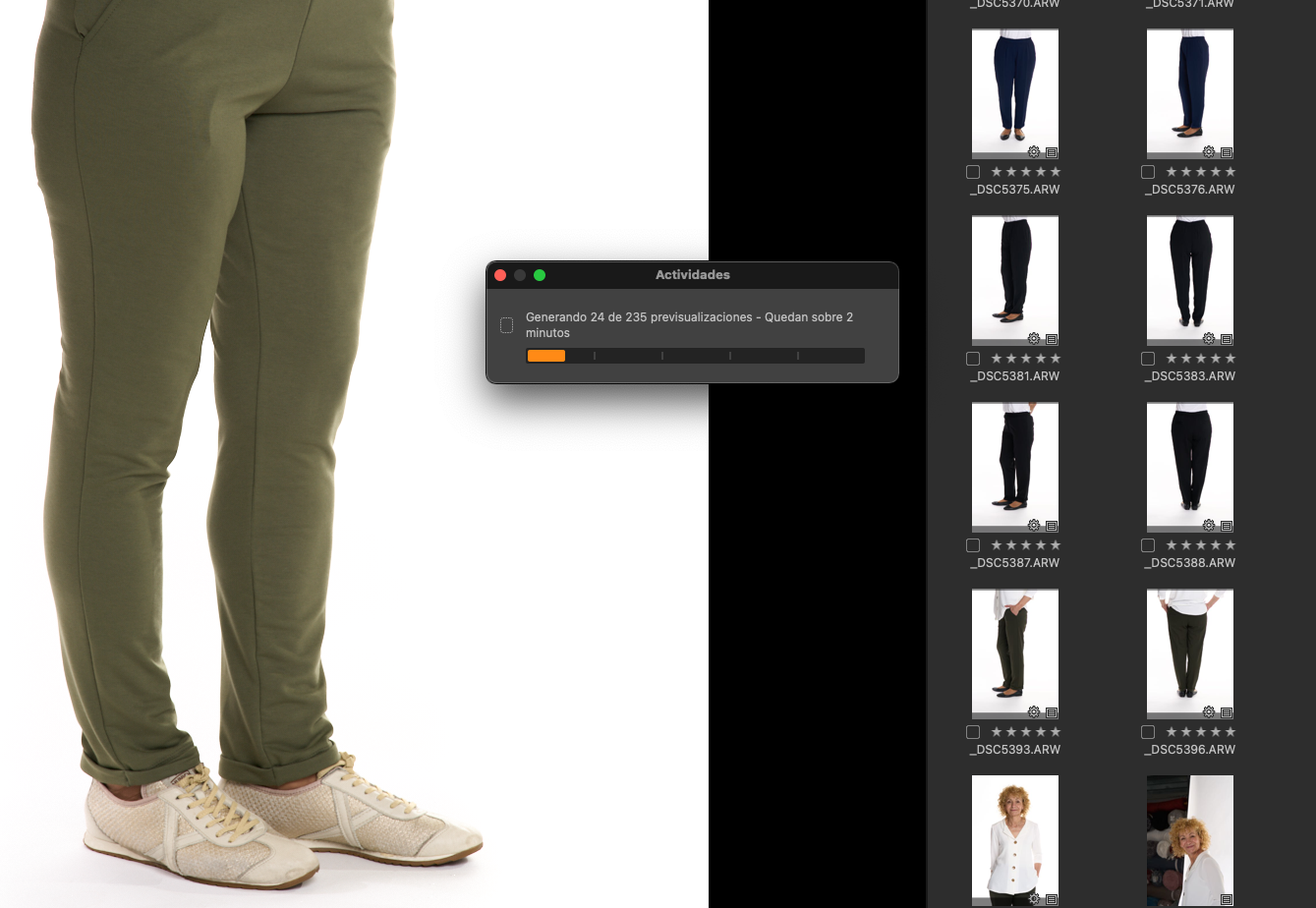
Close, C1,
Start C1, and again
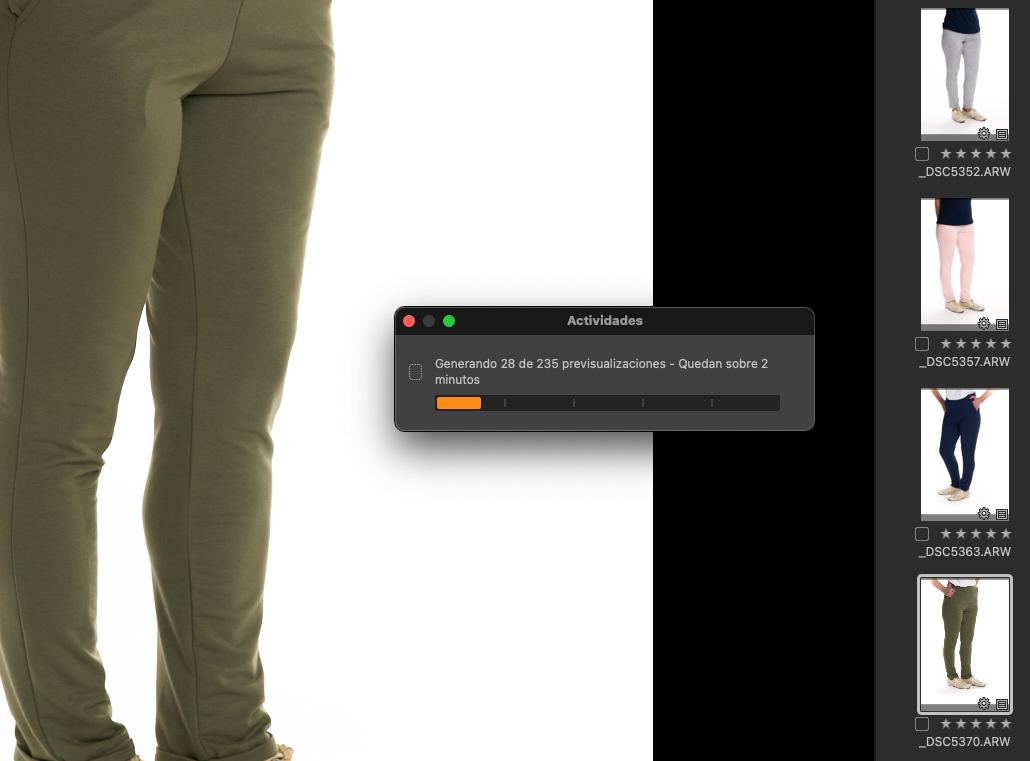 0
0 -

Whenever this happened to me, it has been related to the date embedded in the Exif of the raw file when the camera’s date was set wrong. If the date is earlier than today’s date, it will keep creating previews every time you open the session. I used an Exif editor to change the capture dates.
0
Post ist für Kommentare geschlossen.
Kommentare
11 Kommentare