Odd numbered images not showing up in the catalog! when imported..!

This has been happening on and off for a while (more on!). When I import images, only half of them (typically the even numbers) appear in the browser. It freaked me out a couple of times thinking that the camera hadn't taken the shot!!
If I close Capture One (21 - and latest build) then all the files appear!
Am I doing something wrong, and does anyone else have this? I import into a folder on the drive, not into the catalog as I find it easier to archive that way.
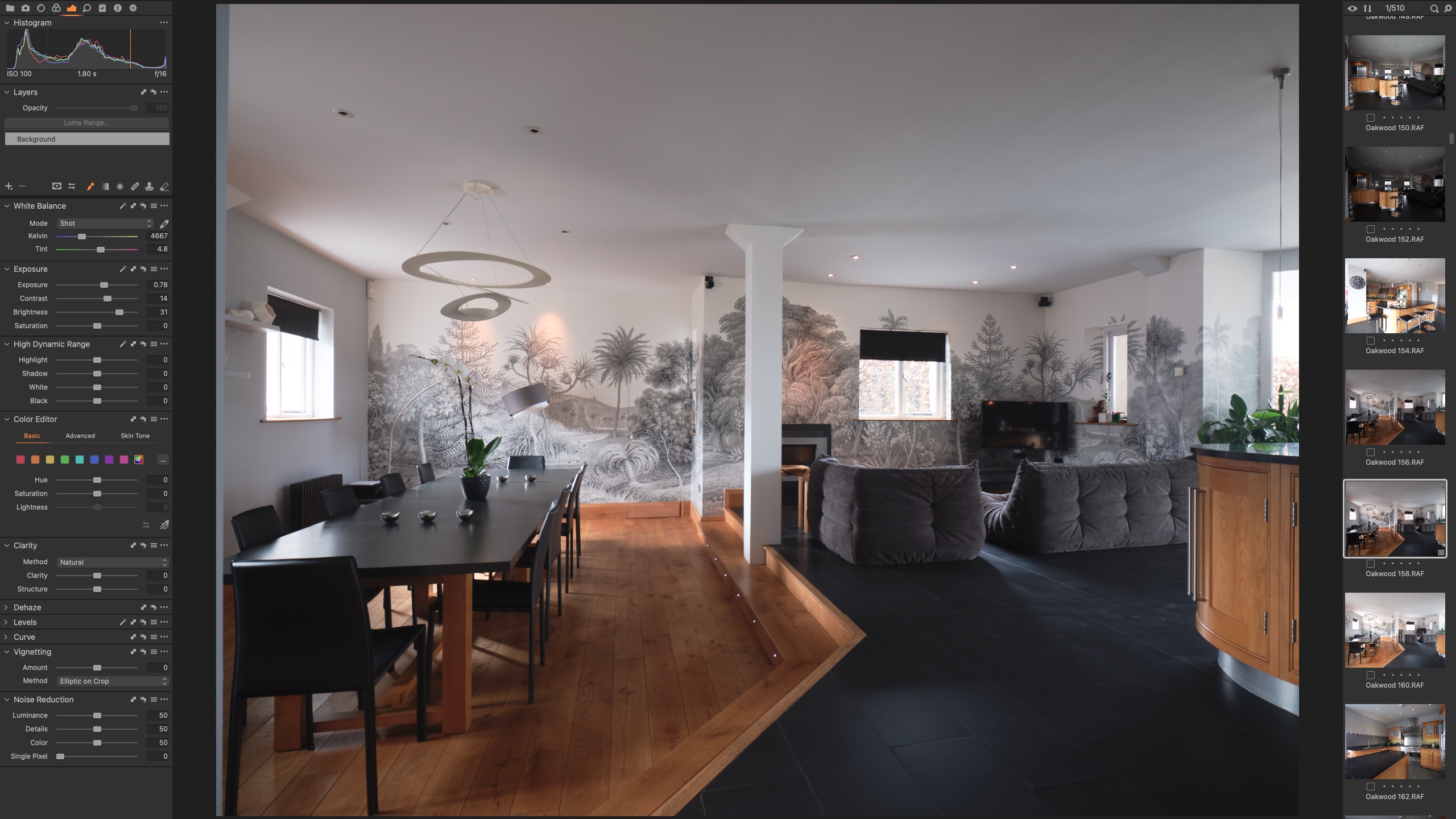
-

If you temporarily disable the Viewer window you should get a larger Browser. What do you see then?
What do you mean by "All the files appear" if you close C1? They are all visible in the folder where you expect to find them but just not in the Browser in C1?
0 -
If I close C1 and re-open it, then the missing files appear in the browser (see new screenshot below). I'd have to import new files to see that, but from memory with the grid view, I still only see the even numbered files until I close and re-open.
Before doing that it is filename2, 4, 6, 8 etc.. after closing and re-opening filename1, 3, 5, etc.. appear as you would have expected them to in the first place!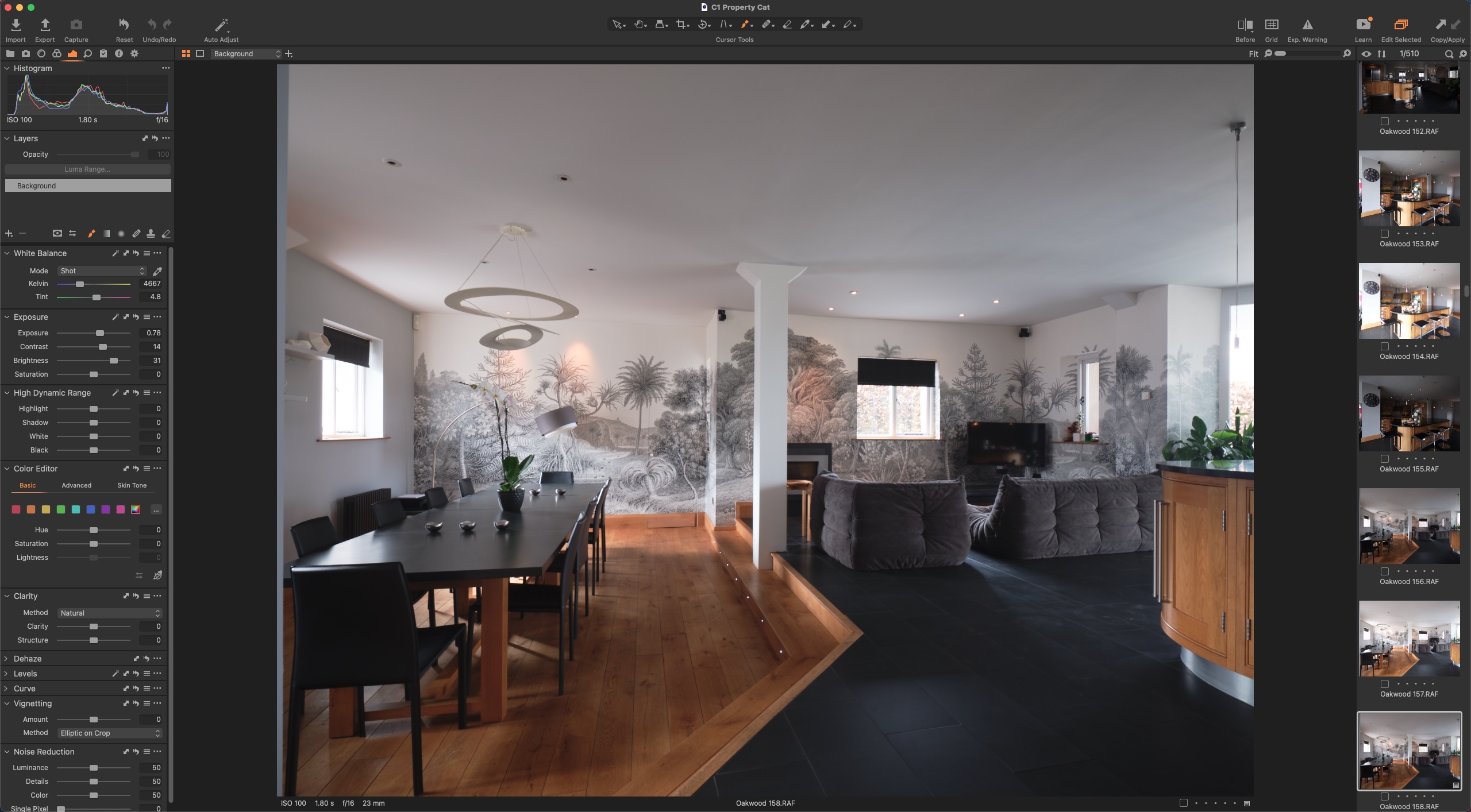 0
0 -
Well, that sounds very strange indeed.
I can't even think of an accidental filter introduction that would produce such a result.
Seeing one column of a two-column display might result in such an appearance but that does no seem to be the case here.
Is the overall count correct? (510 images).
Is the Browser Sort order by name - or perhaps some other value?
Other than that nothing logical comes to mind unless it is a sort-order issue for some strange reason of anomaly.
0 -
On my next shoot I'll go through and check those things, maybe do a video screenshot!
It's definitely sorted by name. No matter what I do I can't get the images to appear in the browser until I've closed and re-opened C1. As I said, it's freaked me out a few times thinking that the camera (or myself) had messed up and not got the shots I thought I had, so have spent time trying to 'find' them before!
0
Post ist für Kommentare geschlossen.
Kommentare
4 Kommentare