Using two library panes

Is there a way to quickly have two library panes which point to different areas of the library, with each pane being 'modal'...ie not switching its active folder when the other pane does. I would like to compare two folders in widely different parts of the library. (I am trying to merge them and avoid duplicates and/or gather the largest resolution of the duplicates). If I click on one folder in one pane, it populates the browser, but by doing that the second pane changes its focus to match the active folder...losing my spot and making the point of having a floating library pane kinda moot.
Anyway to get around this? I know I can create a temporary collection, and then dump all of one folder there, then compare against the other folder, as making a collection active doesn't move the library active folder. Seems awkward, and a bit of a pain though. Is there a way to have individual library panes be modal? (C1 20)
(Note identical posting in the 20 forum, but thought it would be relevant here as well)
-

Hi Brian,
CO offers a very clever solution to that where files are not copied but
referred to in a new album:
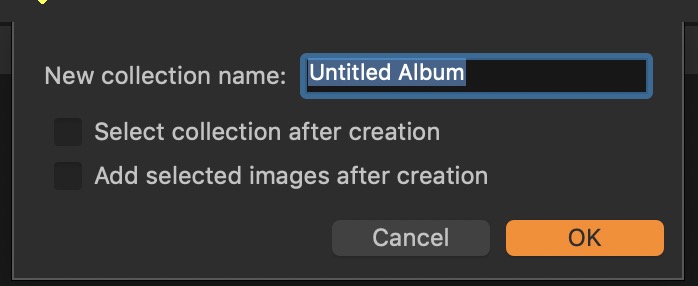
… the new album(s) will be visible in the "Session Albums" section of the
your current Library0 -
ADDENDUM
The pictures in the new Album can come from anywhere!
0 -
Using two library panes is possible if you go in the menu bar
> Window > Create Floating Tool > Library
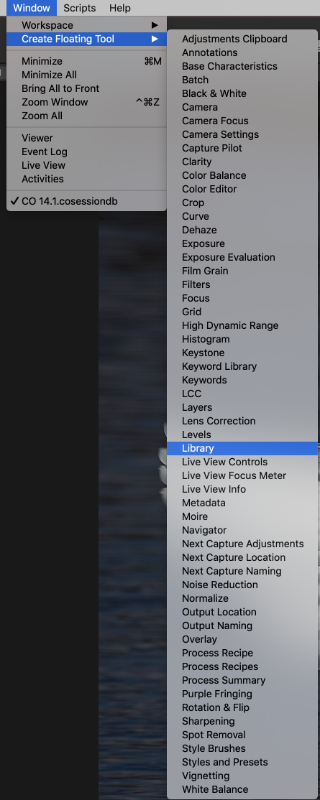
You can place the two tools side by side but only one can be
processed or viewed at the time.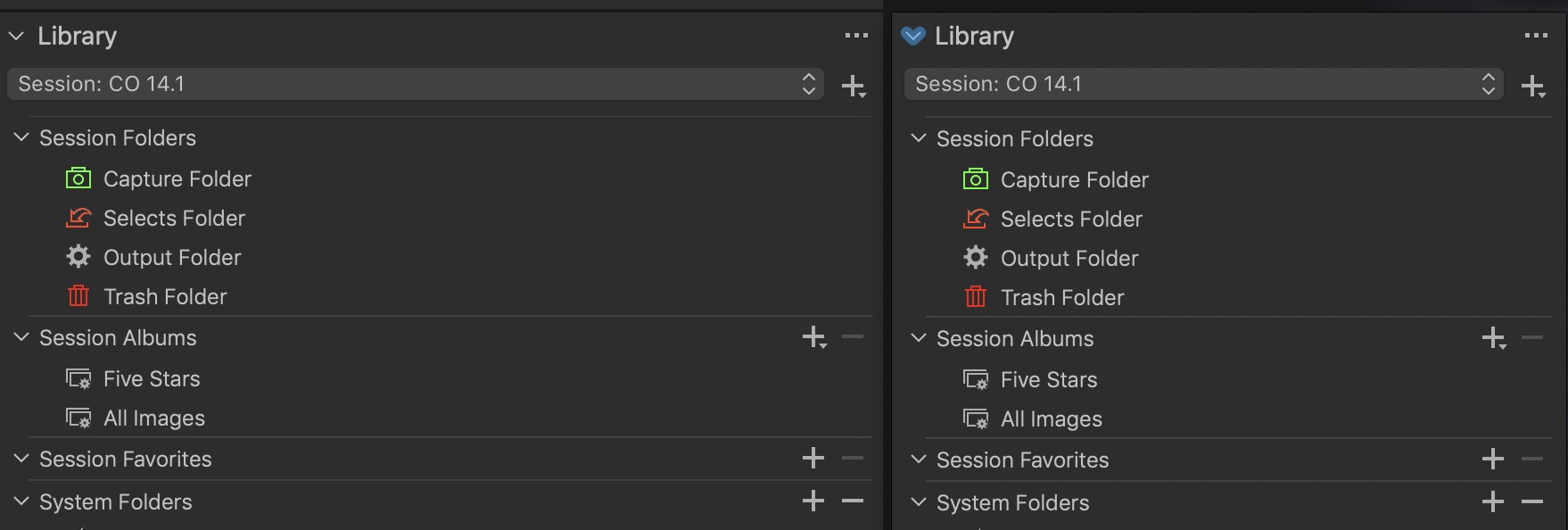 0
0
Post ist für Kommentare geschlossen.
Kommentare
3 Kommentare