explorer.exe - Application Error

Could this error message be related to Capture One 21 Pro. I seem to get it when I close Capture One and the error message comes up when I shut down my computer.
The program runs fine with no issues other than this error message.
I have an i7-4770 CPU @ 3.40GHZ 16 GB Ram
NVIDIA GeForce GTX 1650 with the latest drivers
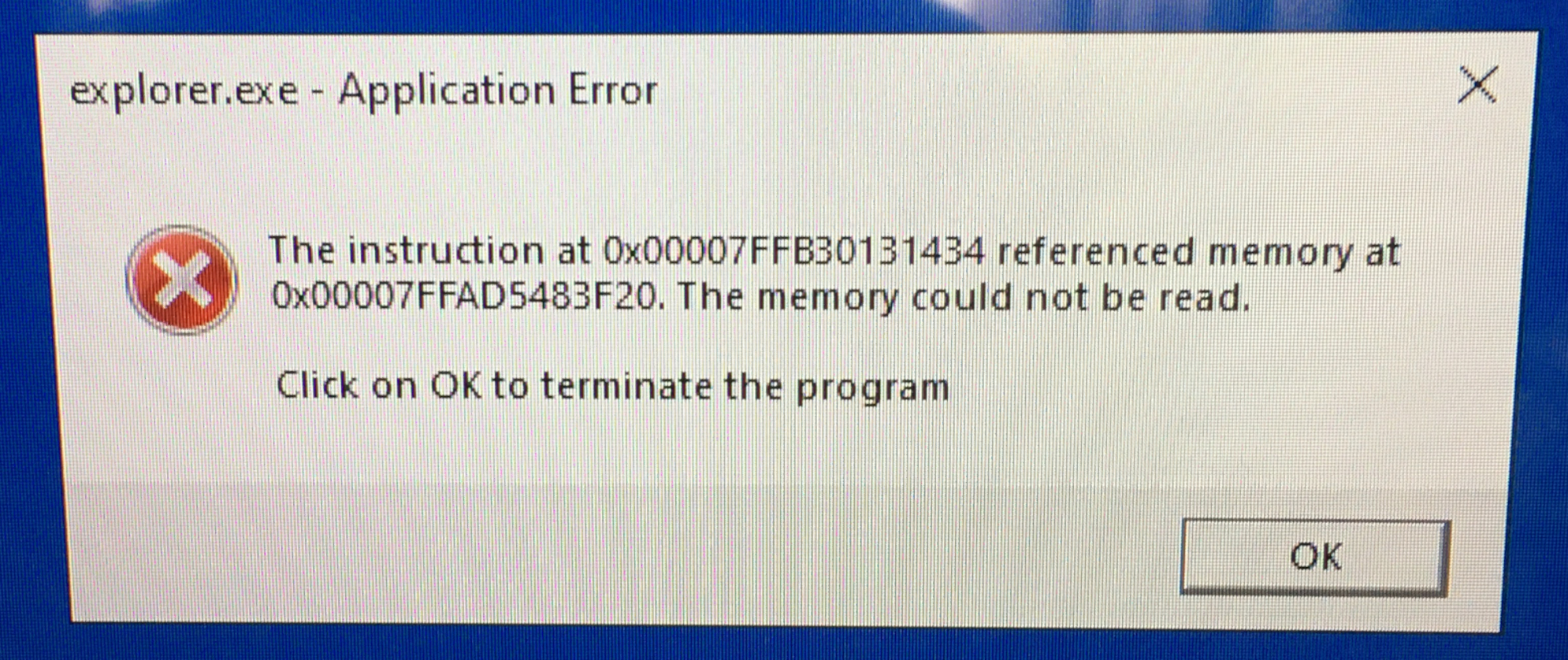
-

> Ron Lukawitski: Could this error message be related to Capture One 21 Pro
Who knows. Here is a link to a MS page that may have useful info
0 -
Thanks for that info ... just working on it now
I really like Capture One.. I had it for only a month
0 -

Hi Ron,
This won’t be an easy bug to trace.
You simply may have a corrupted file (image) that the explorer is processing (looking at).
For example: Information stored in an image files are often stored with an offset from a known point in the file. If that offset is corrupted and it is sending the explorer to read address outside the file, then you have the type of error you are showing above (access violation @ address).
If there was a problem with the explorer, we would all be seeing it all the time. But if your explorer encounters a corrupted file, then only you will see the error message.
Is there an file you are unable to open?
0 -
I ran the suggested tests and there was a corrupted file or files and it was repaired. Shutdown Win 10 and all was fine. Booted up later in the day and did some editing. I have to say that I edit in Capture One and Affinity Photo. This last time I got the error message again. I haven't been running any other programs other than these two. Last week I tried Affinity Photo for the first time and there was that issue with NVidia that was related to Capture One and Affinity. Their latest NVidia driver update seemed to solve that problem.
I haven't had any problems opening any files
0 -
Did I set Capture One up properly.
I'm running Capture One on a SSD drive and all my photos are on a larger external drive. All my photo sessions are listed by date. An issue that does come up is this: One session has about 90 photos in it and Capture One shows them all. When I close Capture One and then run it again. That last session comes up with the 90 photos but not all the photos are displayed. To solve that I open another session then go back and open the session with 90 photos and now they are all displayed.
Is that what you meant when you asked this question: "Is there an file you are unable to open?"
0
Post ist für Kommentare geschlossen.
Kommentare
5 Kommentare