Can a grayscale file already imported into C1 be converted to RGB in place?

I wasn't aware that C1 cannot edit monochrome .tif files.
Can I simply use a tool like sips to convert the already imported files to RGB in place without deleting them from C1, doing the conversion, and then re-importing them?
Thanks!
-

I don't think so, but I'm not 100% sure. I do know (because I recently tried) that converting to RGB and re-syncing metadata isn't enough. The metadata panel shows that the image is now Adobe RGB but the can't edit icon is still present in the thumbnails.
Syncing did store my metadata changes in XMP files. That's a good thing as now I know I won't lose my keywords. So lets play...
Deleted the images from the catalog then used the new "Synchronize..." option in 14.3 on the folder that contained the images. Didn't do anything. OK. Right click on Catalog Trash and Delete from catalog. Now try the right click Synchronize... option. That worked. My images are now editable and I didn't lose any of my metadata changes. I can remove the xmp files now.
0 -
A kludge that has worked for me is to use "edit with" to create an RGB version of the file:
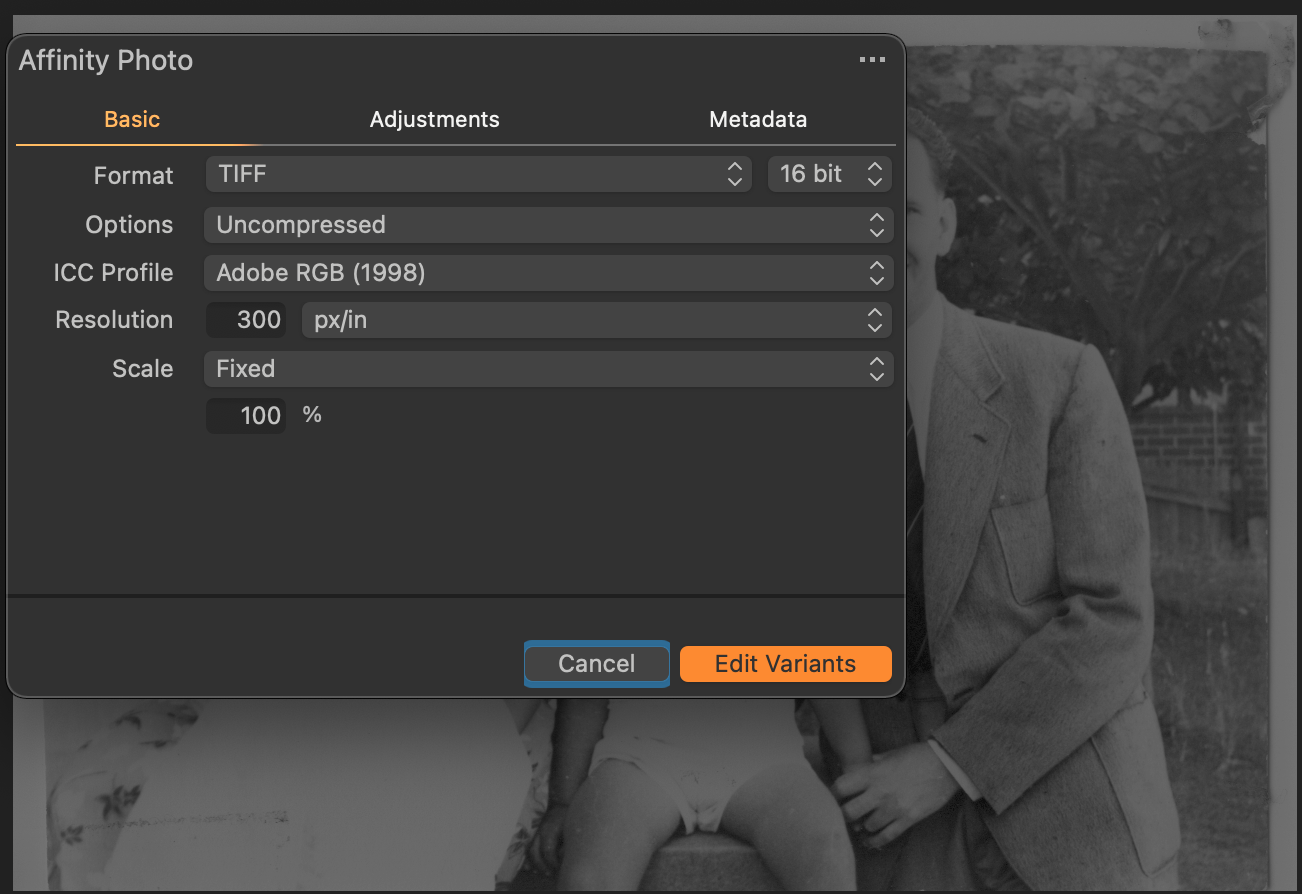
Let it open in the external editor (in my case, Affinity Photo) and then simply close it. I then have two copies of the same image in my catalogue - one of which is RGB. The grayscale copy can then be deleted if required.
Given that in inexplicably, C1 can't edit greyscale and given that the code to create RGB versions of files is clearly embedded in C1, I have tried to suggest to them that an ability to duplicate a file to RGB should be included, but either they weren't interested or more likely, I failed to express myself clearly.
0 -
I never thought of trying that. I'll keep it in mind as another option to get around the Capture One limitation on grayscale files.
These days I'm "scanning" my negatives by shooting them with a DSLR so don't have to worry about the color space.
0 -
Shane,
This is what I have done from the beginning, as I scanned old B&W negatives in grayscale space at a time I used Lightroom. It's a pity Capture One can't open grayscale files, indeed. The drawback is that you get a TIFF when starting from a RAW. It breaks the workflow.
0 -
Thank you Marco for the work you did. I'll be using sips on the terminal to do the bulk conversion of the .tif files and then follow your suggestion. I'm sorry C1 cannot handle something like this.
Shane: thank you for your suggestion. That will certainly work for just a few files but I have thousands of scanned B&W I wish to import.
Lightroom just handled these with ease.
0
Post ist für Kommentare geschlossen.
Kommentare
5 Kommentare