Clarity Flicker HDR

Hi,
For me, when I create an HDR, add a layer and set the clarity to "1" or higher, the image flickers.
Support can't reproduce the problem, but I have it on two computers that were used and set up independently.
The bad thing is that the flickering is built into the image when you export it and makes it unusable because the dark value of the flickering is almost "0", the image in that area is virtually black.
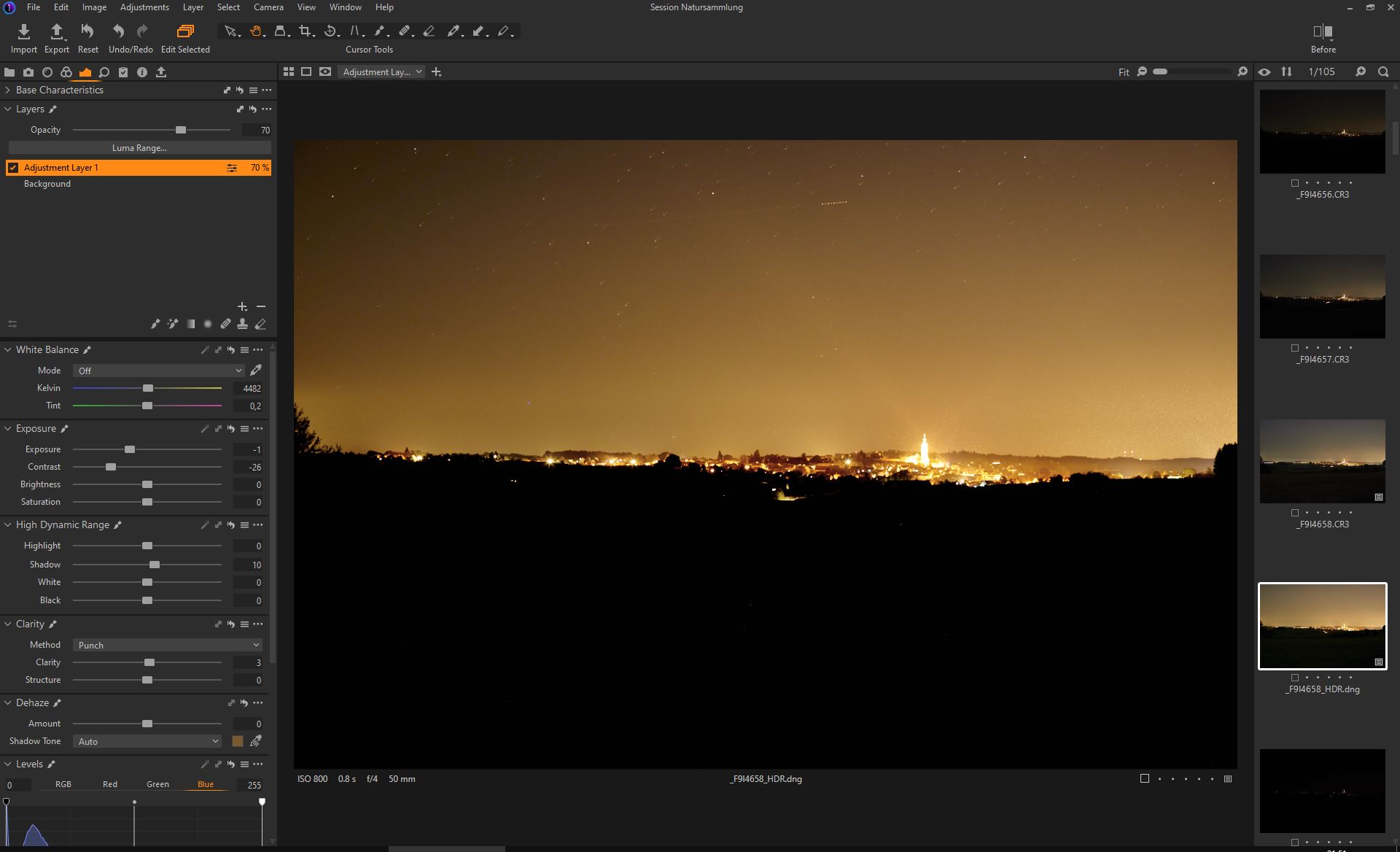
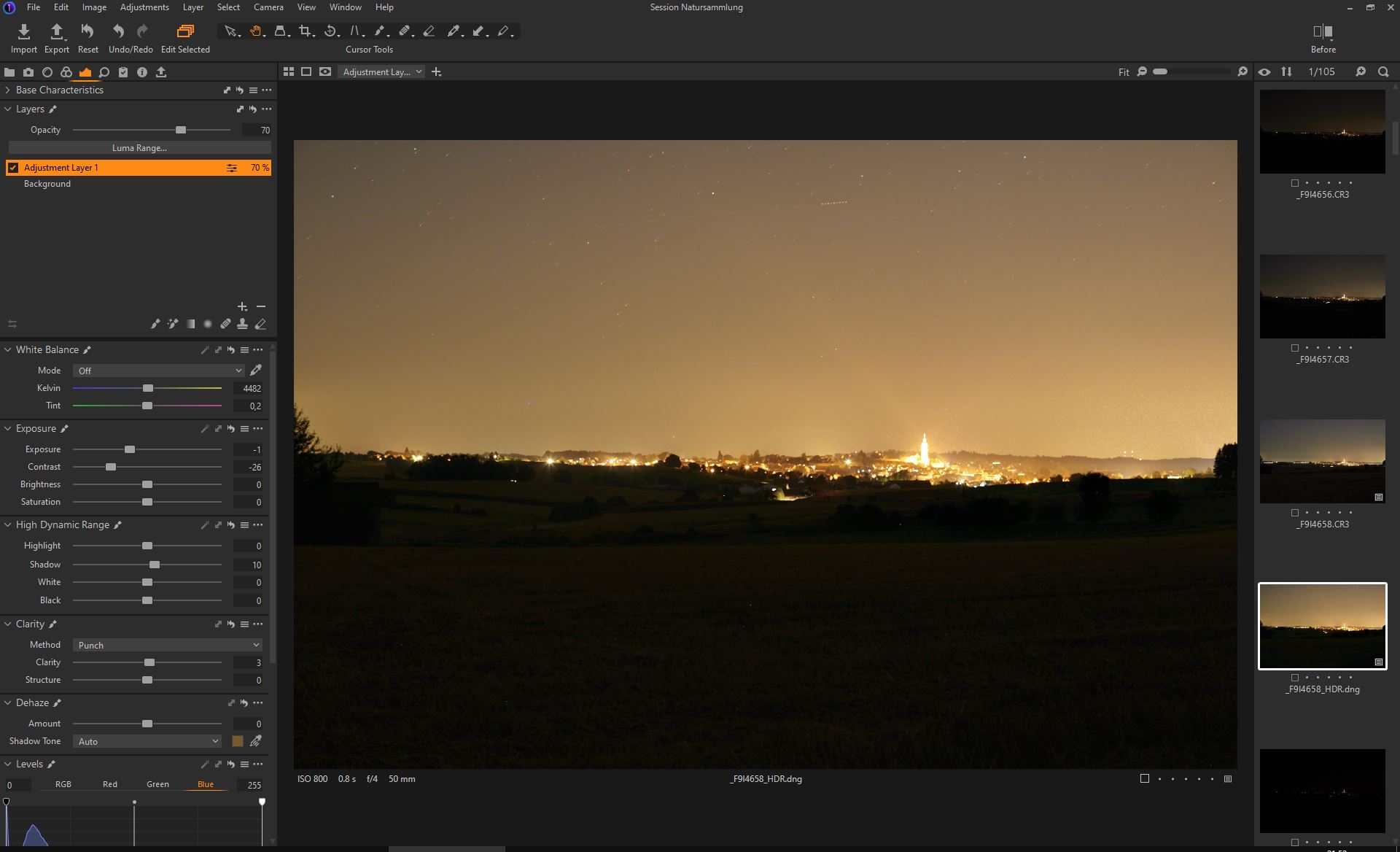
-

Sorry, it's not obvious what we are supposed to see in your screen shots?
0 -
Sorry, here is a Video showing flickering @ C1-22 HDR DNG when you set clarity to at least "1" on a layer.
https://www.youtube.com/watch?v=ABkBMqEUsOI
When i turn off the gpu acceleration it does not happen.
0 -
Is this only when you speed edit or also with the "normal" sliders? And only with HDR?
When you turn off the gpu acceleration, the export looks good too?
Did you check for gpu driver updates yet?
0 -
Tx, if you have a Nvidia card try their Studio driver if available.
0 -
- "Tx, if you have a Nvidia card try their Studio driver if available."
I only use Quadro and Radeon Pro GPUs and the newest drivers.
___
- "Is this only when you speed edit or also with the "normal" sliders? And only with HDR?"
It does not matter if normal or speed.
Mainly HDR, in very very rare cases it can also occur with normal images.
ahhh. lol its just with "Punch" method. <-- instandy reportet to support.
____
- "When you turn off the gpu acceleration, the export looks good too?"
yes it does.
0 -
Since you narrowed it done to Punch and it happens on two computers there is a chance they might fix it I guess.
I can't reproduce it on my machine, GTX670.0 -
I was able to reproduce the error immediately on a PC that never had Capture One installed, whose GPU is from 2014 and the driver is at least a year old.
Maybe it is only related to Canon CR3 files.
I don't have HDR bracketing images from other manufacturers.
0 -
Support was able to reproduce the error.
0 -
Good to know.
0

Post ist für Kommentare geschlossen.
Kommentare
9 Kommentare