Strange patterns appears on images fromZ9

Hello,
I recently import images from Z9 Nikon into a brand new session and I can see some strange behaviour of C1 v15.2 or 15.3.1 . I can see half of the image only, or some patterns like lines white or black, little stripped square ans so on . The strange things are these patterns are moving when I zoom in , sometimes disappearing sometimes changing place inside the image.
Making an export of the image show nothing wrong, it seems this is only a pb for the display inside C1 as when I look the image with mother application I do have such patterns appearing.
This completely new and maybe not related with C1 directly but if anyone did have seen the same behaviour I would be happy to know about.
Thanks !
-

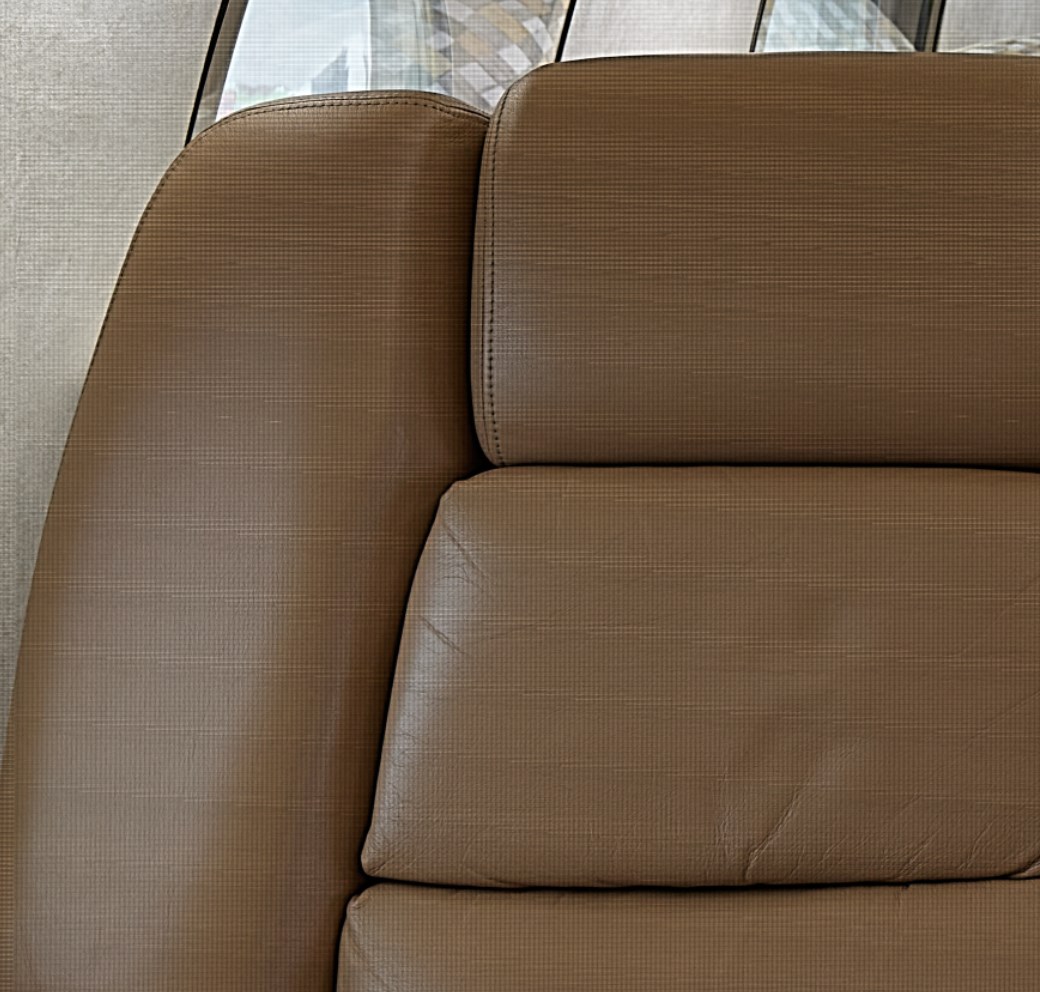
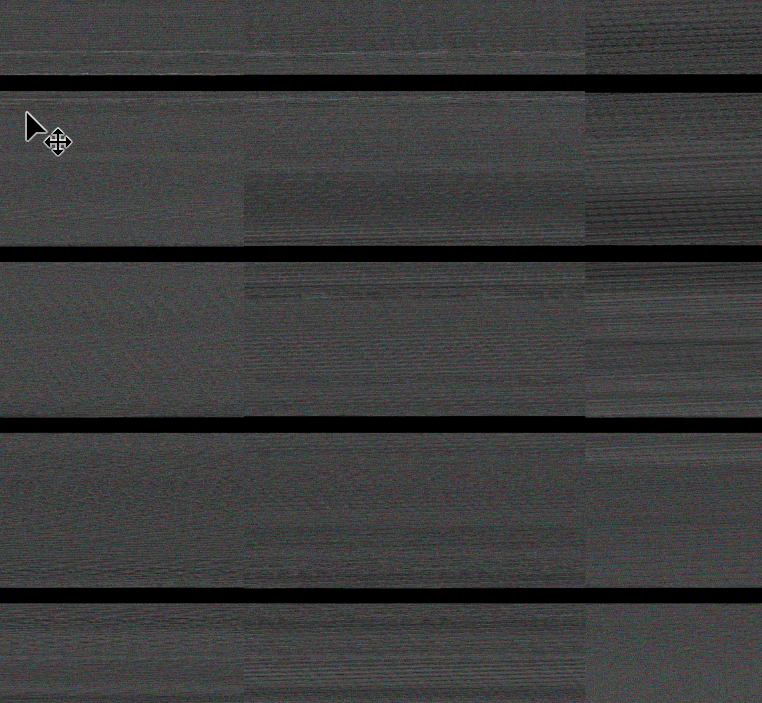
I am getting it on some images, also. These were shot with the Phase One XT with an IQ4 back. When I export the files from C1 (version info below) as TIF or JPG, I am getting this. I'm using a Dell workstation running Win 10. I tried it using a Mac Book Pro and this did not happen. I even tried reimporting the file and nothing changed. Is this only a Windows thing?
 0
0 -

Hi Joe, hi Philippe,
this issue looks very familiar to me too. I've had more or less the same problems with individual files when exporting them, no matter which format (tiff or jpg).
This is recurring problem and I believe it also showed up in earlier versions of C1, that is 21. The IIQ raw files themselves never seem to be corrupt or damaged. There is no indication that the file will behave like that when working on it, zooming in and out, all is fine until it gets exported. In a session containing 300-400 raw images there are at least 1 or 2 such damaged files. Exporting over and over again doesn't help.
Problem could be Windows related. Using same settings like Joe, Dell workstation, Win10
For me this is terribly annoying since these files belong to a row of images to be focus stacked and the damaged file obviously is a drop out.
I would greatly appreciate if this issue could be solved, dear C1 tech team!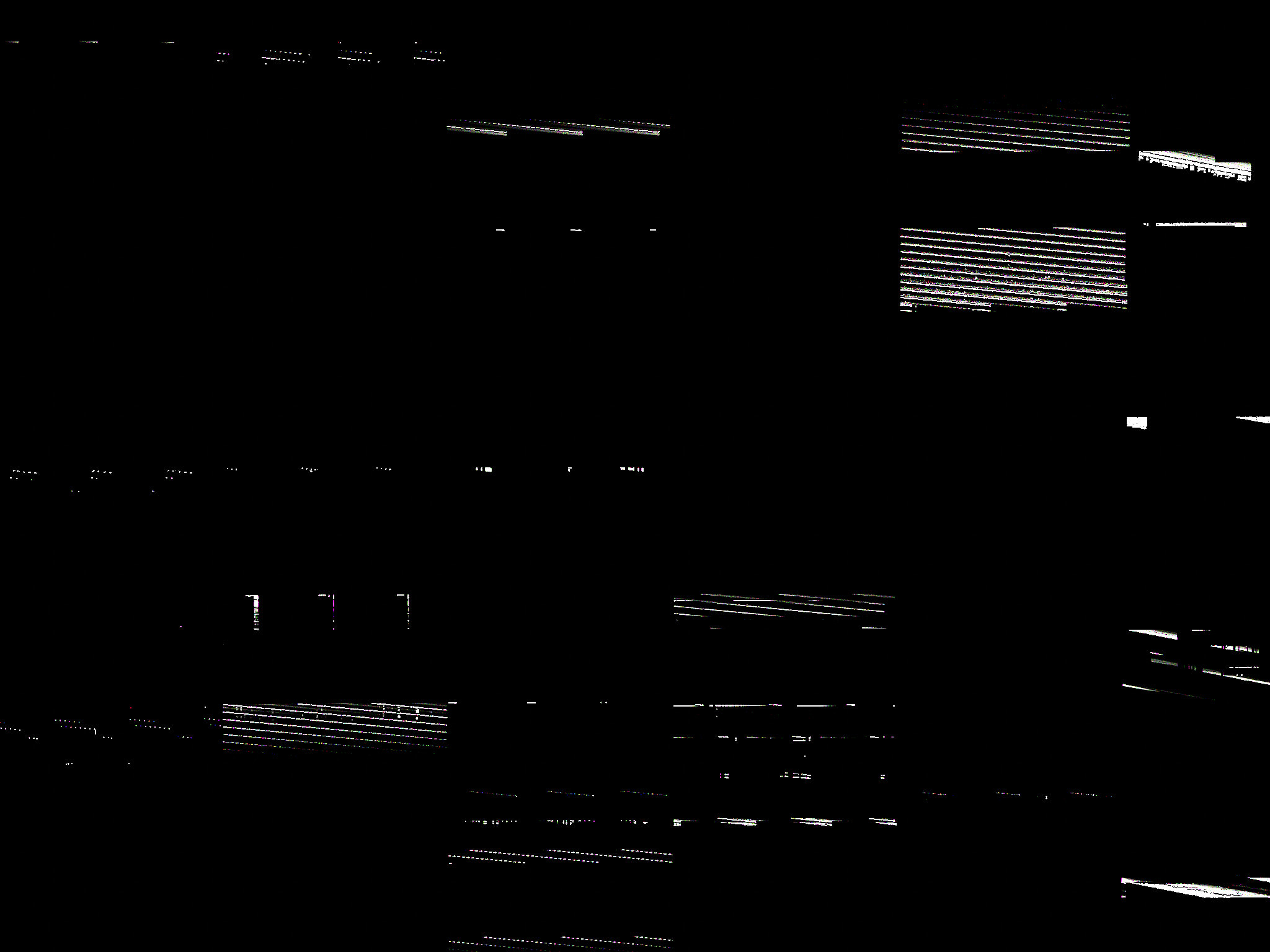
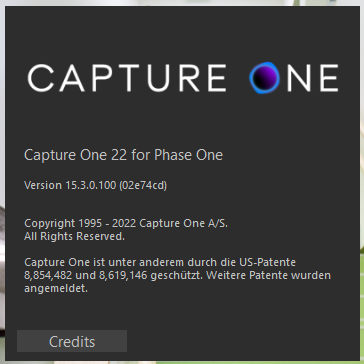 0
0 -
The common advice when this kind of problem is seen in images in Capture One is to try turning off Hardware Acceleration in Preferences, and then testing to see whether the problem persists. If it is OK with hardware acceleration turned off, it may be that a change in the video drivers would enable it to be turned back on.
Ian
1 -
Thanks, Ian. I will give that a try next time I come across a problem file.
0 -
Cheers, Ian. I will also give it a try. Funnily enough, I updated the graphic card's driver yesterday, so there may be a correlation here?
0 -
Yes maybe there is! You could try reverting the driver to the previous version and seeing whether the problem goes away.
Ian
0 -
@Ian Wilson, switching off Hardware Acceleration seems to have done the trick. Thanks!
0

Post ist für Kommentare geschlossen.
Kommentare
7 Kommentare