How to remove green fringing in Capture One the proper way?

Can anyone tell me how to remove green fringing in Capture One properly? I tried several approaches, but most are not practical and sufficient compared to one click and one slide in Lightroom.
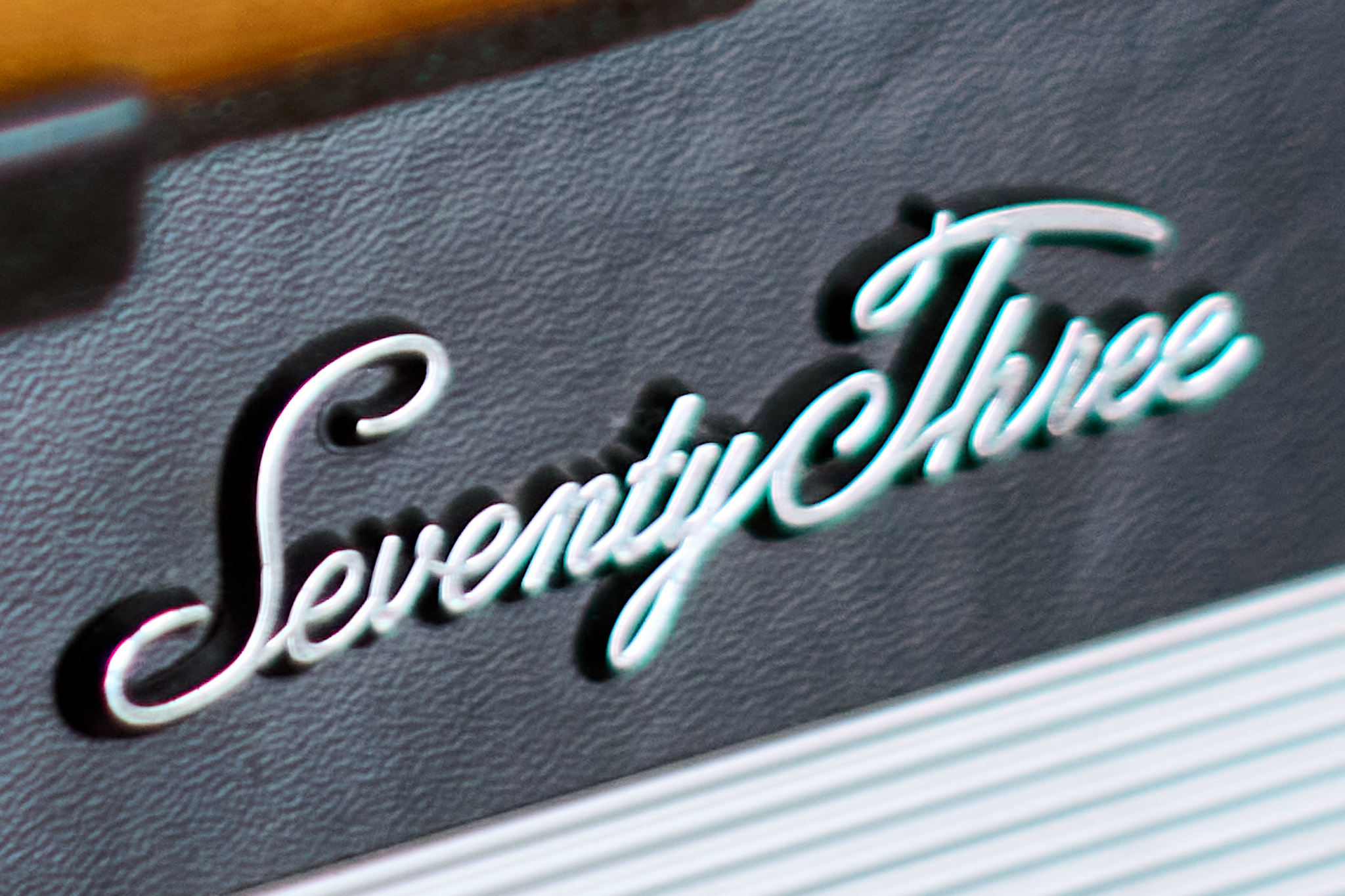
The original RAW file is available here: https://www.mediafire.com/file/rgar0xwfu8zdrxa/DSC01791.ARW.zip/file
I'm looking forward to learn about real-world approaches.
-

Well I don't know a 1 click solution in C1, only this way:
With Color Editor - Advanced and the color picker click into the fringing area and then select from the detected color via the 3 ... Create a masked layer from the selection and further use the color editor tools to adjust e.g. the saturation, hue or brightness.
A few more clicks, but not that time consuming and if executed precisely, probably even better than the 1Click tool for purple fringing.0
Post ist für Kommentare geschlossen.
Kommentare
1 Kommentar