Only 1 image at the time for export. How to change that?

Hello team
Since I've updated to CaptureOne 23 I cannot export more than one picture at the time. When I select 10 of them for jpg export only the first pictures shows in the preview. When I go over File > Export and select originals I see all of them but the eport is NEF and not JPG. What is wrong and how can this be fixed?
Regards
Marko
-
File>Export>Export original files does what it says - it exports original files. So if your original file is NEF it exports a NEF file.
If you want to export a JPG, don't use Export original files. You could go to File>Export>Export... which will open the Export window, where you can choose things like the format you want to use (JPG, TIFF etc), various settings like JPG quality, whether the TIFF is 8 bit or 16 bit, where you will export to, and many other things. But it's quicker to click the Export button on the toolbar, which opens the same window.
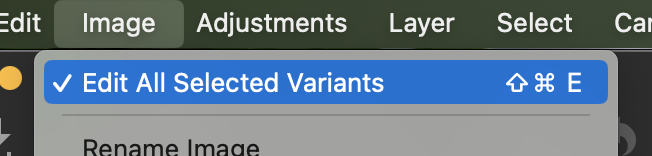
If you want to export several images at once, you must turn on Edit all selected variants on the Image menu, or quicker use the toolbar button - looks like this.
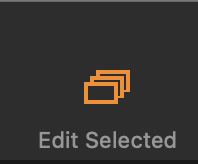
There is a tutorial about exporting images on the Capture One YouTube channel here.
Ian
0 -
Hi Ian
This is exactly what I did at first place as always. I remember that I klicked on all variants and confirmed to not show this window again. But noe since its working correctly I need to know how to reset the window to be able to choose the options again
Regards
Marko0 -
If you have the button on the toolbar, you can simply click it on or off to work with all the selected variants, or just one. (You can add the button to the toolbar if it isn't there for you.)
Or is that not what you meant?
Ian
0 -
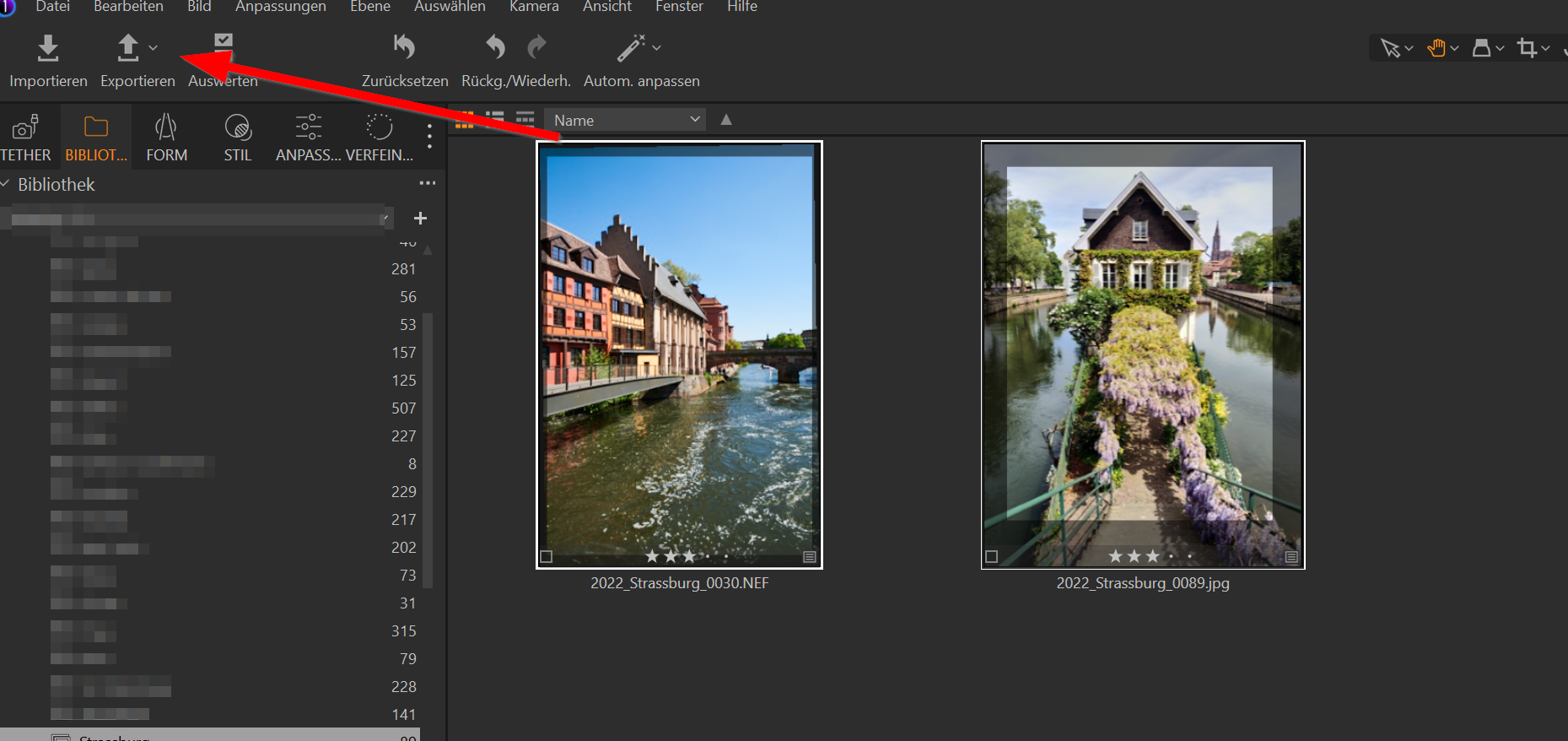
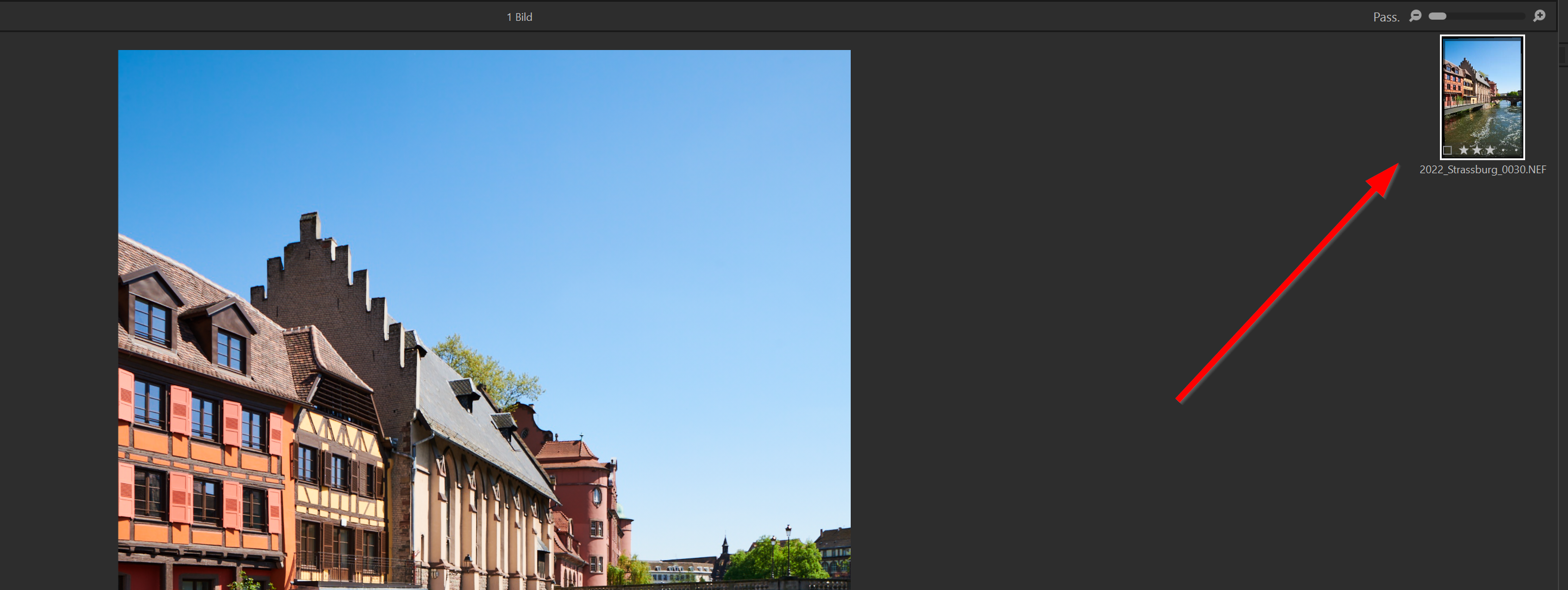
I have to toolbar in the top corner. See image 1. As you can see in the example 2 pictures are selected for the export but in picture 2 only one is going to be exported.
 0
0 -
Yes but on the toolbar is the button I showed you on (orange) or off (grey)? (Or is Edit All Selected Variants checked in the Image menu?)
Ian
1 -
ok, my fault. I found it now and it works. I can't remeber I deactivated this but maybe I pressed the keyboard combination and didn't note that. thank you very much for your help
0

Post ist für Kommentare geschlossen.
Kommentare
6 Kommentare