images which had a) been ok in earlier versions and are b) displayed correctly in Lightroom are all of a sudden unusable (they appear as corrupted images in Capture One 23)

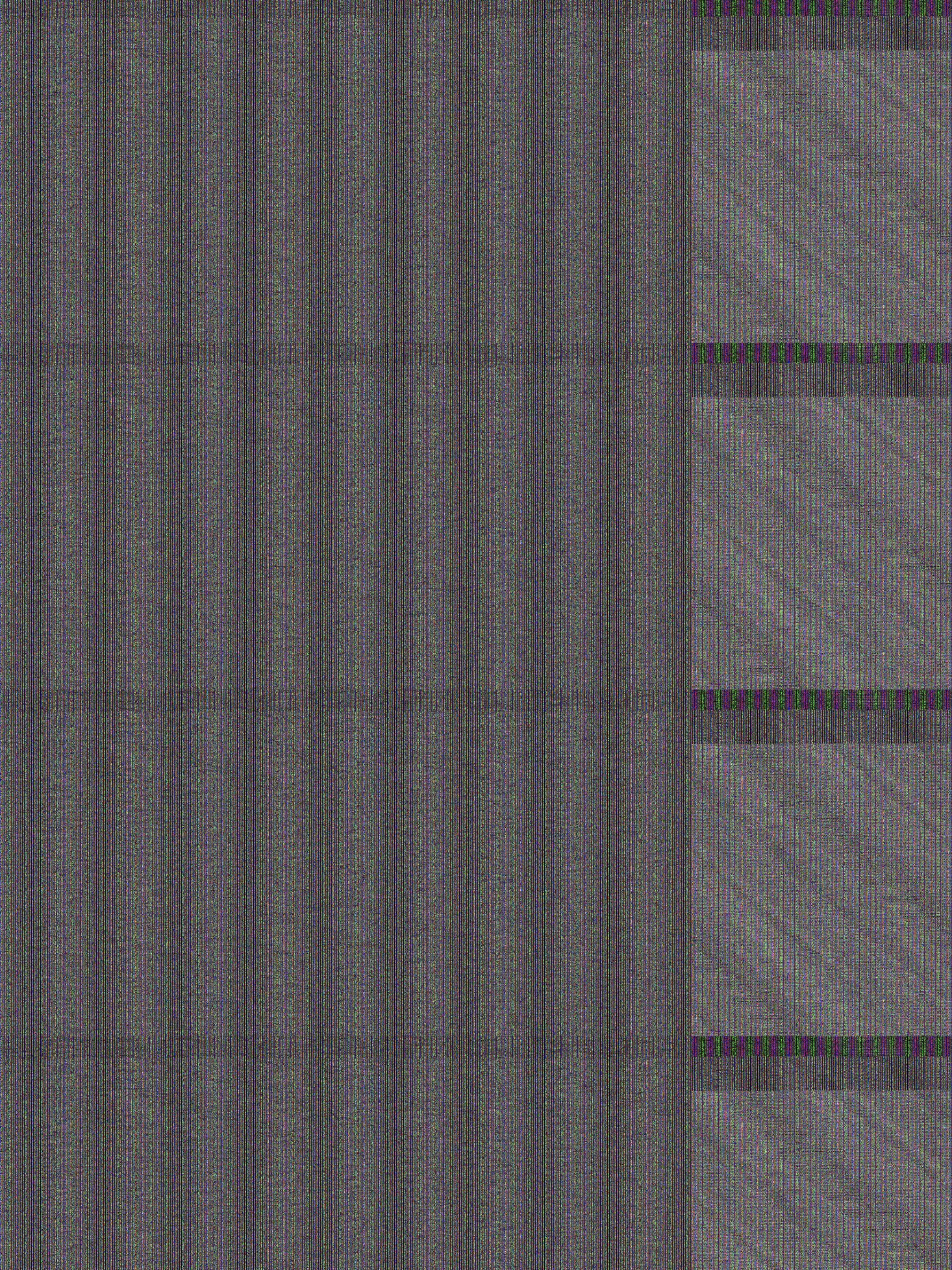
Images in session show weird pattern when clicked on and are utter trash when being exported (weird mesh-like pattern in black and white, see attachment) plus file-size remains the same regardless of output format.....?!
am using the current 13.0.1 OS
please help
exported photo from current Capture One version:
-
never had this issue before. this issue makes the software basically unusable for me. would be happy if you could at least tell me in which time-frame you're planning to address that.
0 -
When images look like that the usual cure is to try turning off hardware acceleration in the General section of Preferences. Turn both of these to Never.

Ian
0 -
Dear Ian, this DID the trick. Wow, I am so happy you helped me solve this issue!
0 -
Hi, for now I am experiencing no problems with the hardware acceleration turn back on again.....
0 -
.... the same issue is back after I restarted C1 with the hardware accelerator turned on .... again: this has never been an issue for me in previous versions of C1
0 -
There are two things I would suggest at this point, then.
- If turning it back on has caused problems, turn it off again, at least for now. If it all works well for you with it off, you could leave it like that.
- If you want to try to get hardware acceleration working properly, you could try forcing rebuilding of kernels (don't ask me to explain what that means in technical terms!) following the instructions on this page.
https://support.captureone.com/hc/en-us/articles/360002404937-Troubleshooting-Hardware-Acceleration-in-case-of-viewing-processing-exporting-problems
Go down the page until you find the heading Rebuilding Kernels. I believe that what this does is force Capture One to redo setting up hardware acceleration. Some users say this solves their issues.
Ian
0

Post ist für Kommentare geschlossen.
Kommentare
6 Kommentare