Color editor tool is not working

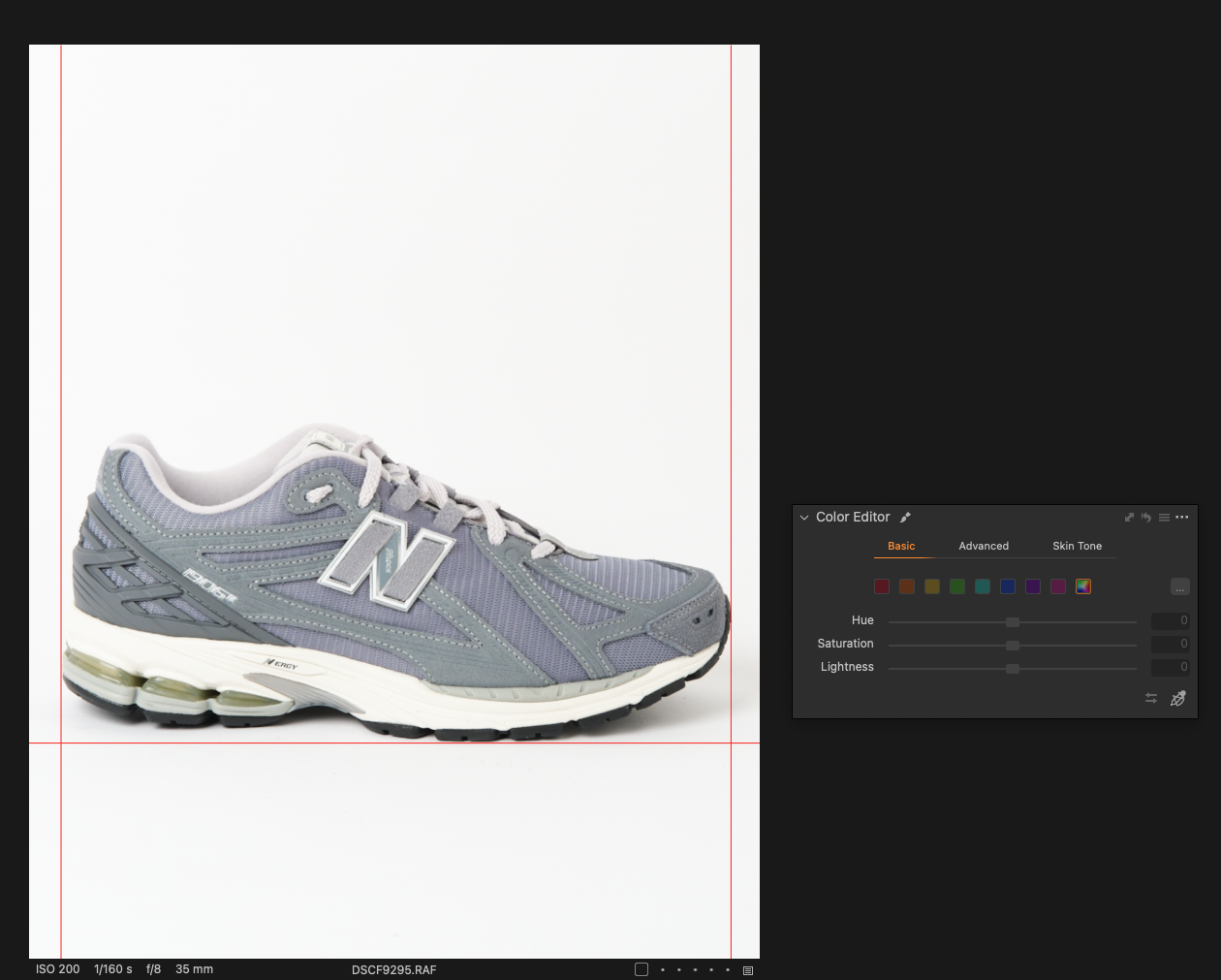
The Color editor tool is greyed out and unclickable. Why is this? I need to change the magenta, but it doesn't allow me to move or change anything.
-
Ok, so I restarted Capture One and now it works. Haha.
0 -

Because you're in an adjustment layer. When the paint brush is visible, you're making local adjustments.
So if you navigate to the Layers tool and click on the background layer, you'll be able to use the basic color editor.
0 -
But @... you can use the basic colour editor on an adjustment layer these days (since version 20). There would be no paintbrush symbol on the tool when you are in an adjustment layer if you couldn't. (For instance even when you are in an adjustment layer, there is no paintbrush symbol on the black-and-white tool.)
Ian
0 -
You're 100% right Ian Wilson
0

Post ist für Kommentare geschlossen.
Kommentare
4 Kommentare