No thumbnails when external HDD disconnected

Hi,
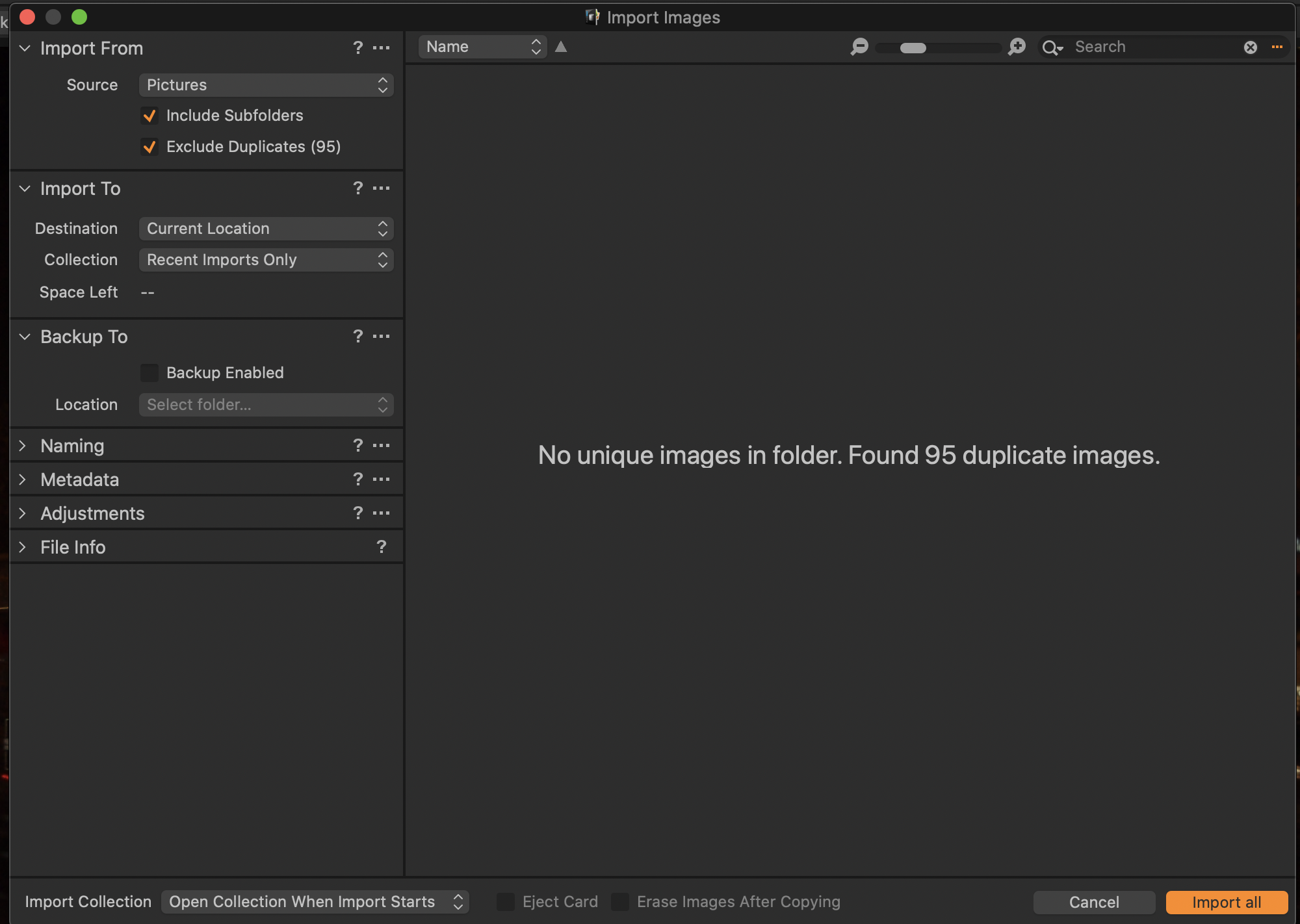
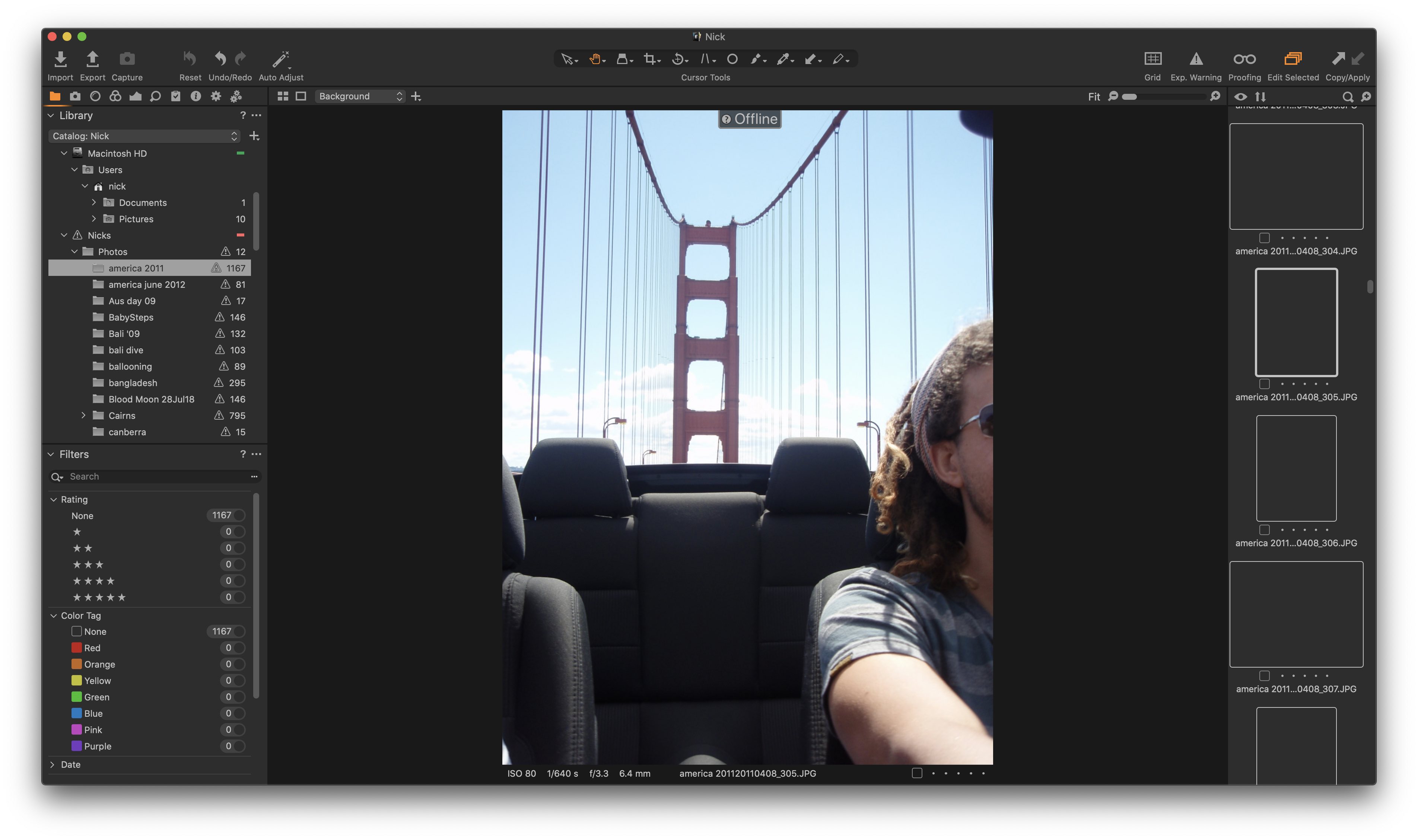
I have Capture One Pro 11 and am trialing 20 on my Macbook pro 16". All my photos are on an external hard drive. When I imported the photos, it also generated previews. I have attached a screenshot of import window. Once the hard drive is disconnected, I can no longer see the images in the thumbnails on the right hand side of the screen. It is a black box. When I select a black box, I can then see the large image in the main screen, but still no thumbnail image. This is occurring on both version 11 and 20. I have attached a screenshot of the issue.
Can you please help me.
-
 0
0 -
Hi Walter,
I attached the two screen shots.
The library is on the Macbooks internal hard drive and I did all all the previews to generate. When the hard drive is connected, it will slowly generate the thumbnails visible, eg the 5 in the above picture will slowly appear.
0 -
Hi Walter,
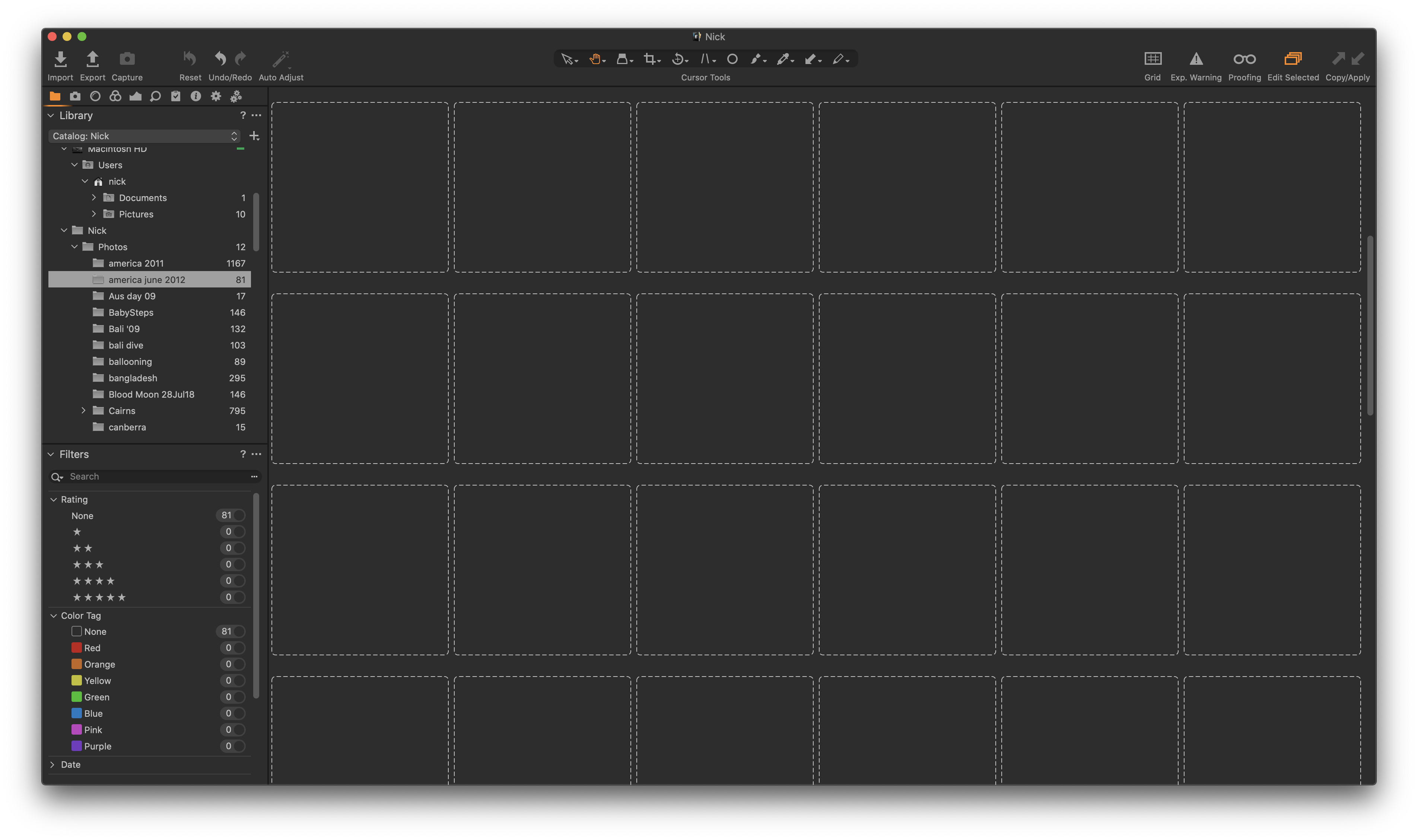
No they just stay black. The Macbook is connected to the NAS right now so they do slowly begin to appear.
It is like the thumbnails are stored on the NAS, and the generated previews are on the macbook. I would want them both on the macbook
 0
0 -
Hi Walter,
I have a combination of RAW and JPEG. The issue occurs with both formats.
I submitted a case earlier today. I will wait to see what they say.
Thank you for helping me troubleshoot.
Nick
0
La publicación no admite más comentarios.
Comentarios
4 comentarios