Blurring of borders on drag

Testing latest CO20, how to prevent this blur when I drag the image? (remains until I release button)
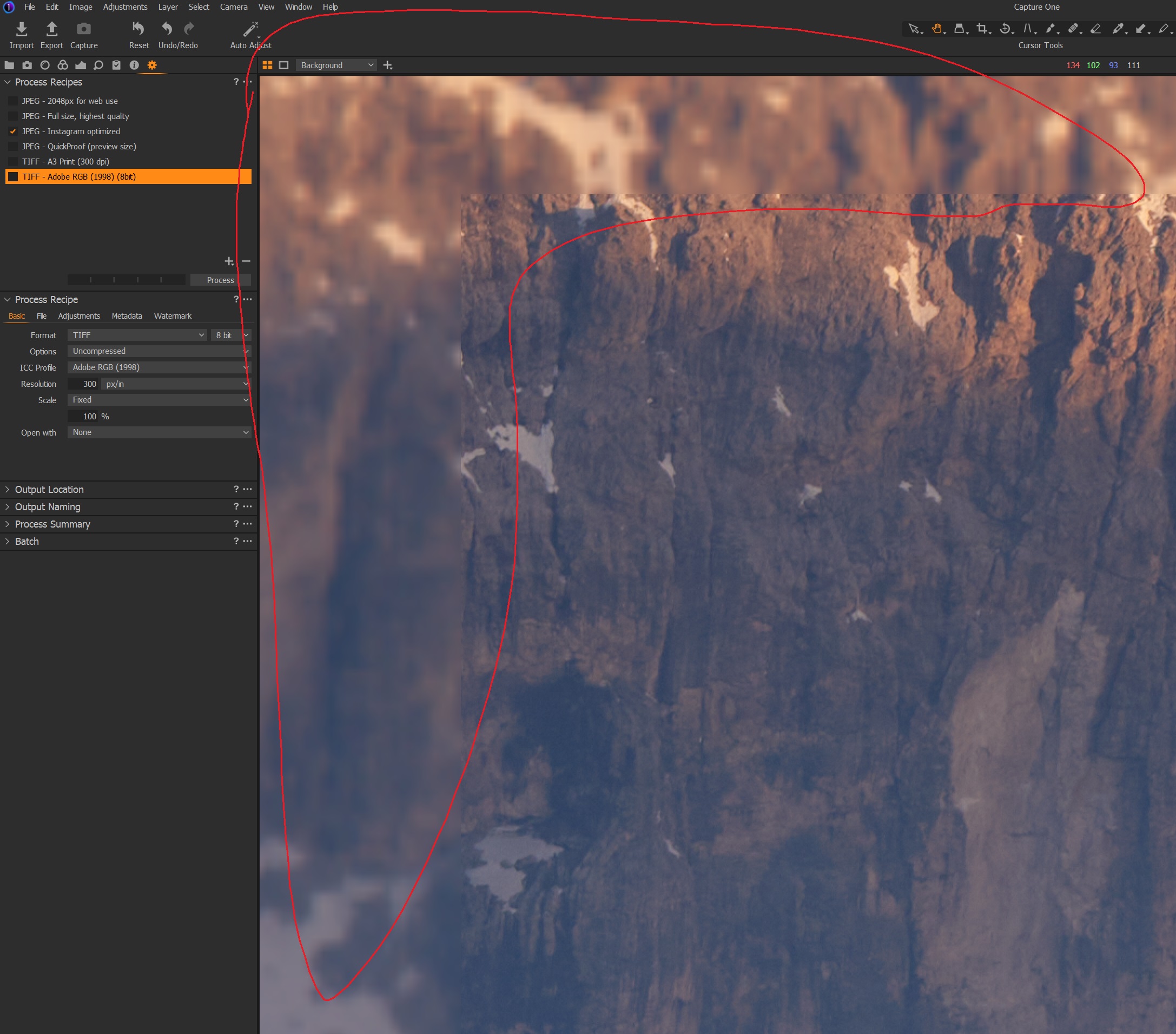
Happens always at different zoom levels, with and w/o HW accel, etc.
Also no matter what, happens when zooming out.
If computer specs matter:W10, Ryzen 3900X (12C 4.2Ghz) , 64GB RAM, GPU RTX 2060 Super.
Thanks, good day
-

Wowzers and I thought my computer was fast ;).
Well I was just editing some images and tried dragging around firstly with a 36mp raw file and then with an upscales 150mp tiff. I can say that it does it on my computer also. When I release the drag, then C1 redraws the image pretty quickly. The more I drag around an image the less it does it as if more elements of the picture are cached in memory, but this is an anecdotal observation rather than tangible fact. It does also seem to happen more at higher magnifications.
I did tweak my graphics card settings and it did seem to improve the situation. I would suggest you have a look in your NVIDIA Control Panel and set everything to max for C1 and maybe you will get better dragging results. You can setup a profile per application with NVIDIA cards through the control panel.
I also tried some other apps I use namely DxO Photolab and Luminar 4 and they both exhibit the same behaviour, so this type of effect is not isolated to C1.
I would suggest submitting a request with C1 if you don't like this behaviour.
0
La publicación no admite más comentarios.
Comentarios
1 comentario