Finding out the size of the current crop in differnt u

When I have cropped an image, how can I find out how big the final crop (width and height) can be at maximum (without scaling up):
1. width and height in Pixel
2. width and height in millimeters or centimeters @300 DPI
I understand the that when using the cop tool and selecting a process recipe
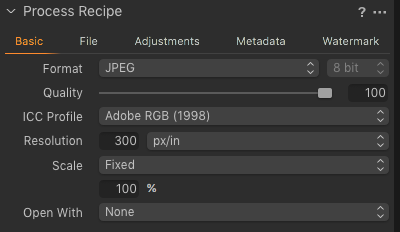
it will show some values right in the crop tool
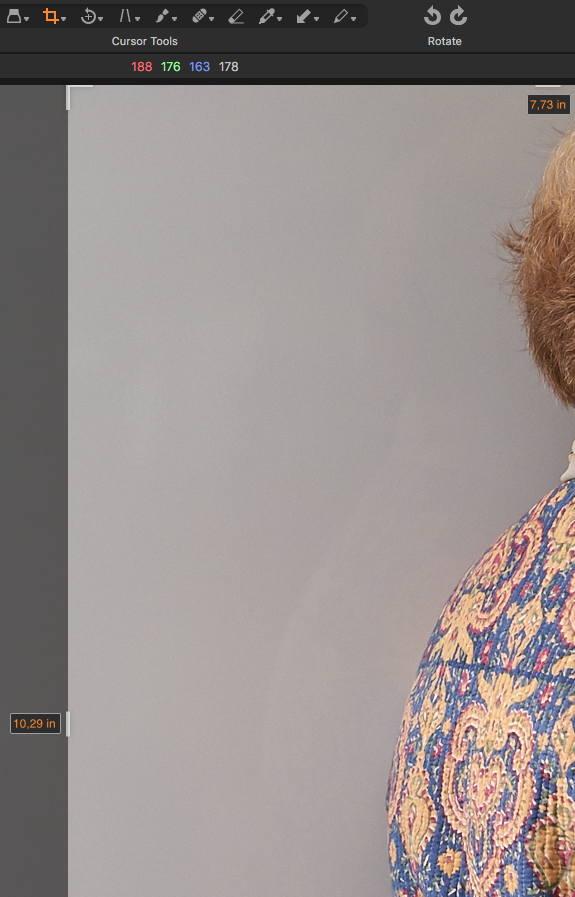
But it no matter what recipe I use, it never displays it in absolute pixels or in centimeters/millimeters.
-
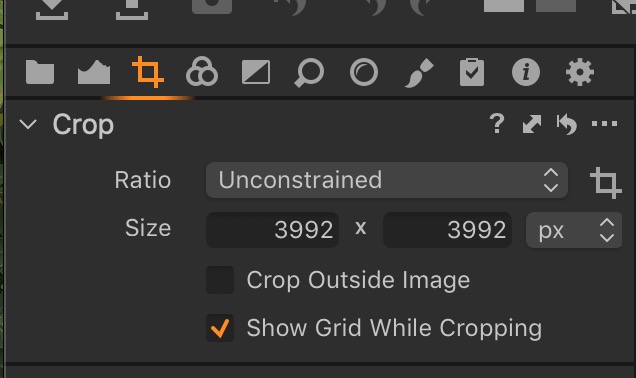
If I understand well what you look for, you could find the answer in the crop tool, where you can find and chose the unit you like.
 0
0 -

@Robert Ludewig
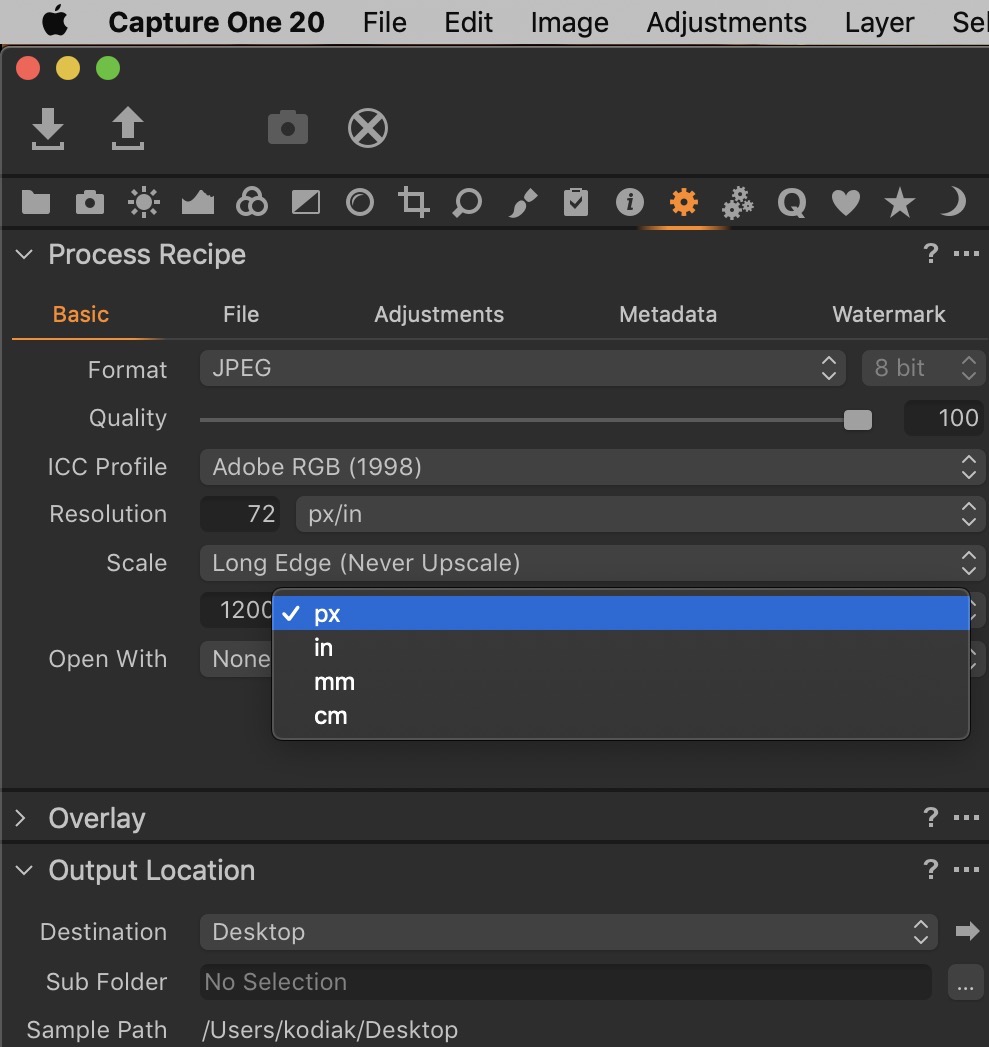
In the "Basic" tab of your active process recipe set the Resolution field to the unit of measure you require.
And, of course, the Resolution value.
Also the target value in the Scale for type and size.
Be aware that you can tell C1 to never scale (up or down) but if you allow it C1 will scale up to a maximum of 250%.
The see the results that the currently select Output Recipe will produce for the currently selected image look at the information provided by the Process Summary tool.
For any of the tools that do not seem to be providing a clear understanding click on the "?" icon on the top like of the tool to access the on line help that will most likely provide the extended description of functionality you would need to answer most questions.
I hope this helps.
0 -

 0
0
La publicación no admite más comentarios.
Comentarios
3 comentarios