Problems with the sort funktion and disappearing fotos in Capture One

There are disappearing fotos in my session and I don´t know how to process them in jpg files.
Here I described the problem in a video file.
I have a problem with disappearing fotos. I described my problems in a minifilm which you will find by clicking on the link below.
The minifilm is in English and there is an other version in German.
https://drive.google.com/folderview?id=1gyDX04RZ-KtlHdPj9KZQ_CW0XZVMvTKj
Computer and Windows specifications:
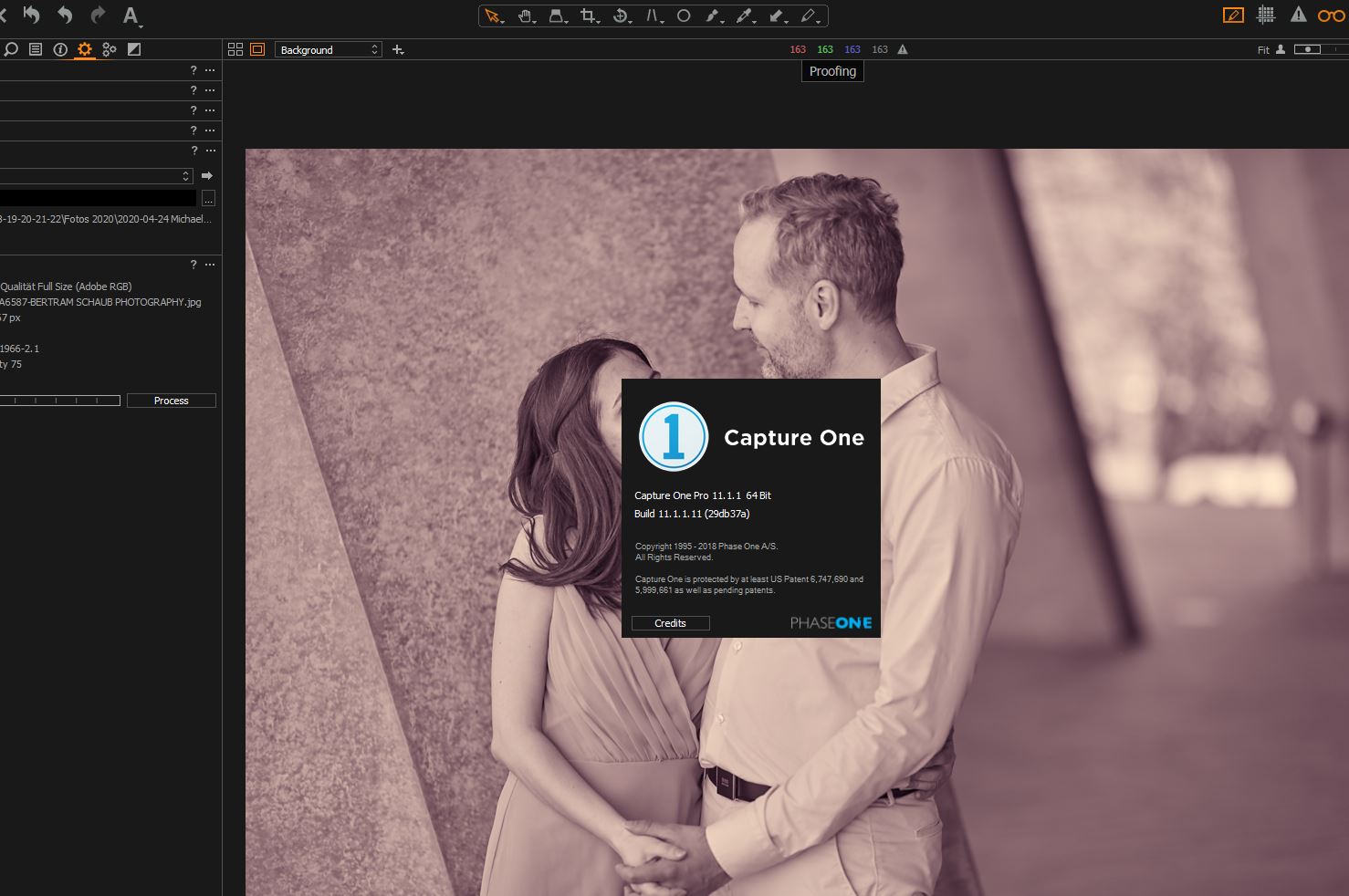
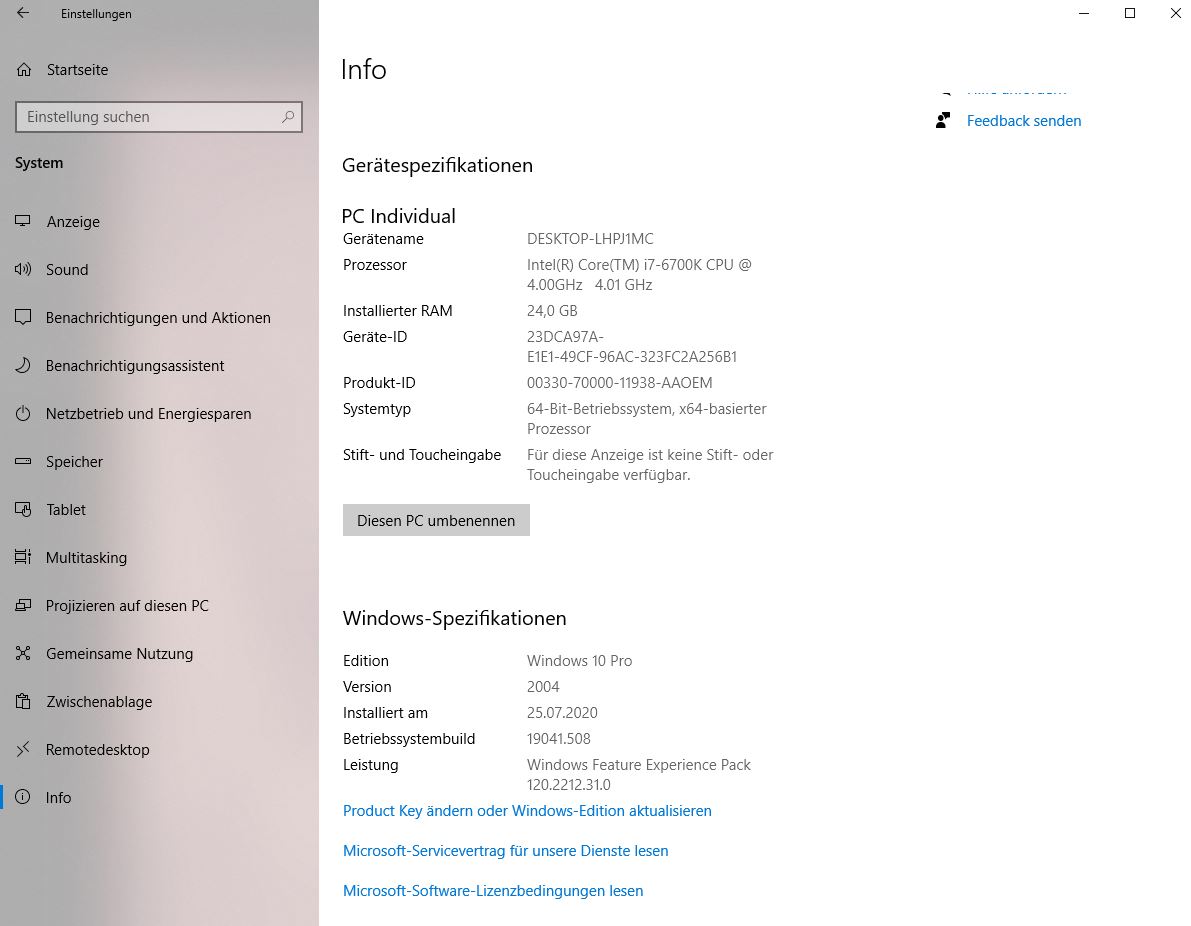
-

Edit: Sorry please ignore my deleted comment.
0 -
Just tried to reproduce your problem but cannot.
I have pretty small session file numbers compared to you though.What happens if, after you select all the four star images (including all the four star duplicates), you give all those a color rating too, then export based on that color rating?
0 -

I can duplicate this and I have a solution, while not perfect, it seems to work for ratings. Do not use the Filters section to select the ratings you want to print. Clear it out. I am not using proofing, but I think the process I am describing will still work.
Get to a point where you can see all of the 4 star images in the Browser main window (by scrolling). Sort the browser by rating. Find the very first 4 star and select it with the mouse, and scroll down to the very last 4 star. Hold the shift key and select the last 4 star image. All of them should now be selected including the variants. You should see the correct number at the top of the Browser window. Now go to the process tab and output them. It worked for me. The filter box in the left column seems to clear out the variants, or something for me.
0
La publicación no admite más comentarios.
Comentarios
3 comentarios