alternative (more practical) way to change size of a brush

in Photoshop one can hold ctrl+option (Mac) while dragging the cursor left or right and up and down to change size and opacity respectively. I find this very useful and practical, compared to hitting the keyboard multiple times to reach the same result (or to ctrl click and drag and then click away). Would this be possible in Capture One?
-

Hi Marco,
CO already has a one operation "right click" with any tool that is waaaay better IMO!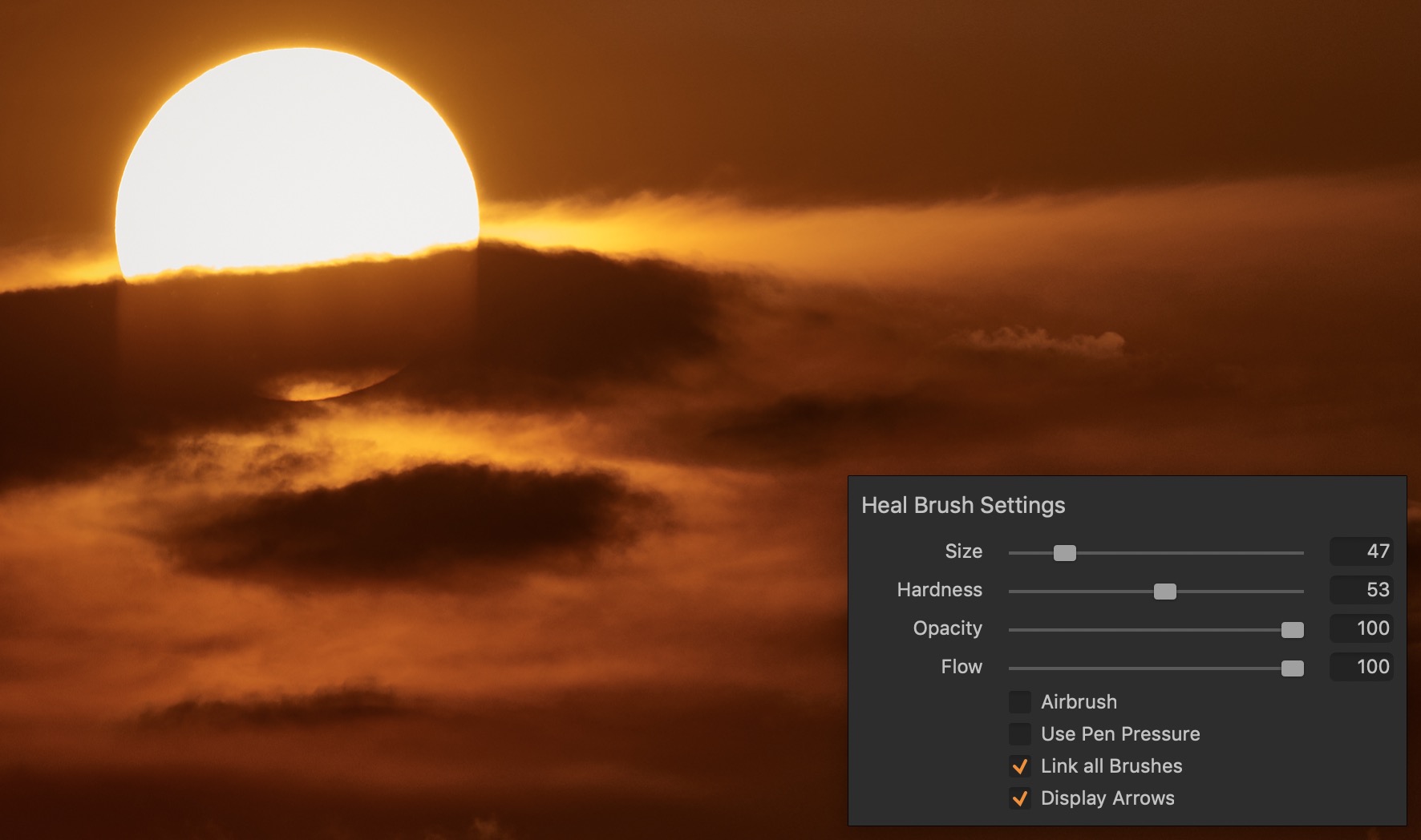 0
0 -

I use square brackets ([ and ])to vary brush size and shift square brackets to vary hardness.
You can't get much easier than that - IMHO.
1 -
What Shane says is correct when using and american keyboard
but I have and use a german one and those brackets are useless.0 -
Could you not use some other suitable keys on your keyboard?
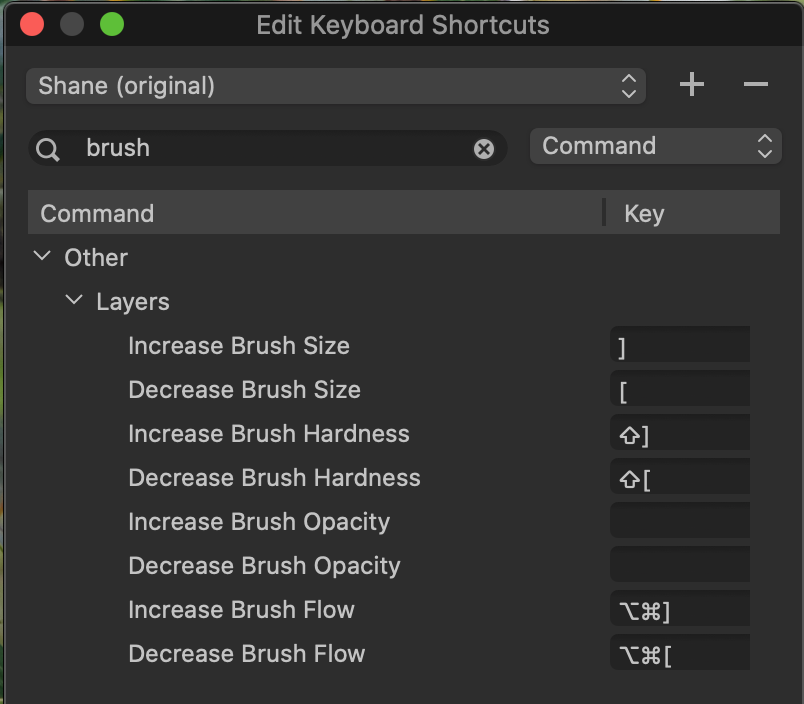 0
0 -
As I mentioned, all these steps are valid but miss the practicality of just hitting ctrl+opt while dragging the cursor (especially when you are using a tablet)
0
La publicación no admite más comentarios.
Comentarios
5 comentarios