"Greenish" spots/areas in imported image

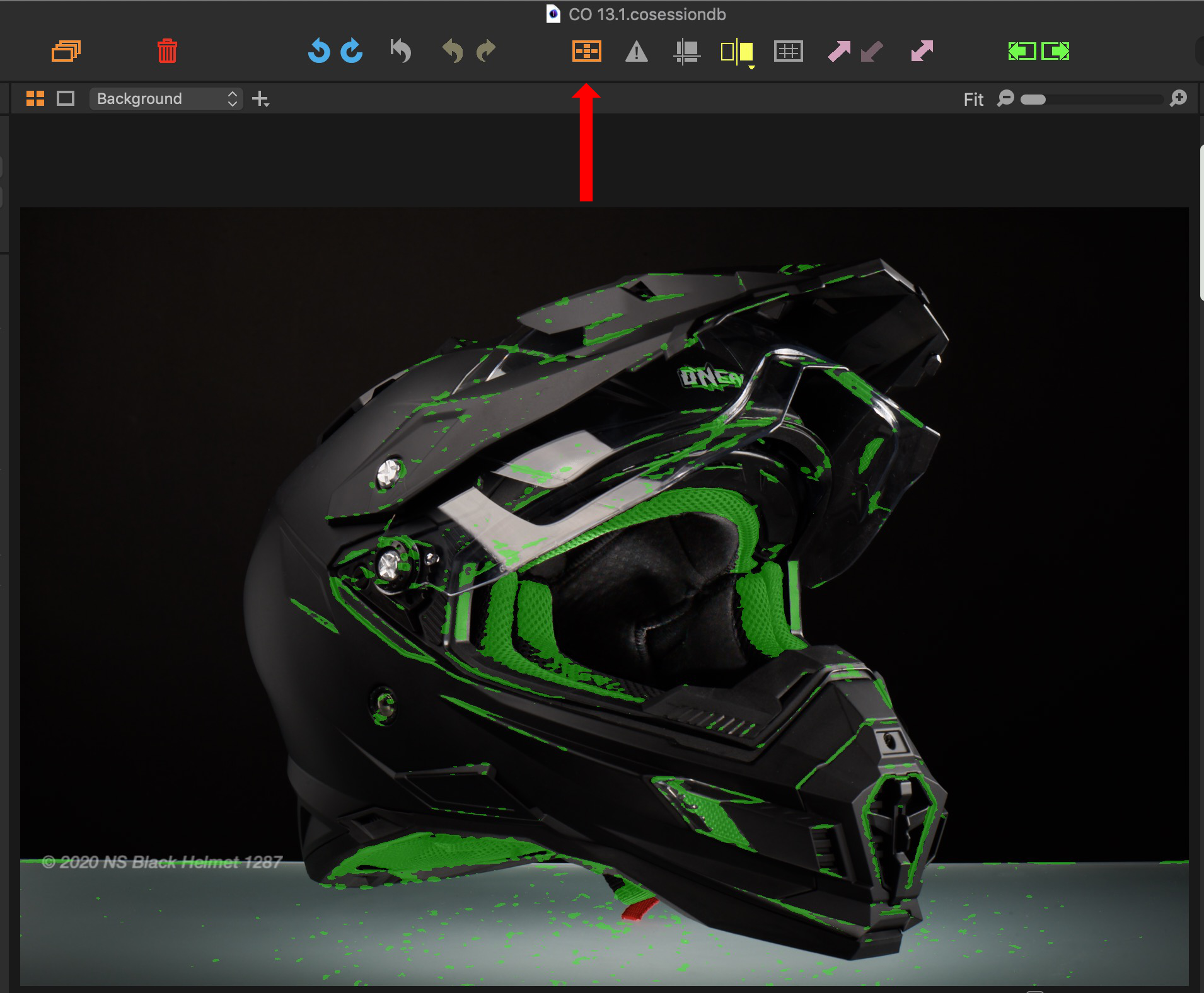
After upgrading my license to C1 20, imported images do show "greenish" areas, see attached screenshot.
What is the reason and how can I remove/avoid it?
Thanks
Kurt
0
-
You've got the focus mask on. Either click the button on the toolbar, or use View>Focus Mask.
Ian
0 -

It is a helpful tool and now you can use it as needed! :P0 -
Thanks for the tipp! It helped.
0 -
 0
0

La publicación no admite más comentarios.
Comentarios
4 comentarios