Blurry Previews in Grid View

Previews in grid view are blurry. The RAW files are less clear than the JPEGs but I never had this problem before.
The files when viewed singly in the viewer are clear of course.
-

"Grid View" suggests you are seeing the Thumbnails, possibly expanded to the largest viewing size possible.
They will be low resolution compared to the Preview files - unless you have a very small preview size set compared to your screen resolution. However, in that case one might expect C1 to be recreating the preview compared to "default" anyway for reasons that may be worth discussing once we have established whether you are viewing the Browser or the Viewer.
0 -
I am talking about the browser with the viewer closed so that I see a grid of previews. At all resolutions they are blurry.
0 -
So you are looking at thumbnails and they are relatively low resolution that are intended for browsing and selecting purposes with full viewing being undertaken in the Viewer.
Do you by any chance use a 4k or 5k monitor? Has anything changed within your system since the non-blurry "before" state was last observed?
Have you tried deleting one or more Thumbnails to see if they are improved when C1 regenerates them? (Just a test.)
0 -
I am on the new M1 iMac which seems fine with viewer previews set at 3840.
I am sure that the browser previews, before upgrading to 14.3 were far clearer.
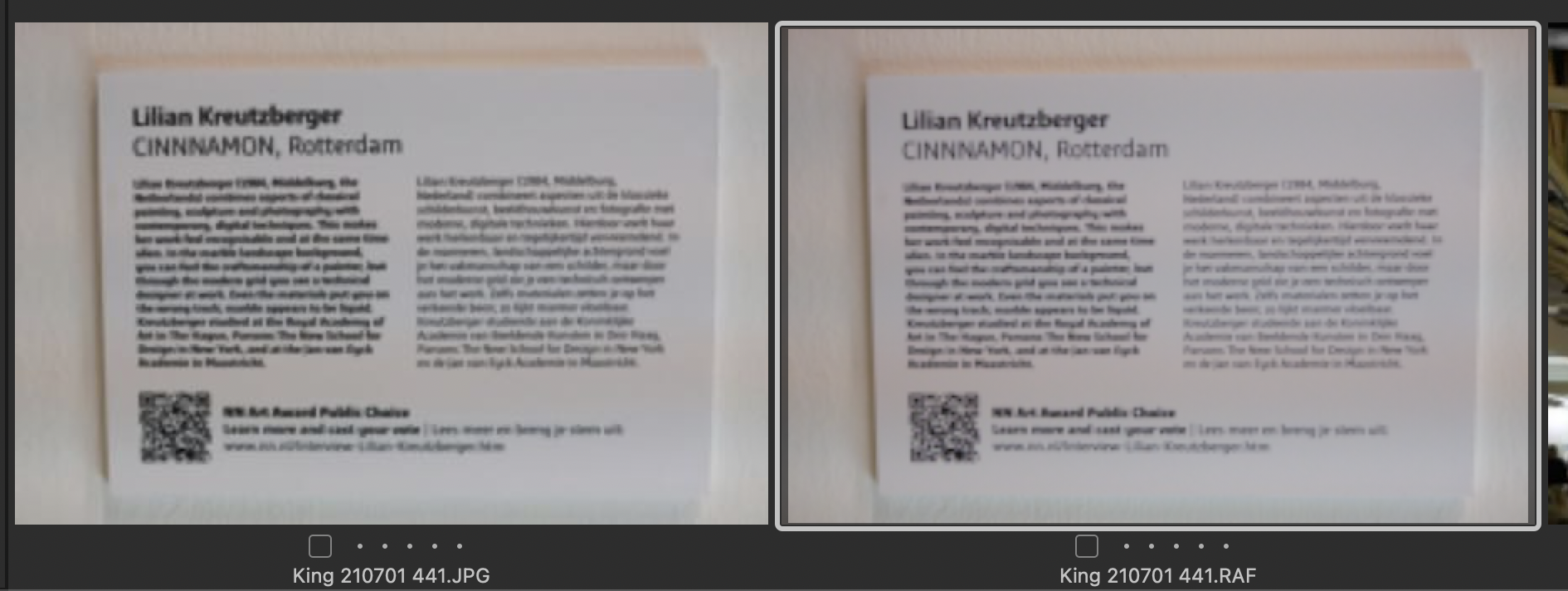
See attached: in the viewer these are perfectly clear.
 0
0 -

If I look at your attachment, I find both equally blurred. Except the two time lines I can't read any text. The text in the RAF version is a bit thinner. And since you saved the screenshot as PNG, it's quality was not degraded by some JPG compression.
Hmm. Is that a recent shot (meaning, previews were generated with the new iMac) or is it from an old version?
0 -
Michael,
Which version were you using before 14.3?
Your screen shot does not provide an reference that allows one to work out how much zoom has been applied to the thumbnails during grid display in the browser.
On my system, with a 1920 x 1080 screen and only the tools window displayed, I can see 18 thumbnails across at the smallest thumbnail display size available and 3 at the largest. At the largest setting the thumbnails are blurred, as I would expect. On my system the files are only around 25 to 30 kb of data. They are, after all, only thumbnails.
In the VIEWER they could be expected to be much clearer. Depending upon your default preview file size they may be displayed as that are when set to "fit" the screen or they may be processed to provide more detail (from more data available) when zoomed in. What you see may also be influenced by possible output profile settings if you have the Output Proofing feature turned on.
From your screenshot, the probability is that your jpg will have had some sharpening applied to it. Your RAW file may be displaying without any significant sharpening applied. There is no certainty that the respective "original" files (jpg and RAF) are presenting the same data dimensions and they are unlikely to contain the same amount of data. However, they are both very likely to have more than a few kb of data to work with.
0 -
I was presumably using 14.2 before 14.3.
The display is retina 24 inch iMac.
The browser shows 4 previews across the screen with tool window open, they are shown at 100% zoom. They measure 450 x 300 pixels.
I used to be able to look at the browser previews to mark out of focus and badly composed images, now that is not possible.
I have just downloaded some new images and the blurry previews problem remains.
From your replies I guess you are telling me that this is a good as it gets, but I am sure it was far better before. I will now have to view sets of images in the viewer to make initial selections.
Michael
0 -

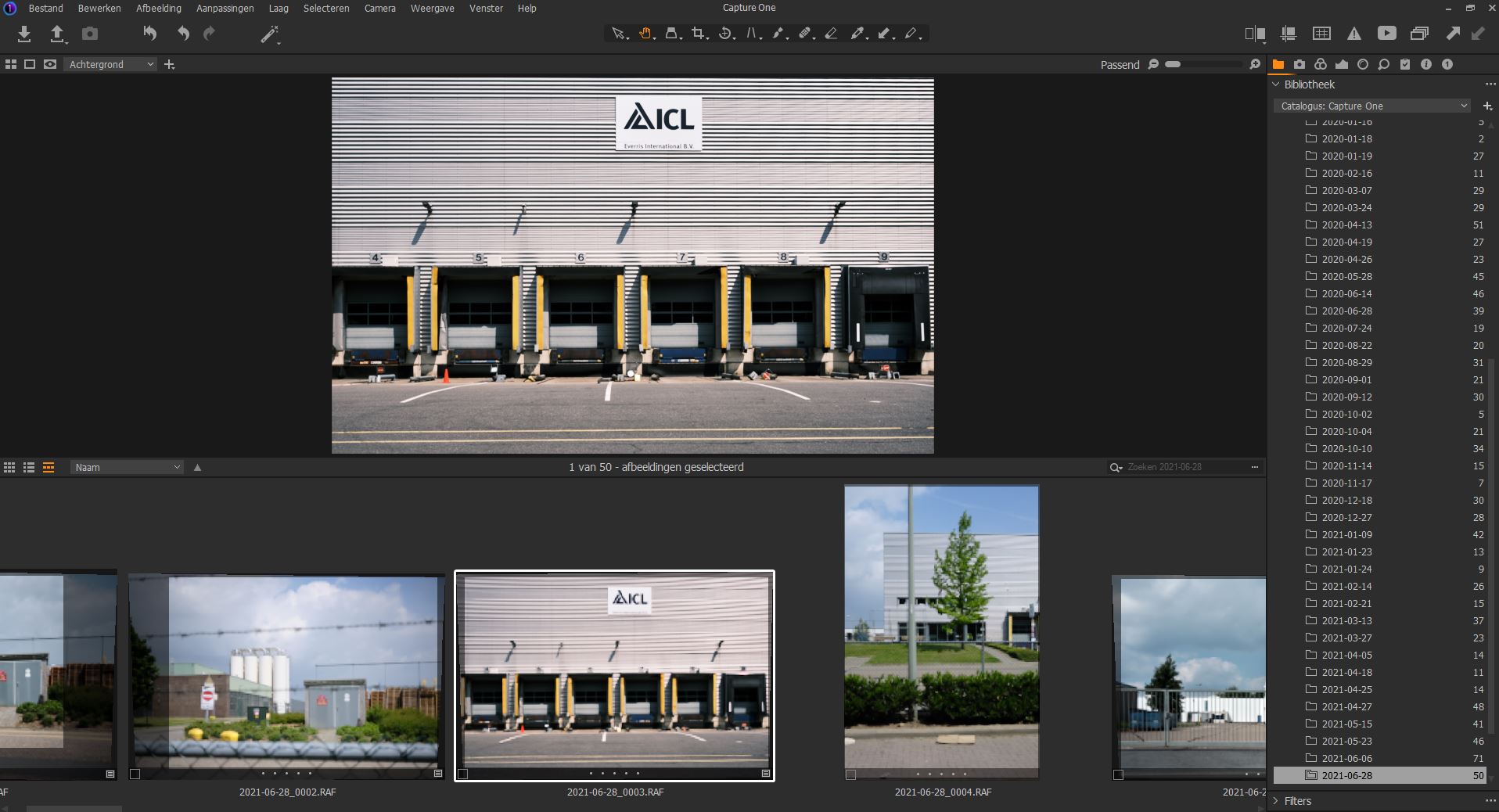
I am facing the same problem as Michael King: after upgrade from 14.2 tot 14.3 the images in the browser part are blurry. In the attached document you can see the difference between the image in the viewer (upper part) and the same image in the browser (lower part).
Peter Orbons
 0
0 -
I have never felt that one could successfully assess out of focus images by assessing the thumbnails, although something that was badly OOF was usually obvious. However the browser is intended to be a realtively fast way to identify images that may be of interest and the Viewer is intended to allow one to assess the images in more detail and provide a high quality view of the results of editing them.
Two quite different objectives.
The Preview in the viewer is a much better option but even then, in general and depending on your default Preview size, you are likely to be better advised to work at greater than 50% zoom.
However, the Loupe tool can be used on both the Preview and the thumbnail and you have an opportunity to choose a zoom level for the loupe tool that suits various requirements.
There is also the option of the Focus tool to provide real-time visibility of a specifically chosen part of the image based on a chosen selection point.
Remember that the zoom level of the Viewer will also have an effect on the perceived quality of the image as can the settings of an output profile for Proofing.
If you really want to see the image in all its potential glory, use the viewer at a zoom of 100% (and an output profile that allows the entire content of the full original data file to be displayed). At that scale you will see everything more or less exactly as it was shot.
Anything smaller and a considerable amount of data will have been discarded to make the image fit the screen. Any larger and some data will have been added to expand to the scale required - or the data will have been "stretched" to fill the dimensions specified.
0
La publicación no admite más comentarios.
Comentarios
9 comentarios