Exporting more than one file

I am on Capture One 22 and the three little looking folders are not there for me to click on so that I can export more than one photo. How can I export more than on in this program?
0
-

Right click on the toolbar and drag whatever tools you need to the toolbar.
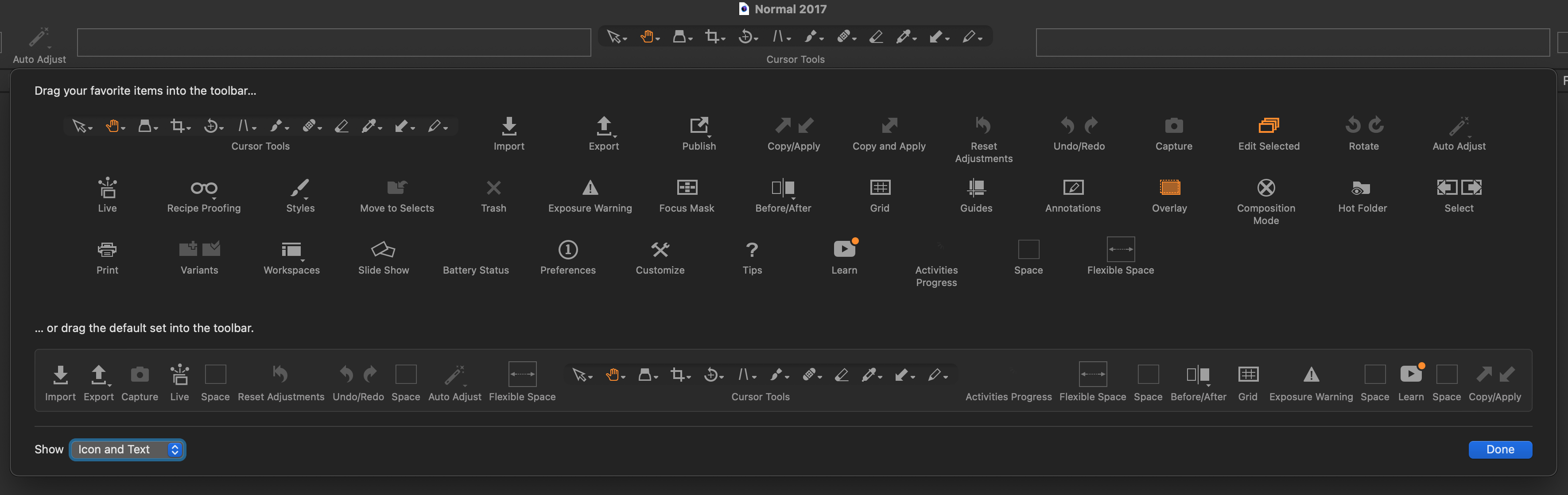
Then, save your workspace: Window > Workspace > Save Workspace.
0 -
Thank you so much.
0 -
Although the toolbar icon is the most convenient way, you can also change this setting from the menus.
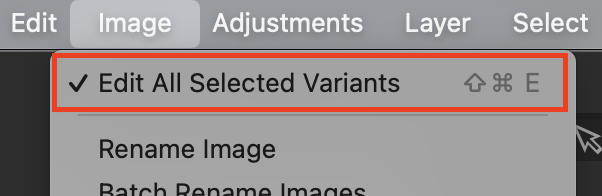
Ian
0

La publicación no admite más comentarios.
Comentarios
3 comentarios