exported Images do not look like screen

-
I am using C1 22, fuji free version. images look fine on screen (after whatever processing,including no processing). however, exported images look overexposed and have a strong magenta cast. same images converted in ACR look fine in PS. I'd be grateful for a starting point on this, it should be a duuuh moment once somebody clues me on the error. thanks.
0
-
 Permanently deleted user
Which camera? Let's see an example image.
You might want to delete this, too:
0 -
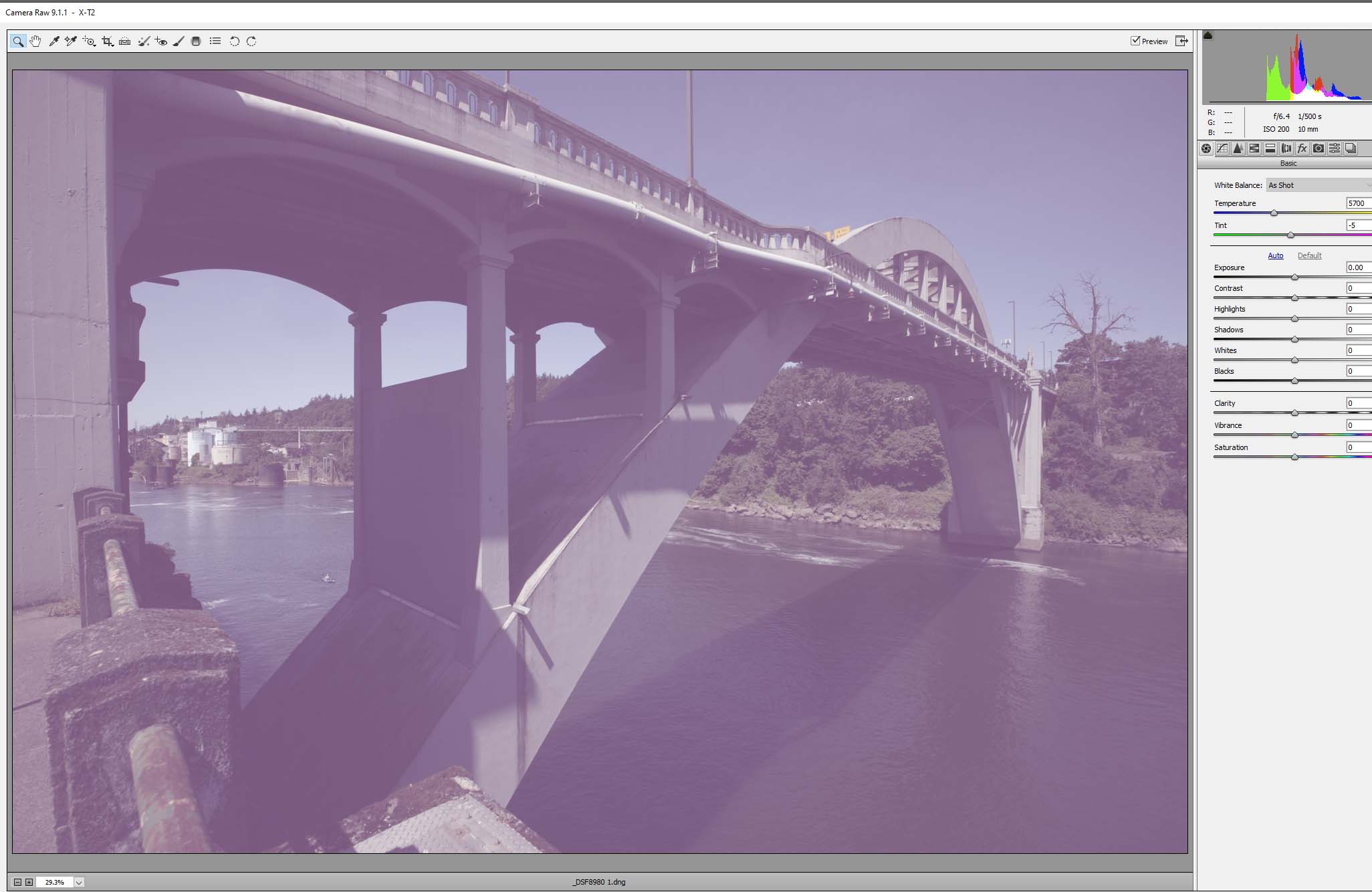
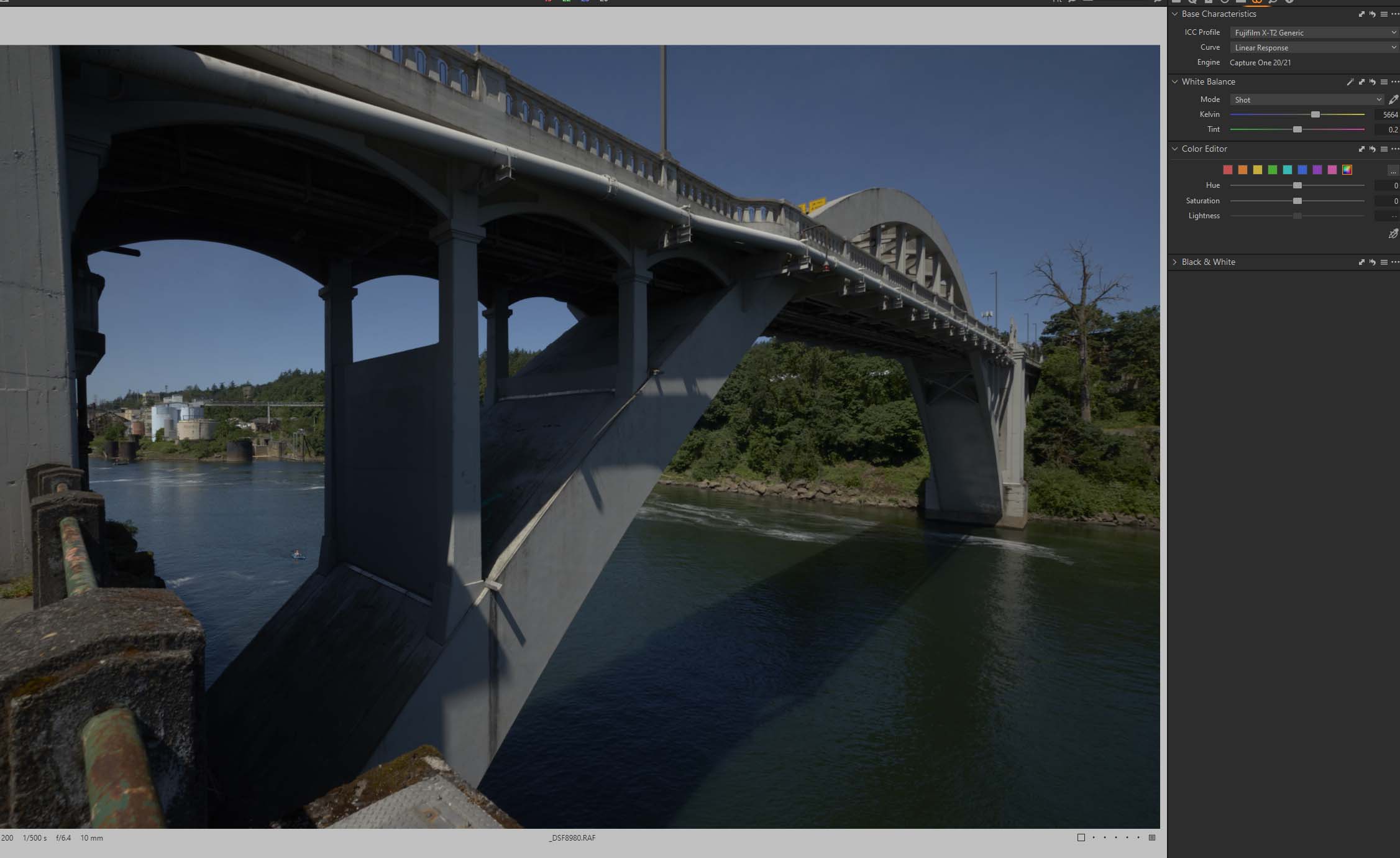
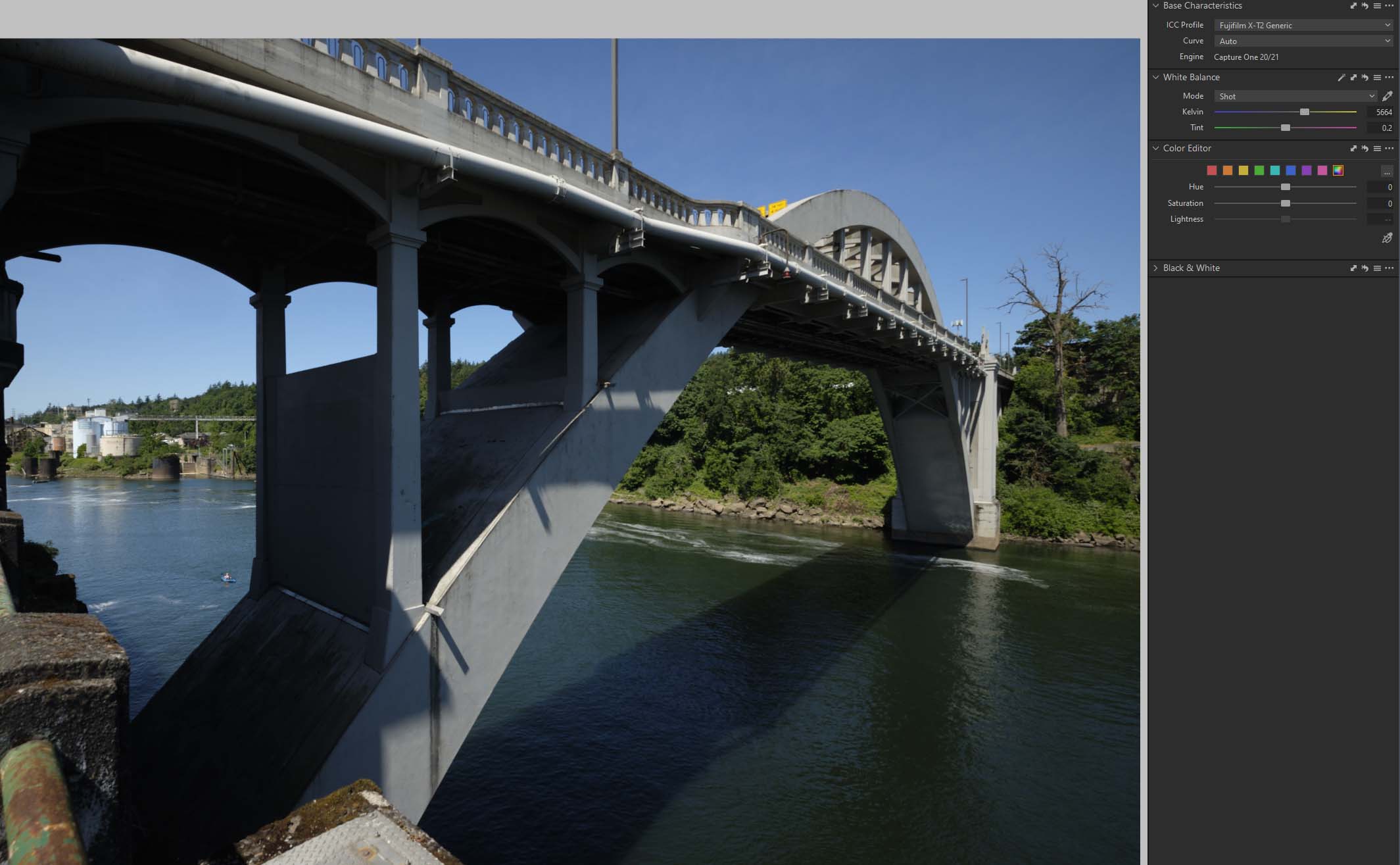
see attached files, which is representative of what i have been seeing - the png's are comparably awful regardless of recipe. (screenshots opened in pscs6, saved as compressed jpegs)thanks...
 0
0 -
I see a DNG, not PNG.
What about exporting JPGs with a recipe using sRGB?
0 -
the issue seems to be dng export.
attached are jpeg exports using the "auto" curve (express) and the "linear response" curve (express 1); both look reasonably what i see on screen, and what i would expect the curves to do.
the dng's also look as expected in C1.
however, exported dng's look magenta and thin. the image "as seen in acr.jpg" is just a screenshot of the auto-curve image, exported as a dng to acr. i would have expected it to look reasonably like the exported jpeg's.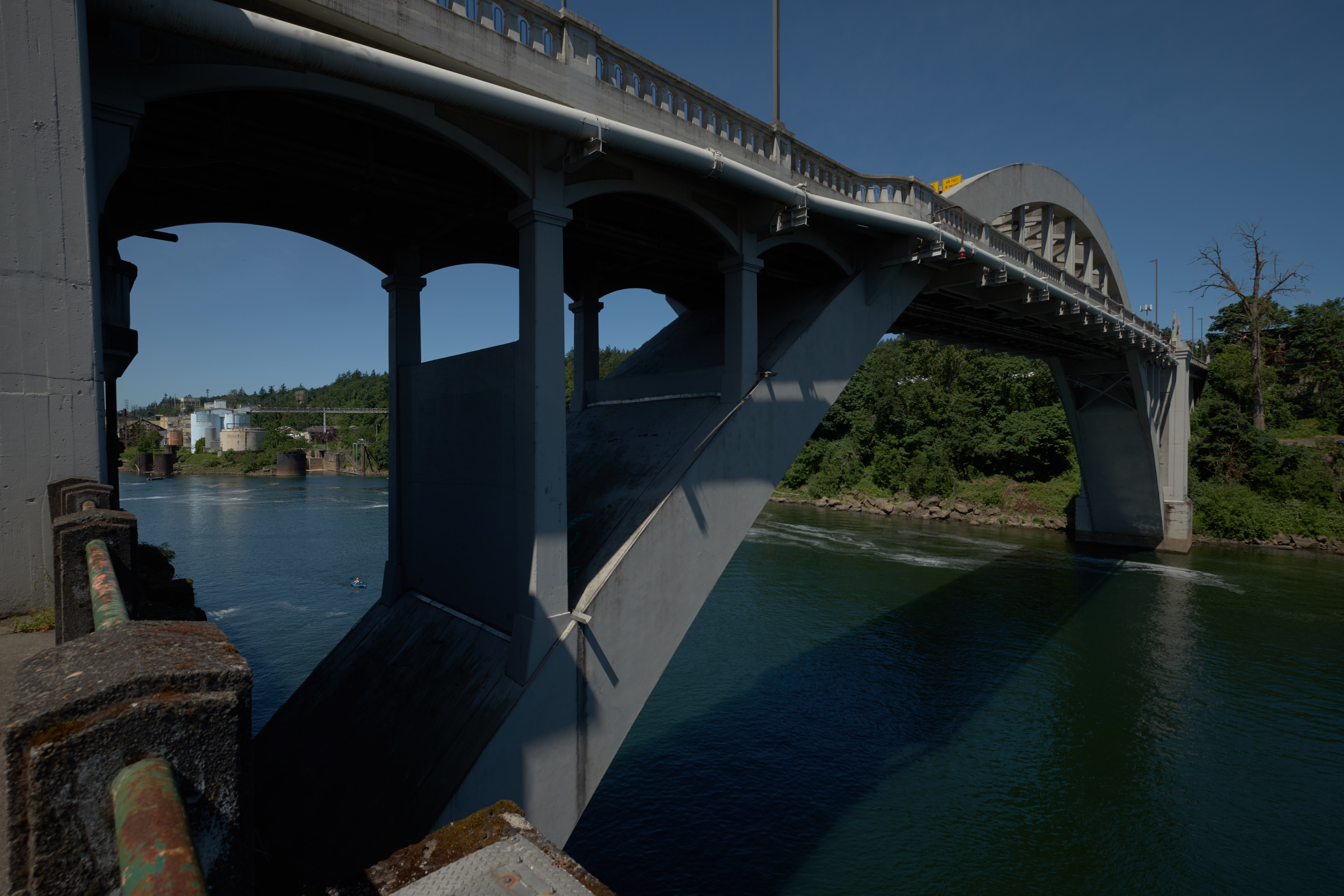
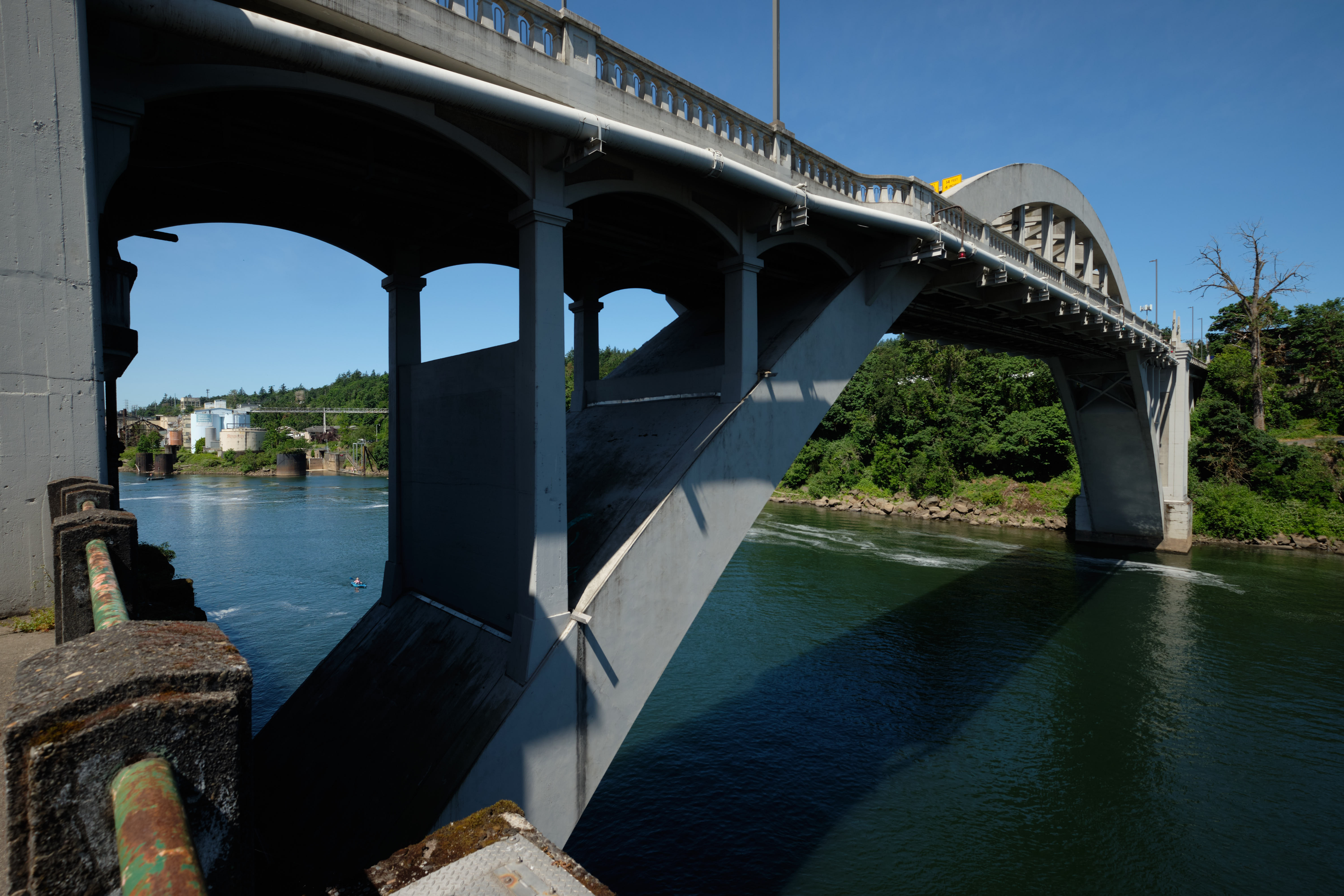
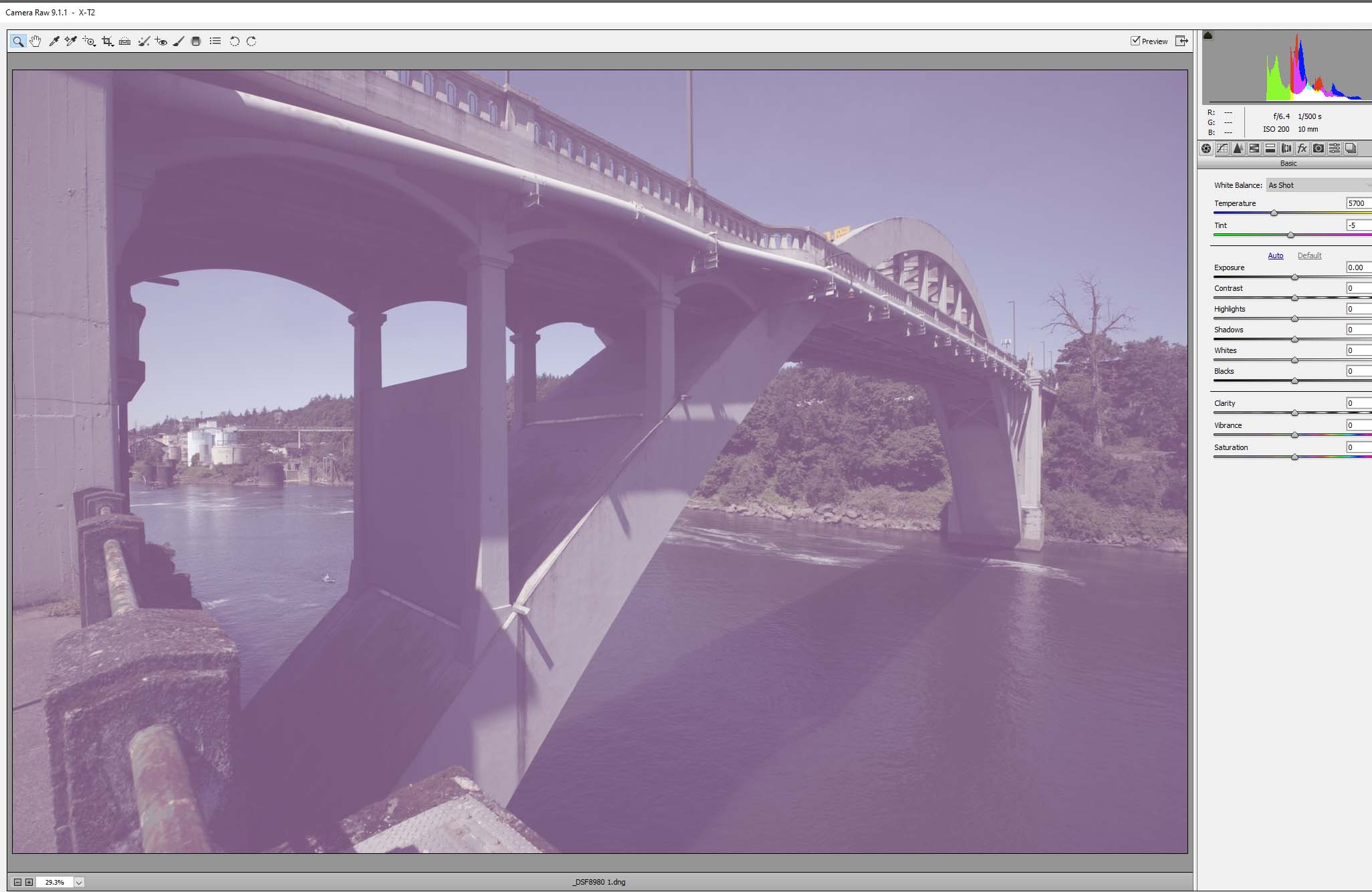 0
0 -
Thanks.. i am using an XT2 - i see that it does not do RAF to DNG for the the XT1 and XT3... and is mute on XT2.
the optimist in me hoped that the XT2 was supported for RAF to DNG.0

La publicación no admite más comentarios.
Comentarios
5 comentarios