15.3.1 - Viewer remains hidden in taskbar when desktop shortcut activated

Hi
I've recently purchased Capture One 22 to use on a new laptop. There were no previous versions. I downloaded and installed the program. On opening C1 from the desktop shortcut the icon appears on the taskbar but the window does not open. If I hold the cursor over the task bar icon I can see the page, clicking on it makes no difference, it does not open. If I click on the Task View icon on the task bar I can see a "Welcome to Capture One" window but only the header is displayed.
I'm running Windows 11 Home 64 Bit, AMD Ryzen 9 5900HX with 32GB Ram.
I have submitted a help request but if anyone is able to help, thanks.
Dave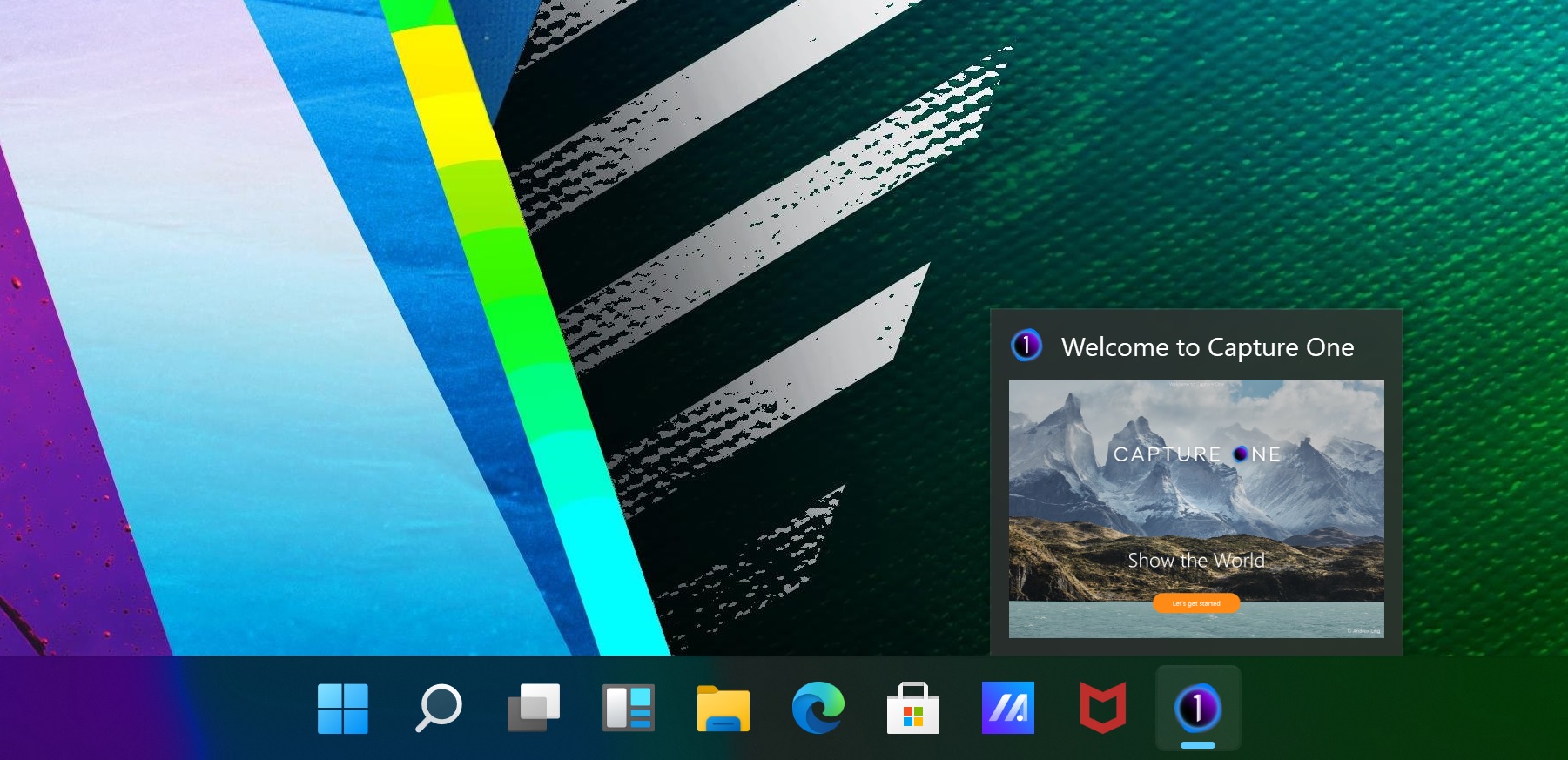

-
Update - Just had a Windows update notification about 10 mins after posting and it is now working fine.
0
La publicación no admite más comentarios.
Comentarios
1 comentario