Different Home Screen

I want to make adjustments to a dozen images at the same time.
In the Tutorial video I was sent, there is a "Q" tab top right
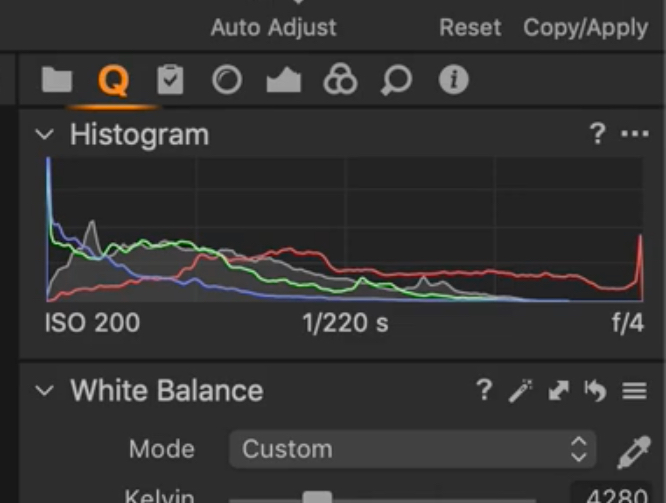
but I can't find it when I open C1, it's totally different.
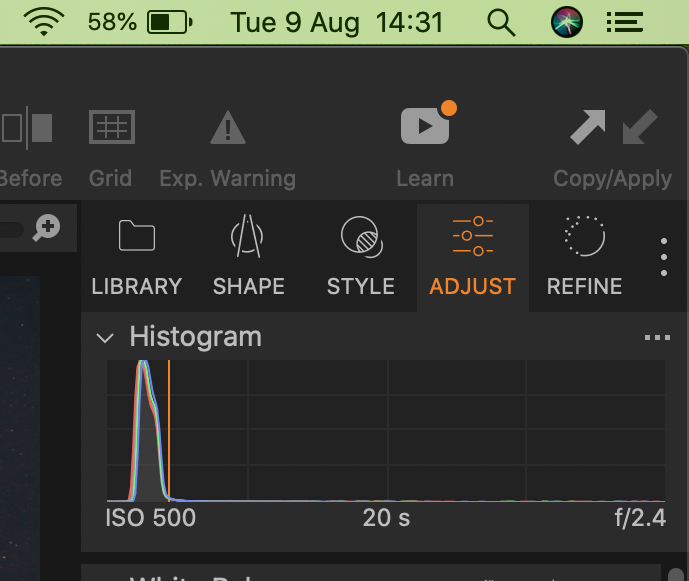
I want to do some bulk editing...........
-
It's in the Quick Tool tab. Click on the three dots to the right and add the tab.
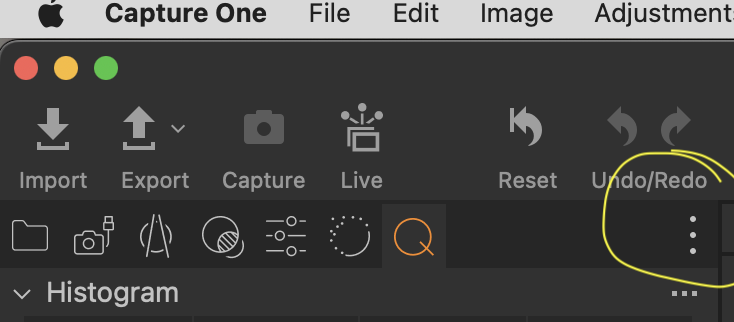
I think it may be part of the default work space, also.
0 -
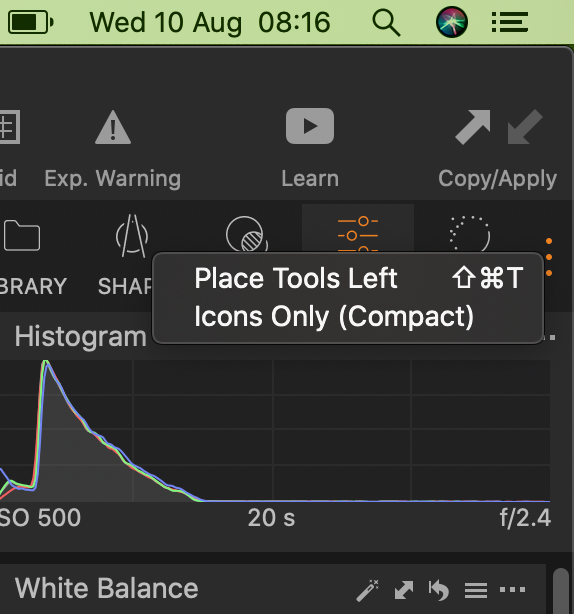
The only thing I get when I press the three dots is the option to move the tool bar to the right or left or to have icons only. Nothing about adding the "Q" or other tools?
 0
0 -
Are you using Capture One Express? The interface is not customisable in Express.
Ian
0 -
Cheddar-man
The only thing I get when I press the three dots is the option to move the tool bar to the right or left or to have icons only. Nothing about adding the "Q" or other tools?
My apologies - I misled you - I have no idea why! 😫 The three vertical dots allow some customisation of the look of the icons but not the content of any tool tab.
To add the Quick edit tab, right click on the tabs toolbar:

and click on the "Quick" option. That will add the Quick tools tab to your workspace.
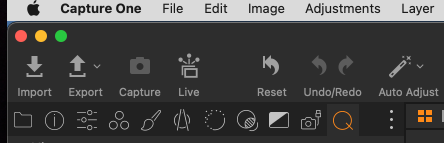
Sorry if I messed you around.
Shane
0 -
No problem Shane.
I think Ian has answered my question, yes I am using Capture One 22 Express for Sony so I guess I haven't got all the functions.
There should be a "Batch Job" under the File tab but there isn't 😭😭
I certainly can't afford the whole thing at £166 so will have to look elsewhere.
Thanks guys.
0 -
cheddar-man - as mentioned in the other thread you posted in, there isn't a Batch Job under the File tab in Capture One - that was Affinity!
But also, you can adjust several images at once, as I mentioned in my reply on the other post.
Ian
0

La publicación no admite más comentarios.
Comentarios
6 comentarios