Search tool in import cannot find picture

I'm having problems when trying to filter pictures by using the advanced search and EXIF data in Import.
I was trying to find pictures taken by a specific lens (Fujifilm XF50-140), so I added a criteria of "Camera lens" "contains" "Fujifilm" first. Oddly, Capture One says no results found, so I just manually find one of the pictures taken by that lens and check its EXIF in metadata tab.
Then confirmed that there is a tag named "Lens" under Vendor Specific and the value is "Fujifilm Fujinon XF50-140mmF2.8 R LM OIS WR". However, I still cannot find anything with it. I even tried "Any" "contains" "Fujifilm", still no results.
Is anybody experiencing the same problem? Am I doing anything wrong? Any advise are appreciated.
-

Select "filter" function. There you can select the camera brand and the lens, among other things.
0 -
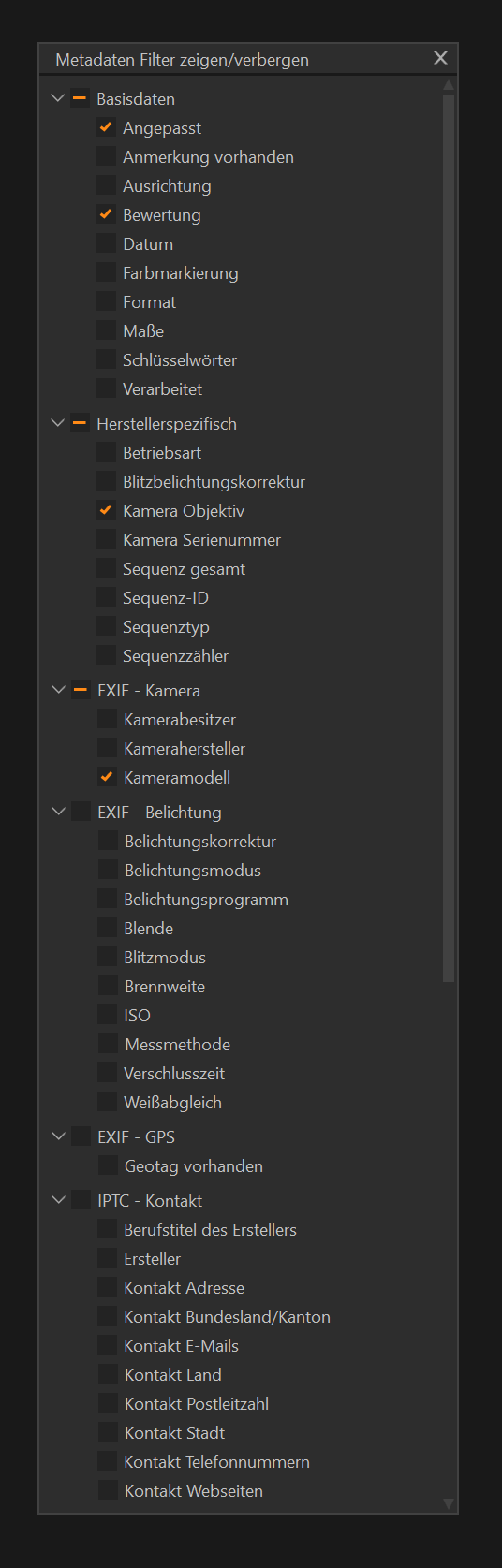 0
0 -

I just did a test using the same filter on already imported files and then opening the import window, pointing to the same source folder of those RAWs I already have in my catalogue.
I can confirm using the same filter that successfully finds images made with a specific lens in the catalogue browser (film-strip on the right) does NOT work in the import images dialogue.
The RAW file for sure contains lens metadata in its EXIF tags as indicated by ExifTool (or metadata tab in C1) + the fact the same filter works in the catalogue for already imported images.
Filtering on EXIF - Camera : Model also does not work.
EXIF- Exposure : Focal length and Aperture do work.0
La publicación no admite más comentarios.
Comentarios
3 comentarios