RGB View Similar to Lightroom

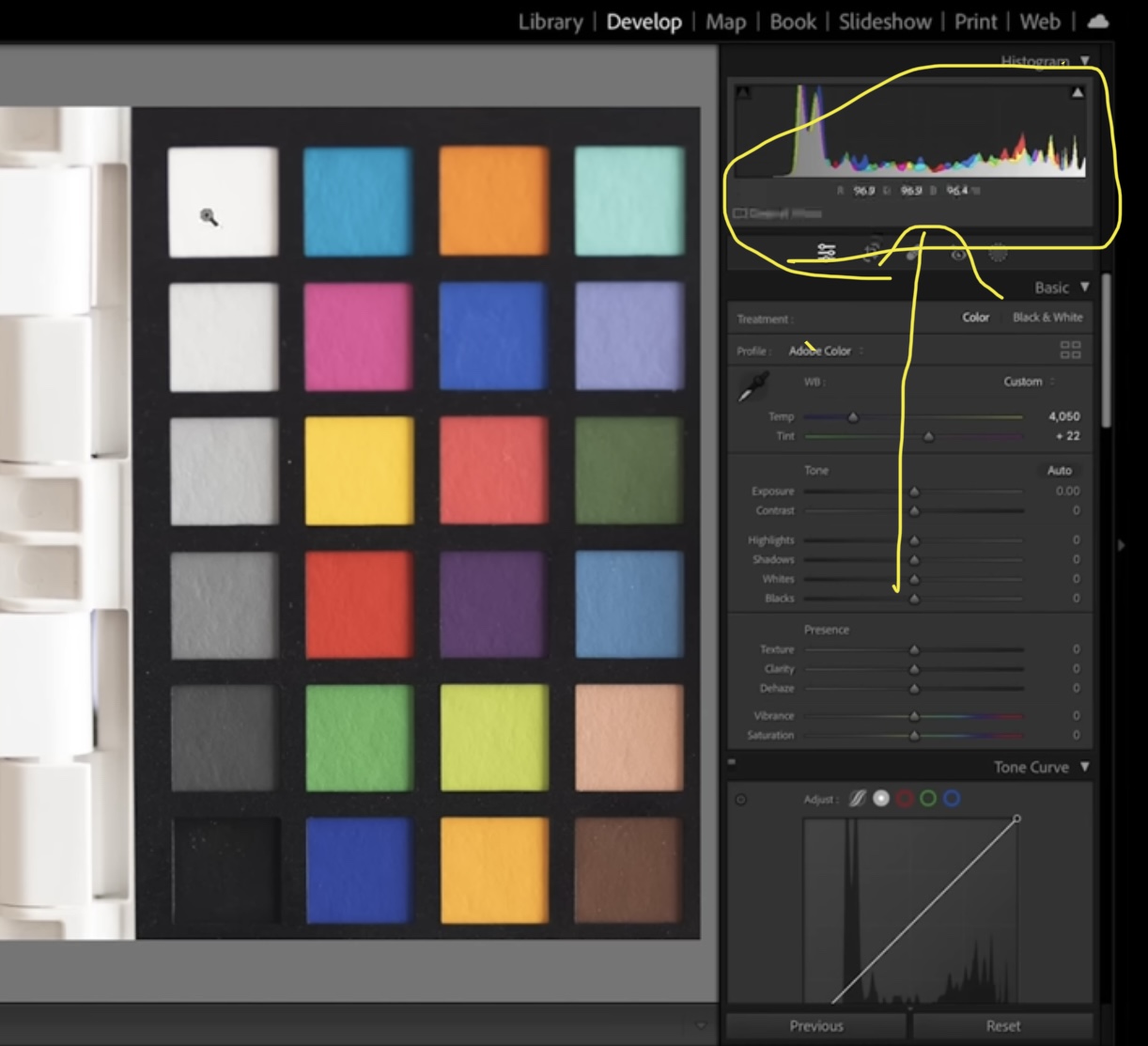
Sal Cincotta posted this video on YouTube regarding the color checker. His example was for Lightroom. I currently use Capture one. He was discussing RGB and how to view and change it in Lightroom when checking thr whites point and the black point to ensure correct.
Does any of my capture one users know how to view RGB on Capture one to chance the whites for example as close to 90% as possible
0
-

You can see the readout over the cursor above the image on the Viewer's toolbar. But of course Capture One has more options, for example you can place readout markers on the image using the Add Color Readout cursor tool.
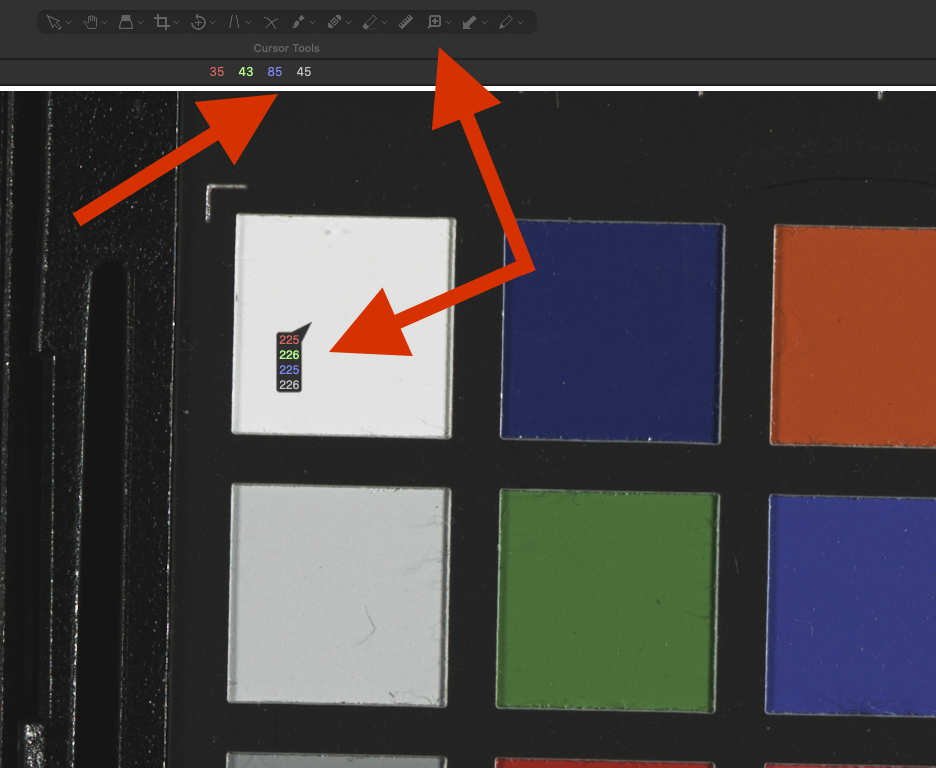
If you want to adjust the white point and black point as he does, you could use the Levels tool in Capture One, which is not available in Lightroom.
0
La publicación no admite más comentarios.
Comentarios
1 comentario