Cull page add tool disabled

Running pro version 16.0.1.17 on a MacBook Pro 2019. Inside the "Cull Images" modal window, I cannot "Add Tool" or change most common settings. I also clicked "Remove Filter Tool" and am unable to add it back. All tools are disabled/greyed out. I want to customize the cull page. Anybody know how do I fix this?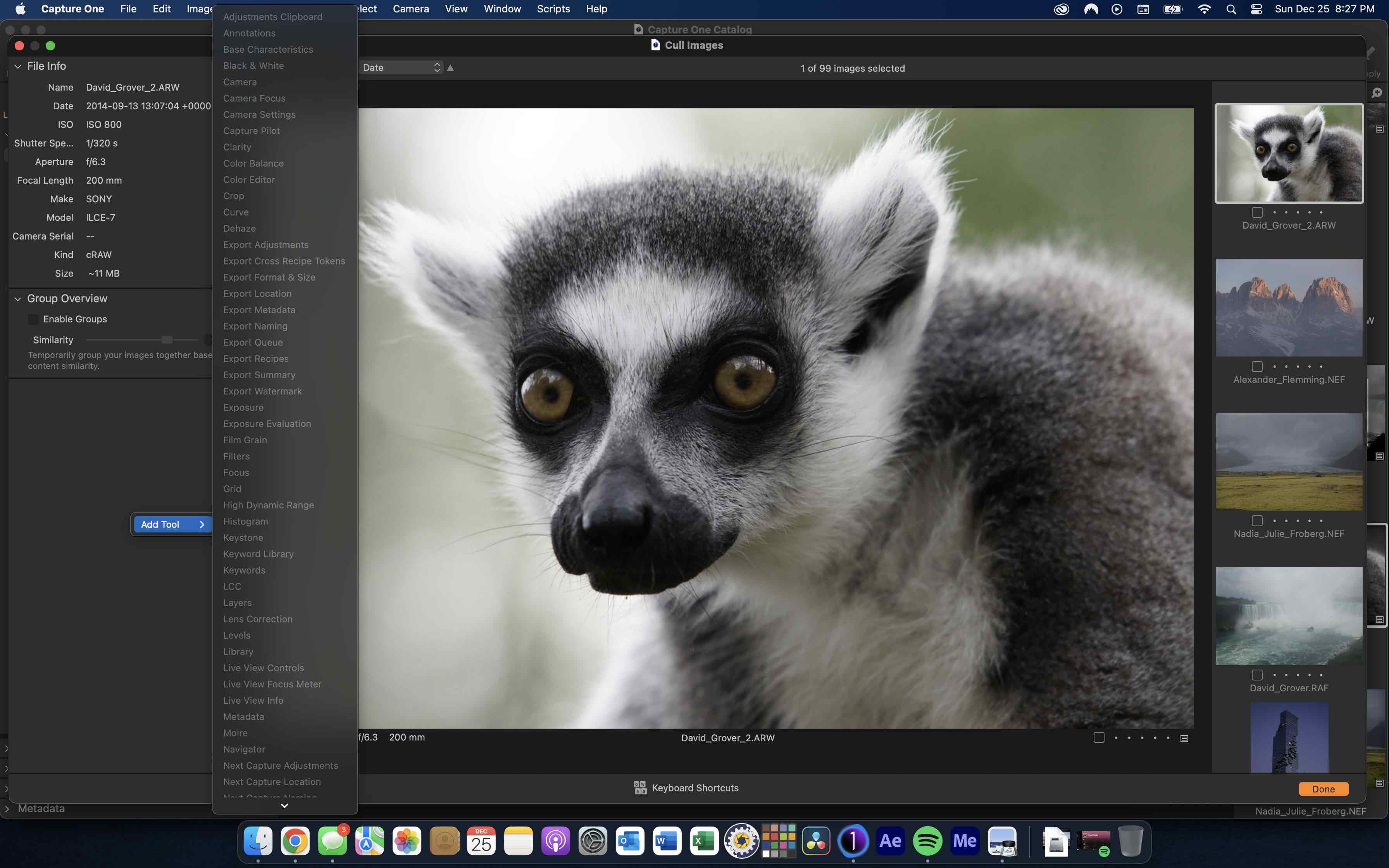
0
-

This looks like a bug (not being able to add Filters back) but it's not possible to add tools to the Cull window.
Please create a ticket and report not being able to add Filters as a bug, in order to make our support and R&D team aware of this issue.
You can do so here: https://support.captureone.com/hc/en-us/requests/new0
La publicación no admite más comentarios.
Comentarios
1 comentario