Photos are totally blurry

When I tether from my camera (Sony A7RIII), I get totally blurry images in Capture One.
The thumbnails are sharp though. And the photos are sharp as well on my camera. How can I fix this?
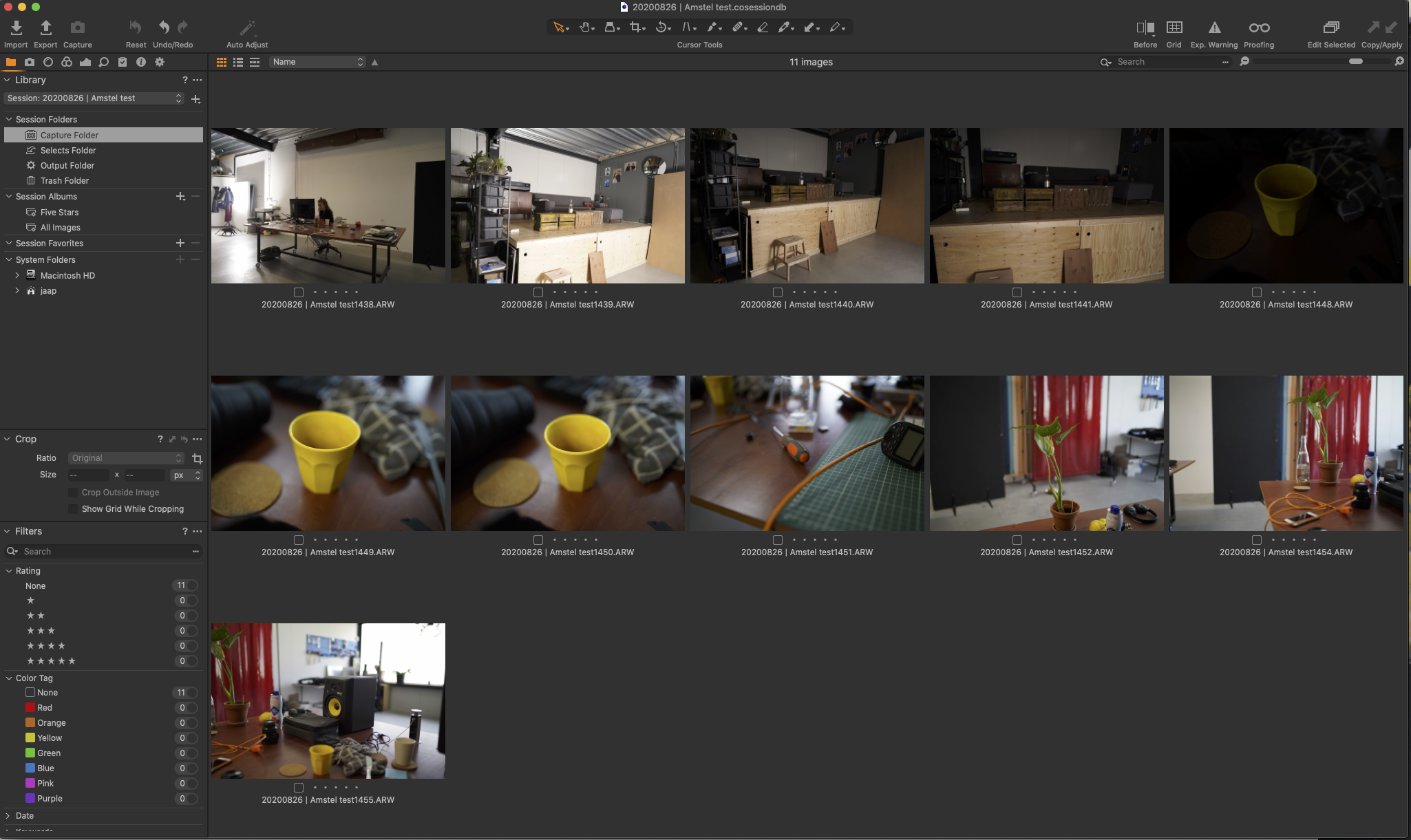
I already tried regenerating previews but there is no difference. I also tried an other tether cable, but this also has no effect. 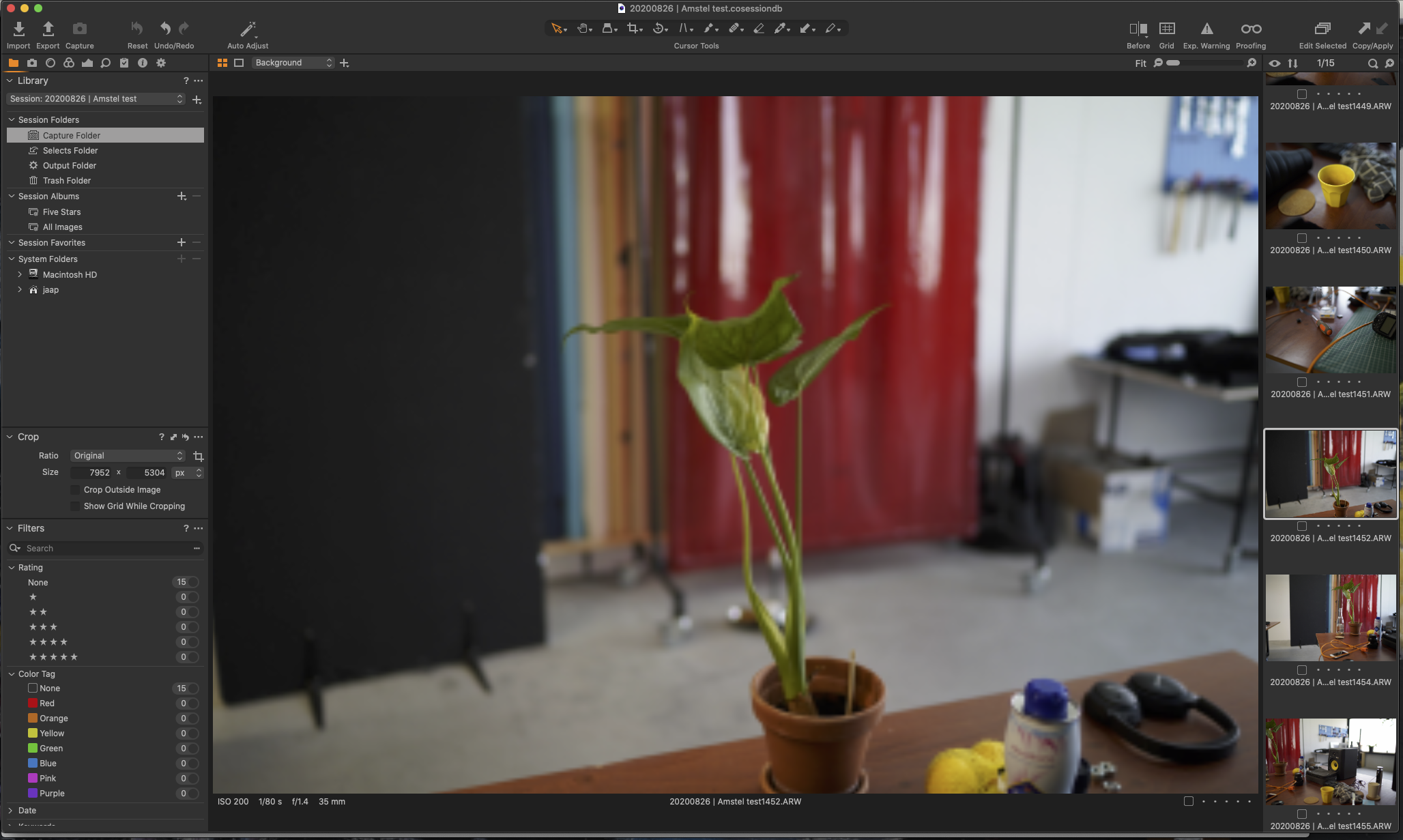
-
Hi Jaap,
You could try to disable hardware acceleration in the preferences. At least for the display.
0 -

Regenerating previews may not be enough. Try deleting
the whole actual thumbnails folder and then regenerate.0 -
Both solutions don't work
0 -

Jaap,
Thumbnails often look sharp (for thumbnails) even when they are not really sharp simply because of the reduced level of detail from far fewer pixels. The same can be said for camera screens.
Is there any sharpening applied to the image as part of the Capture process? You would need at least some sharpening to help form the data into something that the eye interprets as an image.
Now for the trickier question.
For the larger sample shot in the screen grab (never a great way to assess sharpness as it is the result of so many intrusive processes before it reaches the viewer) I see that you are using a 35mm lens at f/1.4. Presumably a large sensor? Focus on some part of the plant that is central to the frame?
What was the distance to the subject?
Have you calculated the DoF available?
I have to ask those questions as none of the other images in the screen shot (thumbnails) are big enough to assess whether the results are different for different subject matter. That said many of them look like they might have the same very small subject area in terms of the focal plane that would be the point of maximum sharpness. (Assuming that your primary focus selection is central to the frame in all cases. Also that the point of selected focus is not less than the minimum focusing distance of the lens. I doubt that it is but have no way of knowing so thought it best to mention it.
I cannot think of any aspect of the tether process, other than some adjustments perhaps applied as defaults(?), that might influence how the image is presented differently than it would be in the same situation with the same settings but shot without tethering.
So either the original is not sharp, or has not yet been sharpened in initial post processing or there is something happening that should, by all logic, apply to any image being processed no matter how it was captured.
0 -
Hello,
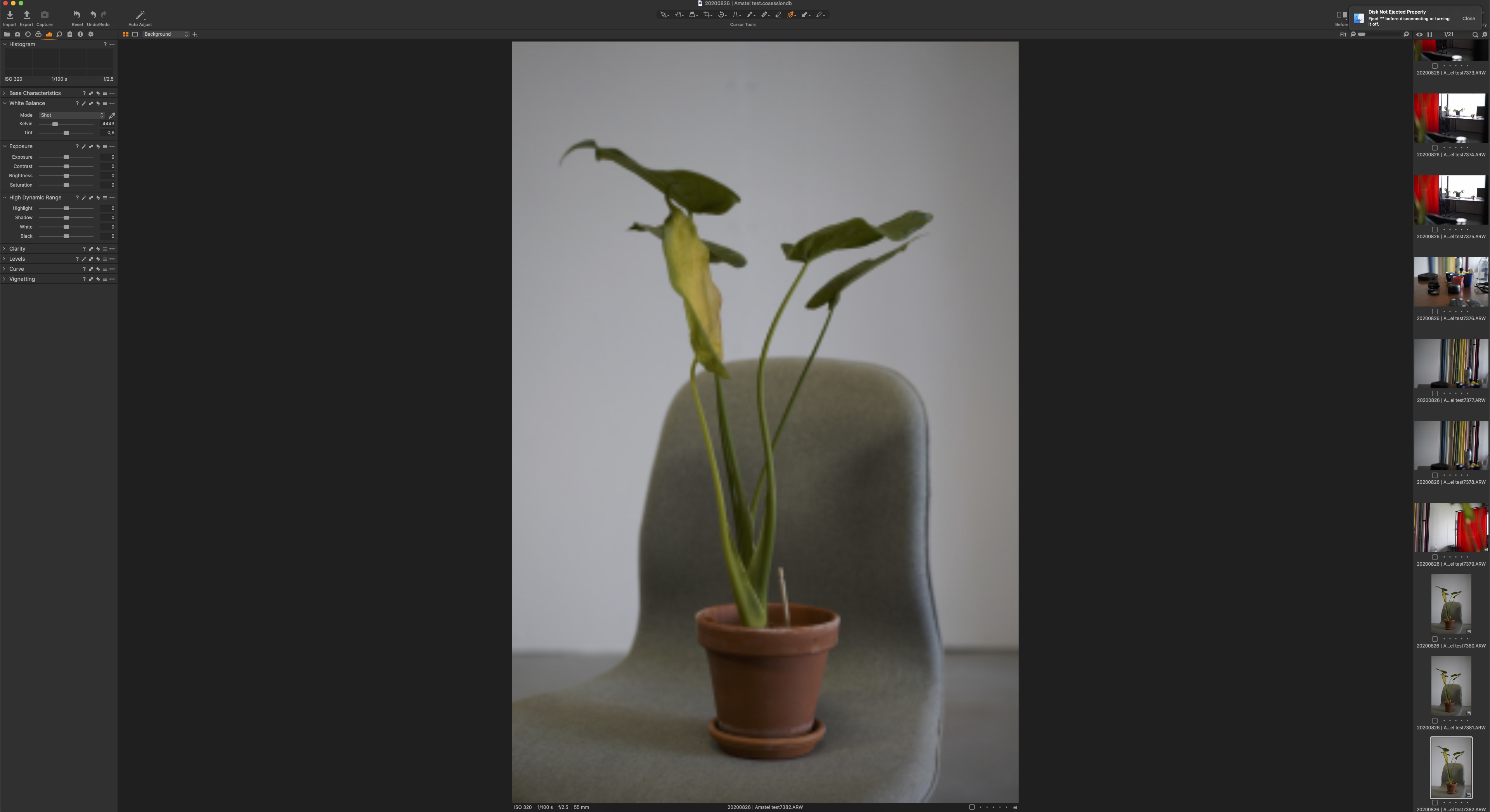
Thanks for the reply. I did a new test, here you can see the original photo and the photo how I see it in Capture.
So it's not any camera issues.
I also reinstalled Capture One but it didn't do anything.
 0
0
Cette publication n’accepte pas de commentaire.
Commentaires
5 commentaires