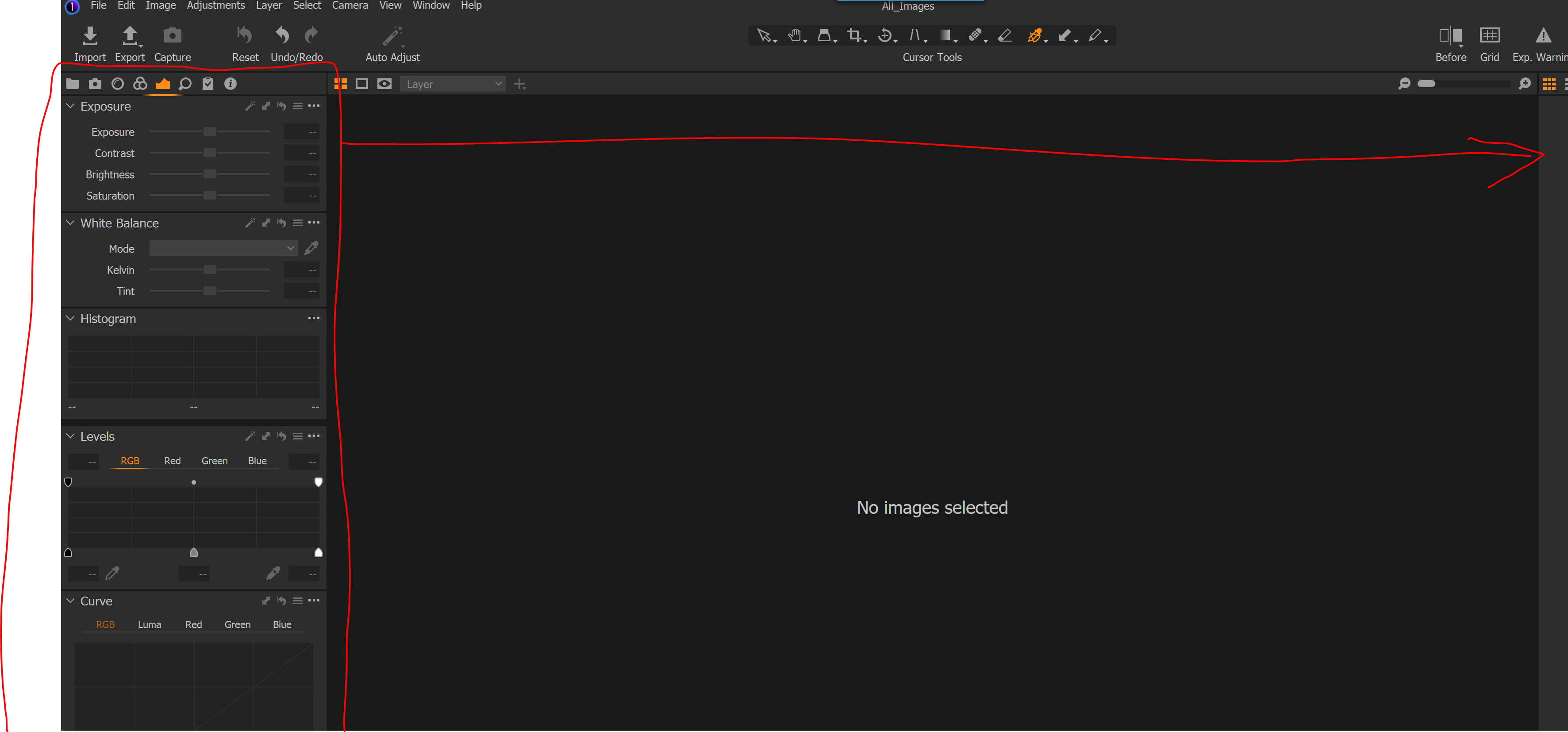
Having primary tool bar docked to the left side
Logged
Not sure if this is a feature or not, I have been using CO for a month now and have the tools I used pulled out into floating windows on my 2nd monitor..... is there a way to move this section to the right side of the primary screen and dock it and the thumbnails to the left side?
0
-
You can have the tools on the right, but then you will get the browser (thumbnails) on the left (or below if you prefer). If you go to View>Customise Tools>Place Right, that will move the tools to the right and the options for the Browser will then be Place Left or Place Below.
Ian
0 -
That was it... awesome...Thank you
0

Cette publication n’accepte pas de commentaire.
Commentaires
2 commentaires