Matching exposures and settings

Hello,
I am shooting a time lapse and throughout about 2,000+ images it seems that some frames aren't 100% the same in terms of coloring. The settings are identical.
I was wondering if there was a feature in capture one that would sort of match the tonality between images to be more approximate?
Thanks!
-

You could try auto wb and auto levels.
0 -

Use the Normalize tool. You'll have to right click in the tools section and select Add Tool.
It is designed specifically for this. Here's a quick video that shows you how to add the tool and basic usage. https://www.youtube.com/watch?v=pQIIxzFME-w
2 -
Yes Brian. Forgot about that. Thank you for remembering me.
0 -
Thank you both for the replies. Unfortunately neither did the trick.
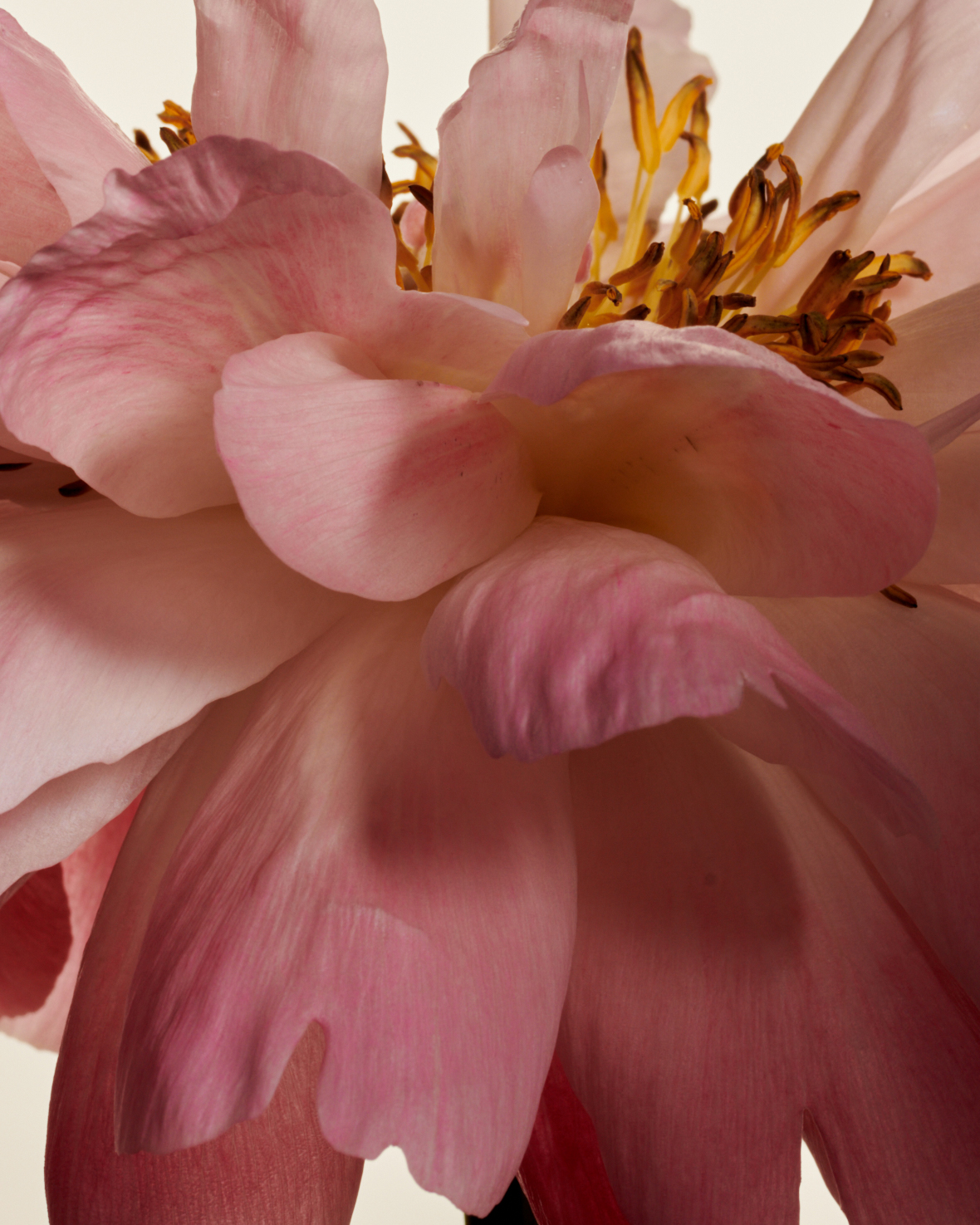
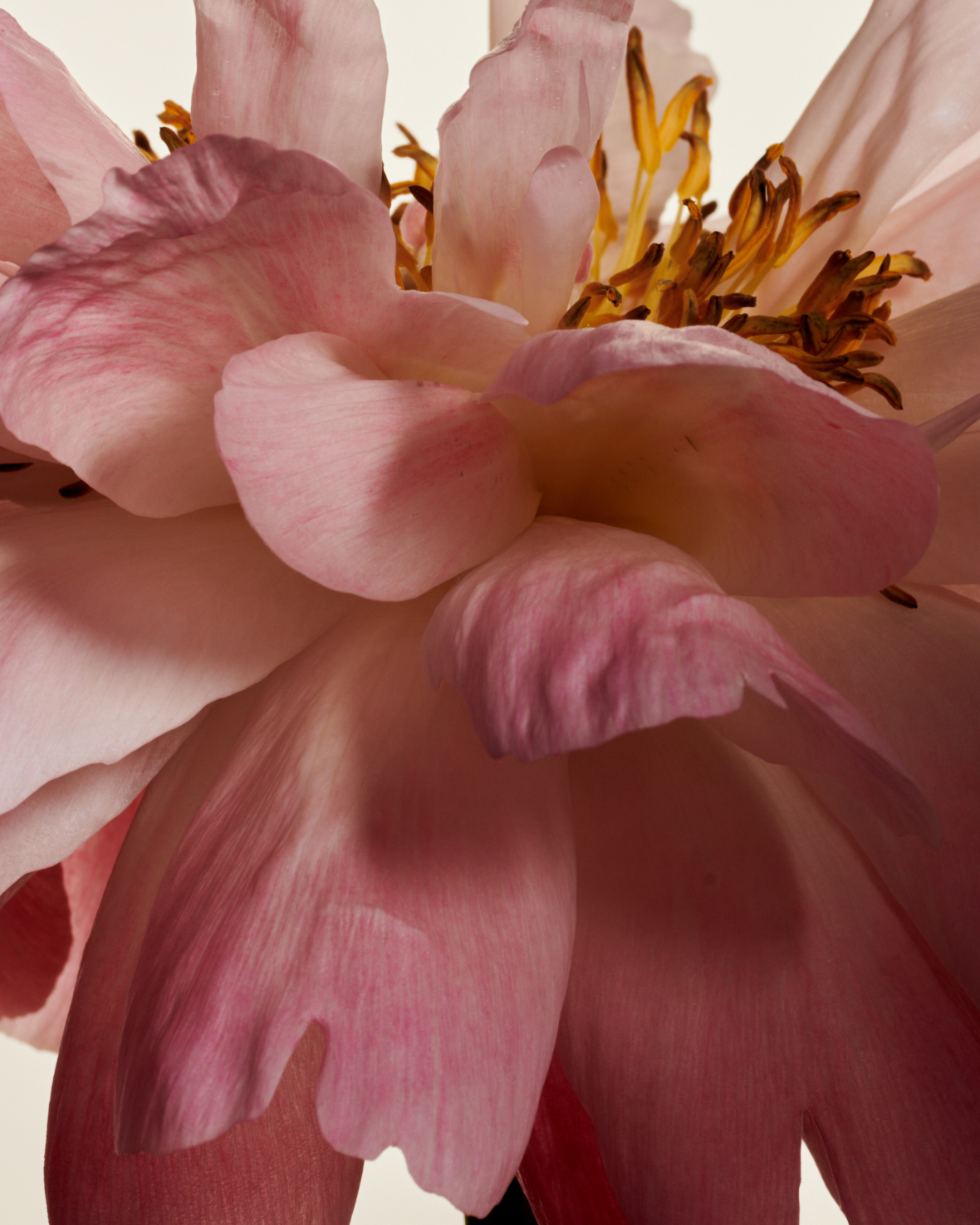
I took a time lapse of a flower, one frame every 5 minutes. I am not sure what changed in some of the frames, in most everything is identical, in some, it seems the shadows are a bit darker, as if there was more contrast.I suppose the easiest solution is to just remove the few frames that aren't the same tonality, exposure and coloring.
 0
0 -
With the attached photos, you can see it best if you import them as layers into photoshop and then toggle between the two. It's as if the second has more clarity, contrast, dehaze or something like that.
When I toggle between the two images, they appear to have identical settings in CaptureOne.
0 -
I believe I might have found the culprit...
It seems that the dehaze tool is sampling a different color for the "Shadow Tone". They are all on auto, and for some reason, on the second shot, it sampled a different color.
It appears that I cannot copy the dehaze / shadow tone from one image to the next?0
投稿コメントは受け付けていません。
コメント
6件のコメント