Can not export photos anymore

Hi everyone,
I can not export my photos. I upgraded my apple pro to Sonoma 14.1.1 and I have a Capture one 23 Pro 16.1.3.10
This happened recently, and I had written about it here in the chat group and someone told to export directly to my hard drive. It has been working fine like that for a couple of weeks but now it just shows that its thinking and trying to export, the wheels are turning, but it won't export at all. I restarted my computer numerous times without luck. I have a deadline this week, super stressed. Please HELP!
Best,
Edda
-
Hi Edda,
Good hints (unfortunately only for the next time):
You should always check this page before upgrading your OS:
And don't touch a running system close to a deadline (this includes don't upgrade C1).
It seems for Sonoma you need 16.2. Maybe you can downgrade your OS? (I am not a Mac guy so I cannot really help).
0 -

problem solved: my issue was caused by my vpn app that is also protecting from malware ... it has always overwritten the permissions when it was active. I deactivated, set the permissions right and it was all good again :)
Hi there
I can't export either. Since a few weeks, without any changes in my system (I think).
the "export" process window is shown is super short even with lots of images.
the little orange sign saying this pic has been developed before in the preview is not shown.
The exported items are shown in the "developed" queue but are not showing up in any folder.
I've updated c23, tried different folder, different sessions, different shots. I've App-Cleaned and re-installed. Always same result.
I'm running C23 16.2.6.7 on M1 MacBook Pro Max, 64GB, 4TB, OS Monterey 12.7.2
1 -

E' stato risolto questo problema? io non riesco ad esportare
Capture 23 16.2.6.7
Mac Os Sonoma 14.6.1
0 -
What do you mean by not being able to export? What happens? How are you trying to export? Where are you trying to export to, and in what format? Does Capture One have the appropriate permissions in MacOS settings to access the location you are trying to export to?
Also, I see that you are using Capture One 23 16.2.6. It supports macOS Sonoma up to release 14.0 according to the release notes here.
https://support.captureone.com/hc/en-us/articles/14219459895837-Capture-One-23-16-2-6-release-notes
It is possible that your version of MacOS won't work properly with your version of Capture One.
Ian
0 -
può essere che nelle preferenze di sistema, non si riesce a dare il permesso a Capture One 23 ad accedere alle cartelle?
0 -
It should be possible to give permission to it in the system preferences.
The simplest way is in the Privacy and Security section of Settings to go to Full Disk Access and give that permission to Capture One. (Sorry I don't know what it says there in Italian.)
But you still have the problem that it may not work properly anyway with Sonoma 14.6.1. (I'm not saying it won't, but it's unsupported, so there may be problems.)
Ian
0 -
There was an issue with iCloud exporting that was resolved in a later update. You would need to look at the release notes for each update to determine which update fixed it.
0 -
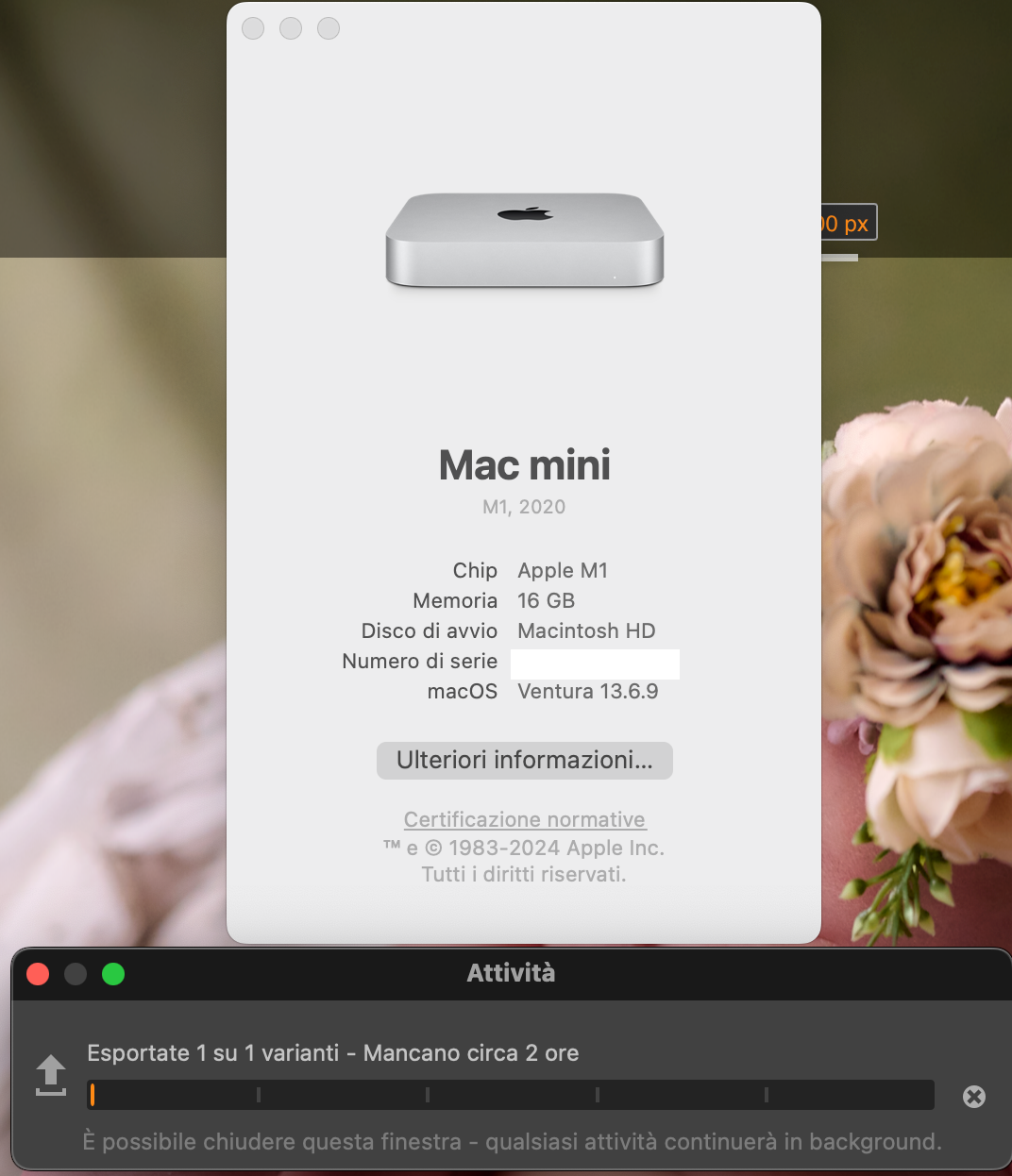
Purtroppo anche facendo il downgrade, il bug rimane
 0
0


投稿コメントは受け付けていません。
コメント
8件のコメント