it doesn't start without any error

Capture one it doesn't start without any error.
after clicking on the icon nothing appears at all and it doesn't launch.
I have Windows 10 with updates installed.
I see an error in the event viewer:
Faulting Application Name: CaptureOne.exe, Version: 16.5.1.2546, Timestamp: 0x666b0000
Faulting Module Name: coreclr.dll, Version: 8.0.724.31311, Timestamp: 0x666b49de
Exception Code: 0xc0000005
Error Offset: 0x00000000001cccc6
Faulting Process ID: 0x4e2c
Faulting Application Start Time: 0x01db3e44639279a7
Faulting Application Path: C:\Program Files\Capture One\CaptureOne.exe
Faulting Module Path: C:\Program Files\dotnet\shared\Microsoft.NETCore.App\8.0.7\coreclr.dll
Message ID: 40f3b176-9689-4921-8a28-f37c15b1fc4c
Full name of the failing package:
Application ID associated with the failing package:
-

For me it's the same! But only under Windows 11 - 23H2.
On Apple MacBook is all ok!
Previous Version of Capture One (16.2) was also ok on Windows 11!0 -

I'm still having those crashes after updating to 16.5.1.2546 too. Installed all of Microsoft's latest patches before updating Capture One.
0 -
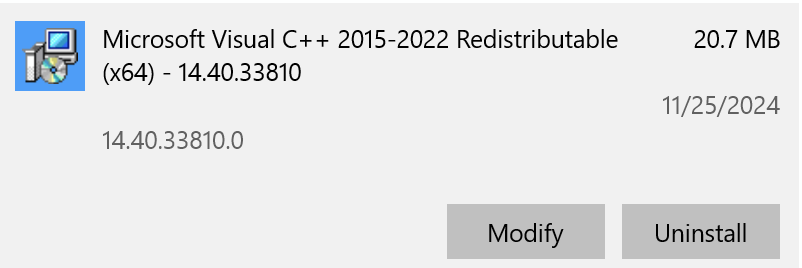
I just performed a "repair" the the Microsoft library Visual C++ 2015-2022 Redistributable (x64) and then
rebooted. This fixed the problem for me.
 1
1 -
I think that was the Problem!
Capture One starts now.Thank you
0
投稿コメントは受け付けていません。
コメント
4件のコメント