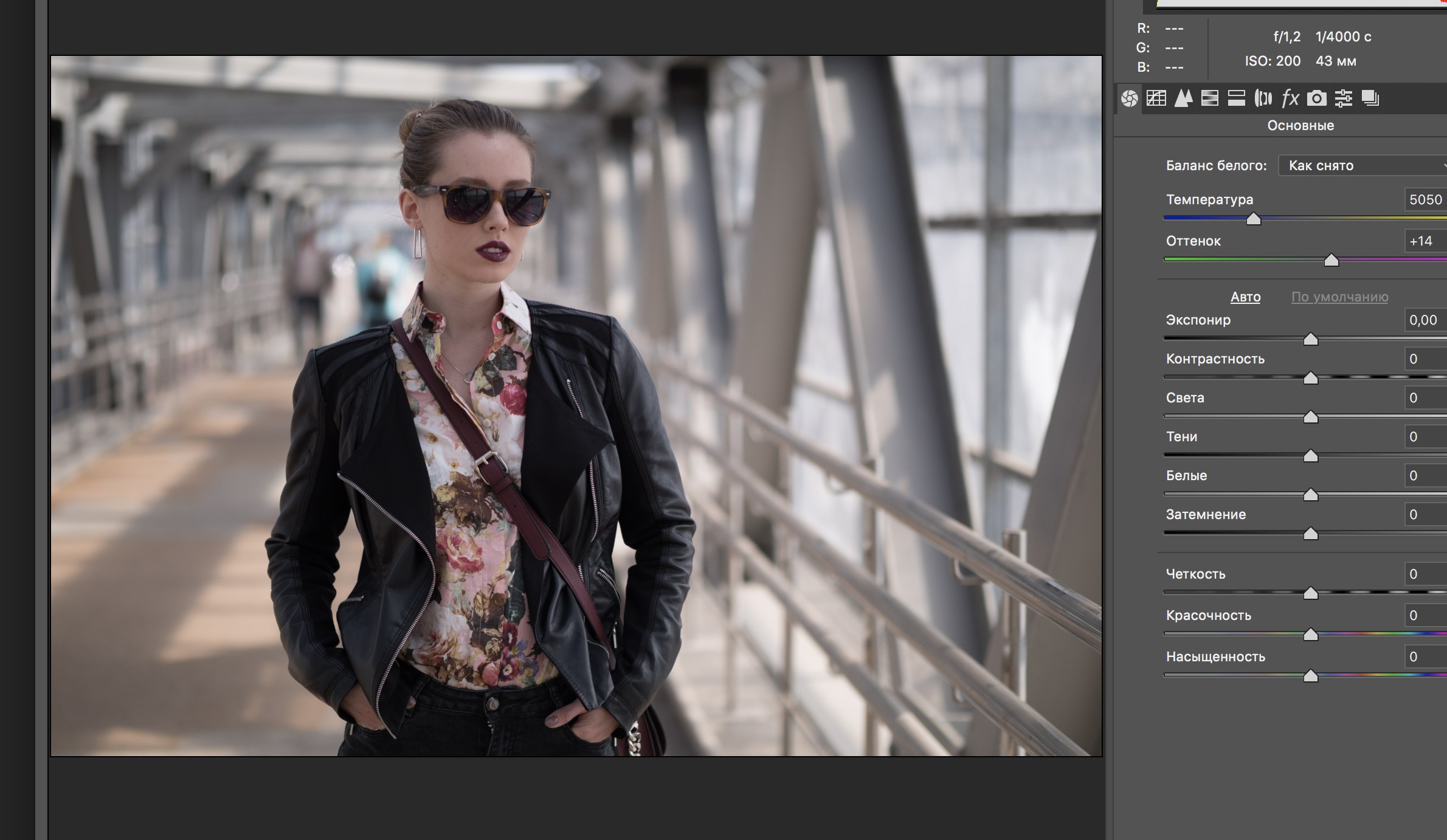
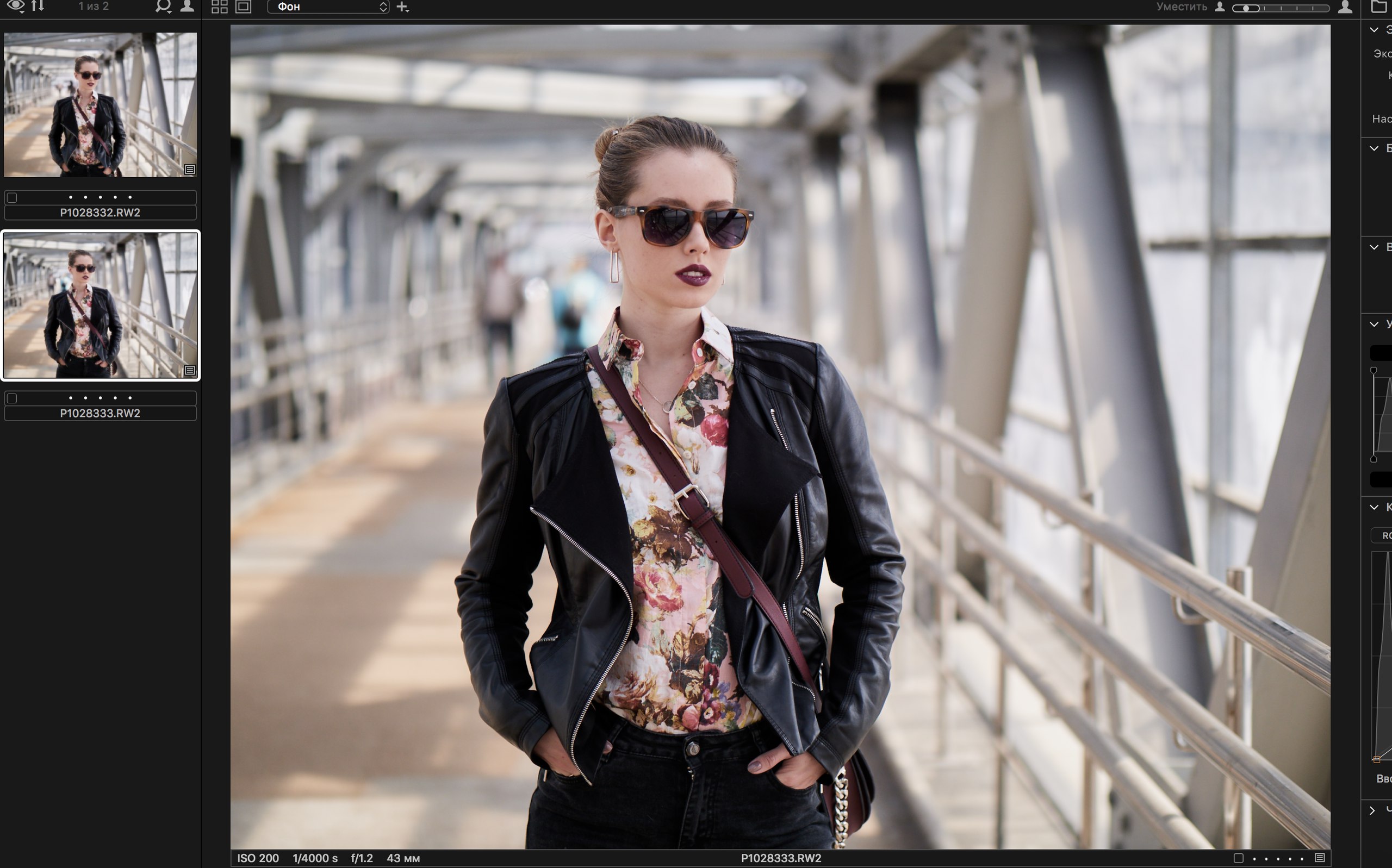
4:3 -> 3:2

0
-

Hi,
I wonder if Panasonic G9 is supported by Capture One yet. This could be the reason you can't get the requested framing.0 -

Of course you need to crop in the software after importing a RAW file.
The 1:1 format of the image is used during import, everything after that is done by the user.
Maybe create a recipe with the desired ratio and apply this during import?0 -

I would create a preset with your desired crop and apply this during import. 0 -
[quote="tenmangu81" wrote:
Hi,
I wonder if Panasonic G9 is supported by Capture One yet. This could be the reason you can't get the requested framing.
Panasonic G9 support is in Capture One 11.1 released today.
Ian0 -
[quote="tenmangu81" wrote:
Hi,
I wonder if Panasonic G9 is supported by Capture One yet. This could be the reason you can't get the requested framing.
Did you see the photos? The one in Photoshop was cropped, the C1 was original take a better look 😊0 -

I am also not sure what you are referring to regarding Capture One lacking 3:2 cropping. This ratio is available in the crop tool. The only cropping on import results from correction of lens distortion, but this does not affect the horizontal:vertical ratio and it can be seen by clicking on the crop tool.
Regardless, I tend to shoot wider than I think I need and crop as the last step in correcting perspective and lens distortion. It is very disappointing to find that a great image ends up with essential parts outside of the cropped area out after correcting lens distortion correction, keystone correction, and straightening.0

投稿コメントは受け付けていません。
コメント
6件のコメント