Application keeps going through my photos (orange pie)

I don't know why this keeps happening but it's very annoying. I play around in C1 applying filters, going in different folders. The problem is sometime when I go back to "All images" C1 decides that it needs to go through ALL my images again. I can see the total amount of pictures for each filter going up like C1 it's rescanning the whole thing (6k images). I see the "None" amount for both color and rating going from 1 to 6,265 and images start to reappear in my viewer.
https://i.imgur.com/I3IgSnd.png
https://i.imgur.com/I3IgSnd.png
0
-
I just realized it also does that every time I open the catalog.
https://i.imgur.com/GIyF0cZ.png0 -

Do you, by any chance, have full XML sync enabled?
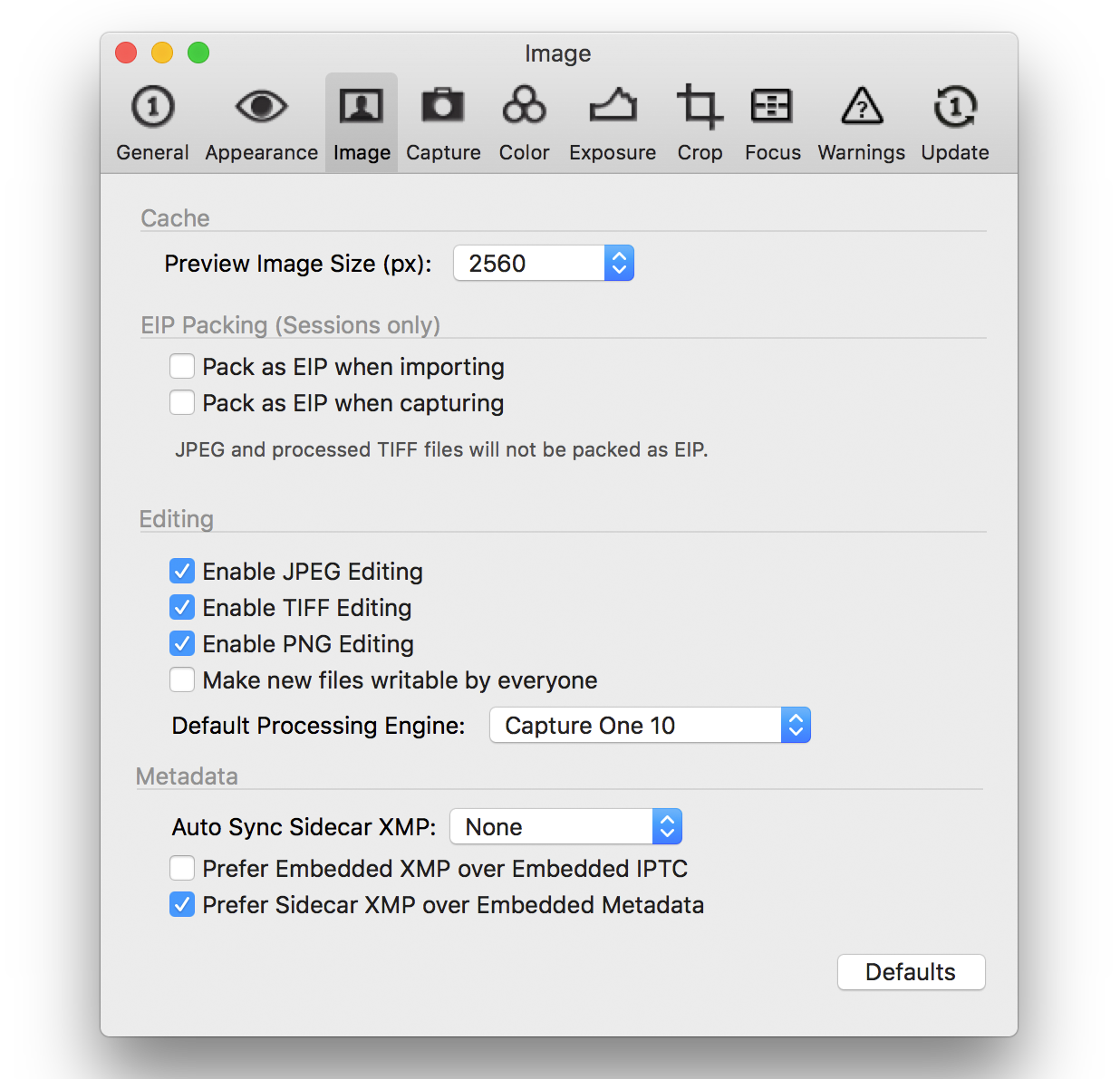
More specifically, in this dialog, what's the setting for Auto Sync Sidecar XMP?0 -
[quote="NN635474536475599539UL" wrote:
Do you, by any chance, have full XML sync enabled?
More specifically, in this dialog, what's the setting for Auto Sync Sidecar XMP?
It's set to none.
https://i.imgur.com/bLhCEb4.png0 -
I recorded my issue. Just opened C1 and again for no apparent reason the app decides to search for files. You can see the filter totals going up. Images appear in the viewer continuously. Orange pie at the top. This happens non-stop and it's very annoying.
https://www.youtube.com/watch?v=QkoOjzDeLQY0 -

Every time you query the database, it has to look through the whole thing to return a result. It's the curse of a database engine.
I do think, however, that better implementations could be in place.
My workaround most of the time is to work by memory, browsing through the folder structures in the catalog.
I suspect this is why the average CO user prefers to use Sessions instead of catalogs, which relies more on the OS filesystem.0 -
Also, some people suggest removing the filters tool that you are looking at in the video. 0
投稿コメントは受け付けていません。
コメント
6件のコメント