Want to use 3 monitors with 20 Pro - possible?

Just bought C1 20 Pro but very very frustrated about how to use it.
I have a P73 color calibrated laptop, an Eizo ColorEdge CG2730 and a simple ASUS wide monitor. Would very much like to have full-screen image (being edited) on the Eizo, Editing tool tabs (White Balance, Color editor, etc.) on the ASUS and a catalog of images on the P73.
Is this possible - tried for hours but can't get C1 to let me use more than 2 screens.
Any help/advice is very appreciated!
And any good video tutorials on getting set up? Most are a bit confusing....
-

AFAIK the tool tabs column area cannot be separated from the browser area.
The best you can do with a third monitor is left-click/drag any tool windows you need out of the tool tabs column and onto the third monitor and save it as a new work space.
I thought the tools area might disappear if I deleted all tool tabs but C1 requires at least one tool tab to be there.
0 -

Jeffrey,
I guess you are running Windows ? The Mac version has the possibility to open a large browser window and a large viewer window. So, it should be possible to setup a workspace approaching what you want : large viewer on the Eizo, large browser on the P73 and C1 main window reduced to the editing tools palette on the Asus (however, this should be tested on a Mac since I'm not sure that the large browser window and the large viewer window can be opened simultaneously).
Unfortunately, the Windows users didn't deserve the large browser window feature. Don't ask me the reason of this arbitrary punishment.
1 -

It is possible to do what you want, but the implementation may be a little different than what you expect. It is possible to use Dual Screen mode from the workspaces menu item, then you can setup a floating tool set that you can drag to the third screen. I think this meets your requirement although you will not have tool tabs as per the normal setup, you just create a floating tool set of the tools you usually use. It is possible to have any of your tools floating. In this way you can have the browser window in one screen, an edit (viewer) window on another screen and tools on a third.
You can then save it as a new workspace and then it should return as ans when you like.
0 -
Many thanks to all for your help. The editing features are very compelling - I can't believe how awkward the PS interface looks to me after working with C1, plus the images are treated better as well. I will try your implementation - I think t wil work. I just need to do as you say and save that workspace after it is set up.
How long would you say your learning curve was for this software? Stil in search of a good tutorial.... As a newbie, your kind responses are very appreciated. I'll just keep trying...
0 -
Jeffrey,
Personally I found the transition from LR fairly easy. My view would be that although on the surface it looks complicated, it does have very similar tools to LR if organised differently. I think the key is to setup the user interface how you like it, C1 is certainly more configurable than any other application I have ever used. Have a think about the tools that you use regularly based on your workflow, and create a set of floating tools that fit your needs. It is maybe worth getting used to it in Dual Monitor mode and then figure out the tools that you use regularly before creating a floating tool set, then as you understand the tools you mostly use then float them. Generally I tend to use the Library, Lens, Exposure, Colour and Output tabs the most in my workflow.
I would suggest watching the C1 youtube videos and also those from Paul Reiffer as he has done a lot of 'Edit With' session that give a view of the practical application of the tools contained within C1. Both channels are very good.
I would say that the more complex things to grasp are 'masking and luma ranges' and 'Colour Balance and Colour Editor, all of which are very powerful so worth getting to grips with.
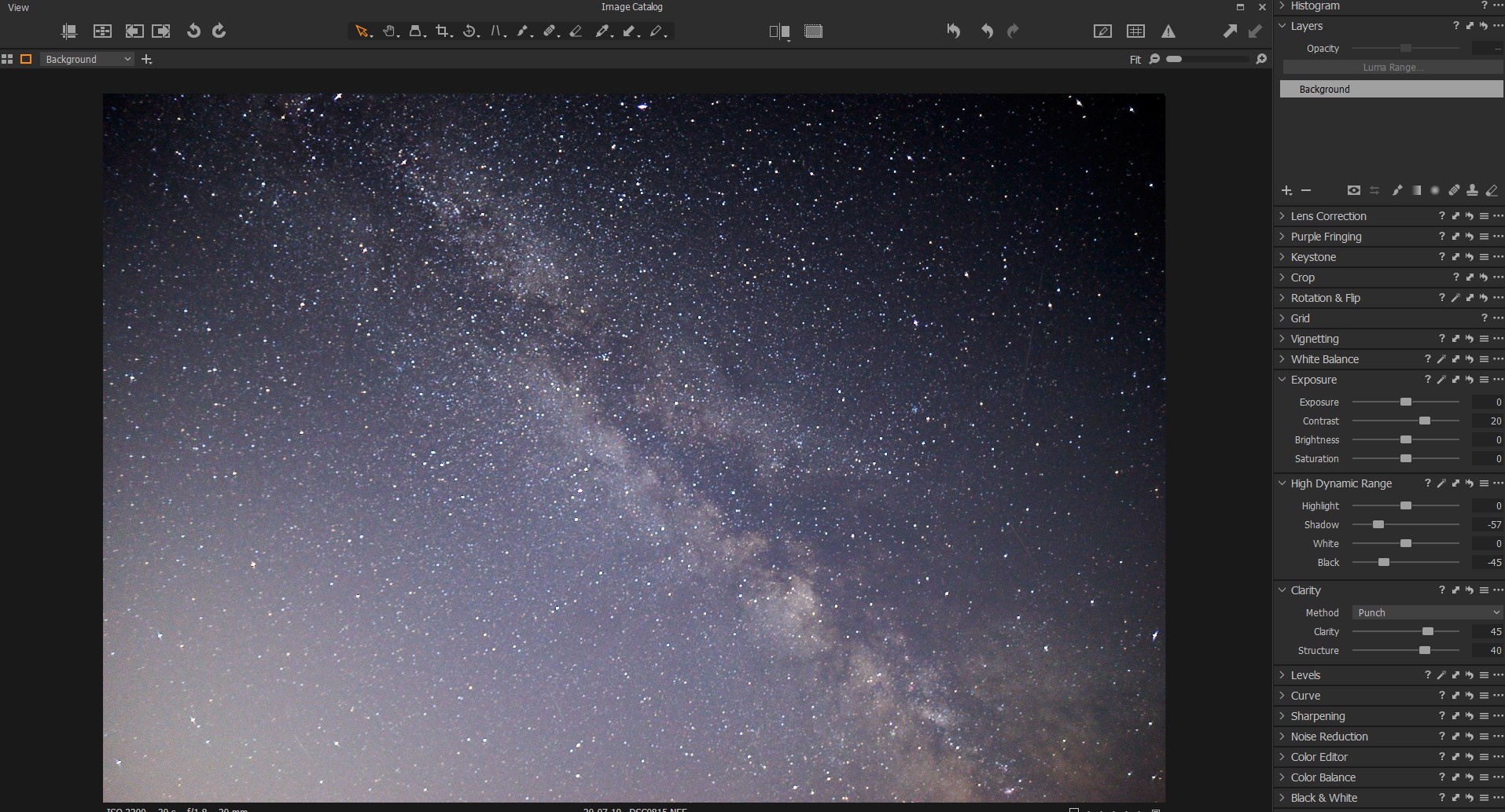
I was not at my main computer when I initially replied, so I now post an example of a floating tool set I created for dual monitor work. I don't have three screens, so I keep the floating tools along side the viewer, but there is no reason why they cannot be dragged anywhere. The other screen I keep the browser and the catalogue (library) structure.
 0
0
投稿コメントは受け付けていません。
コメント
5件のコメント