cymk/rgb values

Hi there, I did a catalog shoot of some sunglasses on a white background. On my first shot I made a custom profile with color checker passport and balanced the white background rgb values to 255,255,255
The designer now comes back to me and says all the white background aren´t 100% white and sends me a screen capture of photoshop cmyk values showing only yellow on 1,43%, the rest (C,M,K) are 0
I am no expert on this, but I would expect 255,255,255 rgb to be the same as 0,0,0,0 cymk. It turns out I am wrong about this.
Q1:
how can I check the cymk value of the background in capture one? I cannot find where to switch the rgb to cymk
Q2:
can you guys think of a batch process to correct all 200 images for 0,0,0,0 cymk?
THanks
-

Hi Andrew,
The RGB and CMYK values depend on the colour space/profile you are working in. If your designer doesn't use the same colour space as you do (which looks obvious, as it is a CMYK space), it is not surprising that his CMYK values are not zero when you have 255 in RGB.
I would suggest you to ask him his CMYK colour space and create a process receipe with it. The values displayed on top of your image will then show percentages in the CMYK scale.
1 -
thanks for tuning in Robert. So would it be correct if I export the files as CMYK files from capture one and not as sRGB or Adobe RGB?
and I have to ask my designer which one of the following profiles they are using? Correct?
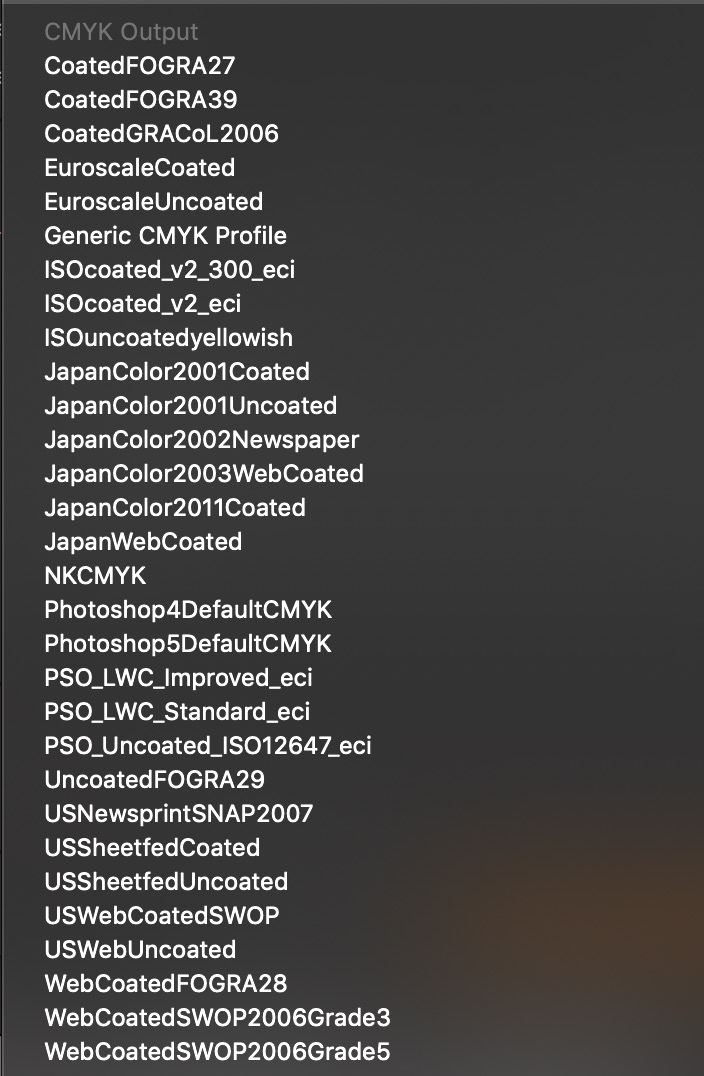 0
0 -
It depends upon what your designer ask for. If he asks for sRGB or Adobe RGB, no way, you should do it. But you can work using his CMYK profile in order to adjust your white to zero, and then send the RGB image.
Of course, if he is pleased with receiving a CMYK image, do it ! It would be even better.
1 -

...please, please no ! don´t deliver CMYK files when you don't need and don't have a clear understanding how CMYK works !
the only way to guaranty that you have no printing point in cmyk is transparency ! there are to many variables in rgb to cmyk conversion, software, settings, cms engine, rendering intend, profiles.... I understand making 200 cut outs is no fun but the right way.
0
投稿コメントは受け付けていません。
コメント
4件のコメント