processed images looking noisier than expected when scaled down

Hi guys,
I'm wondering if anyone else has noticed this or if I'm doing something wrong.
If I process my images without scaling them down and I then view them they look perfect. But as soon as I scale them down, the processed images appear noticeably noisier than one would expect from how the full sized version looks. In fact, they even look much noisier than the full sized picture. Usually, the smaller the viewing size the less apparent the noise should be. The noise even appears very prominent as soon as I click on the proofing.
To make one thing clear: It has nothing to do with my editing, I observed the same when I exported just the flat unedited images. Also, additional noise reduction with proofing activated does not get rid of that noise.
The described behaviour is not only a problem with higher ISO files but also with low and even base-ISO files of my Z6.
I hope someone can help me here.
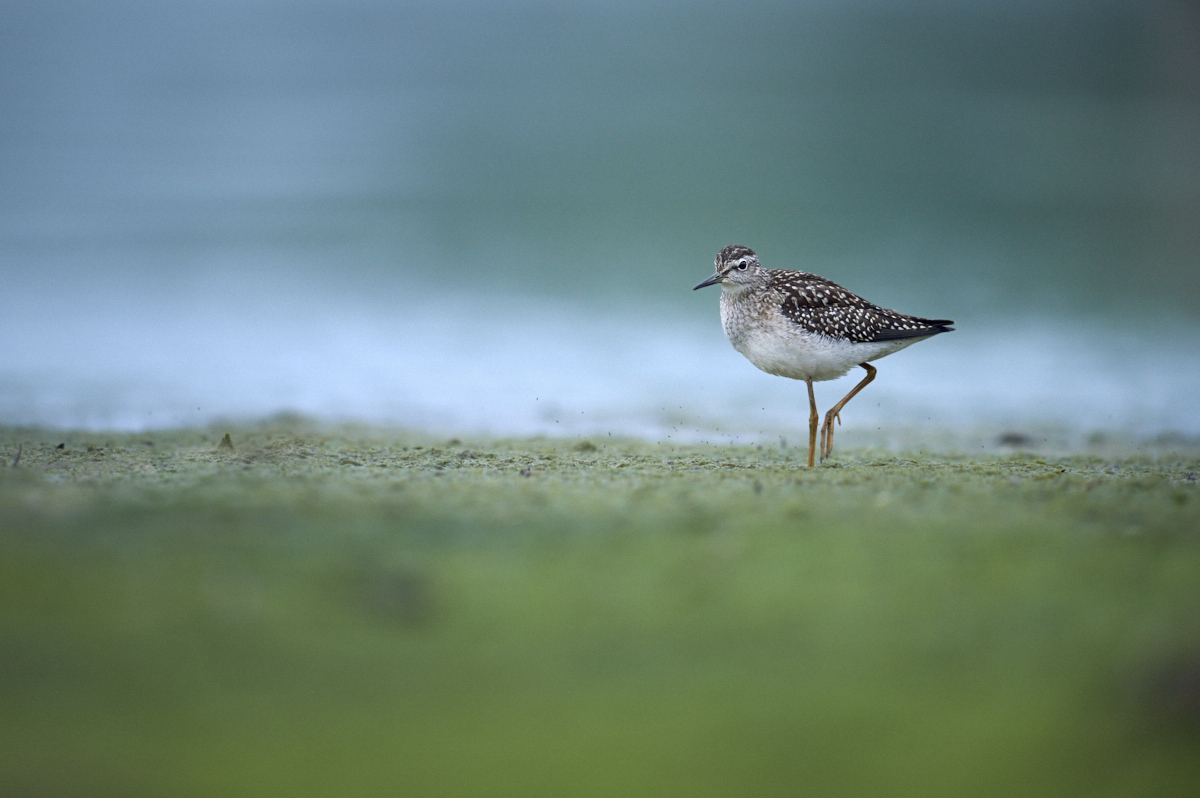
edit: Here's a good example. First image was processed out of C1 scaled to 1200px width in the process recipe.
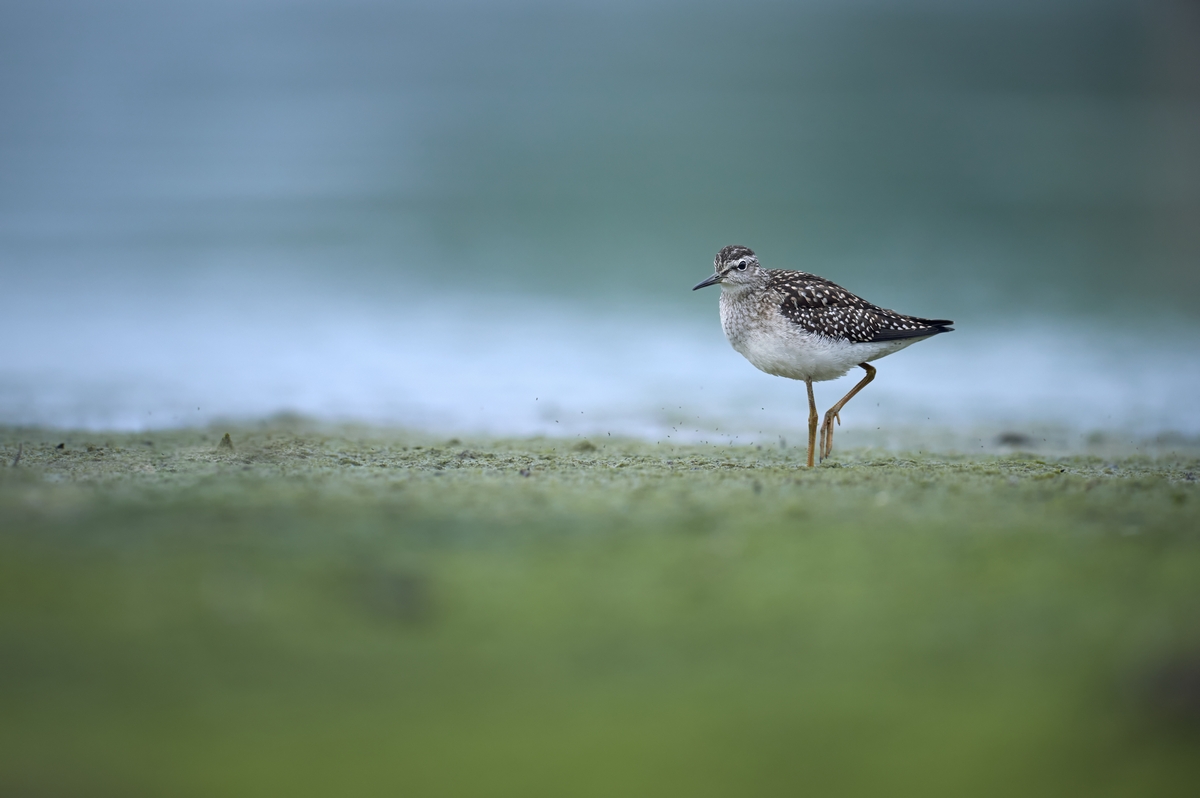
Second image was exported in full size and has then been scaled down by myself using Irfanview.
JPEG Quality was set to 100% in both cases.
The image processed directly from Capture One has noticeably more noise which should usually not be the case. And as I said, same goes even for base ISO images without any edits applied.
1. Capture One 1200px export
2. Capture One fullsize export and then scaled down to 1200px using Irfanview:
Crops in the same order as the small size of the full images embedded here does not really help to show the difference.
1. C1
2. Irfanview

投稿コメントは受け付けていません。
コメント
0件のコメント