Artefacts at Export Picture

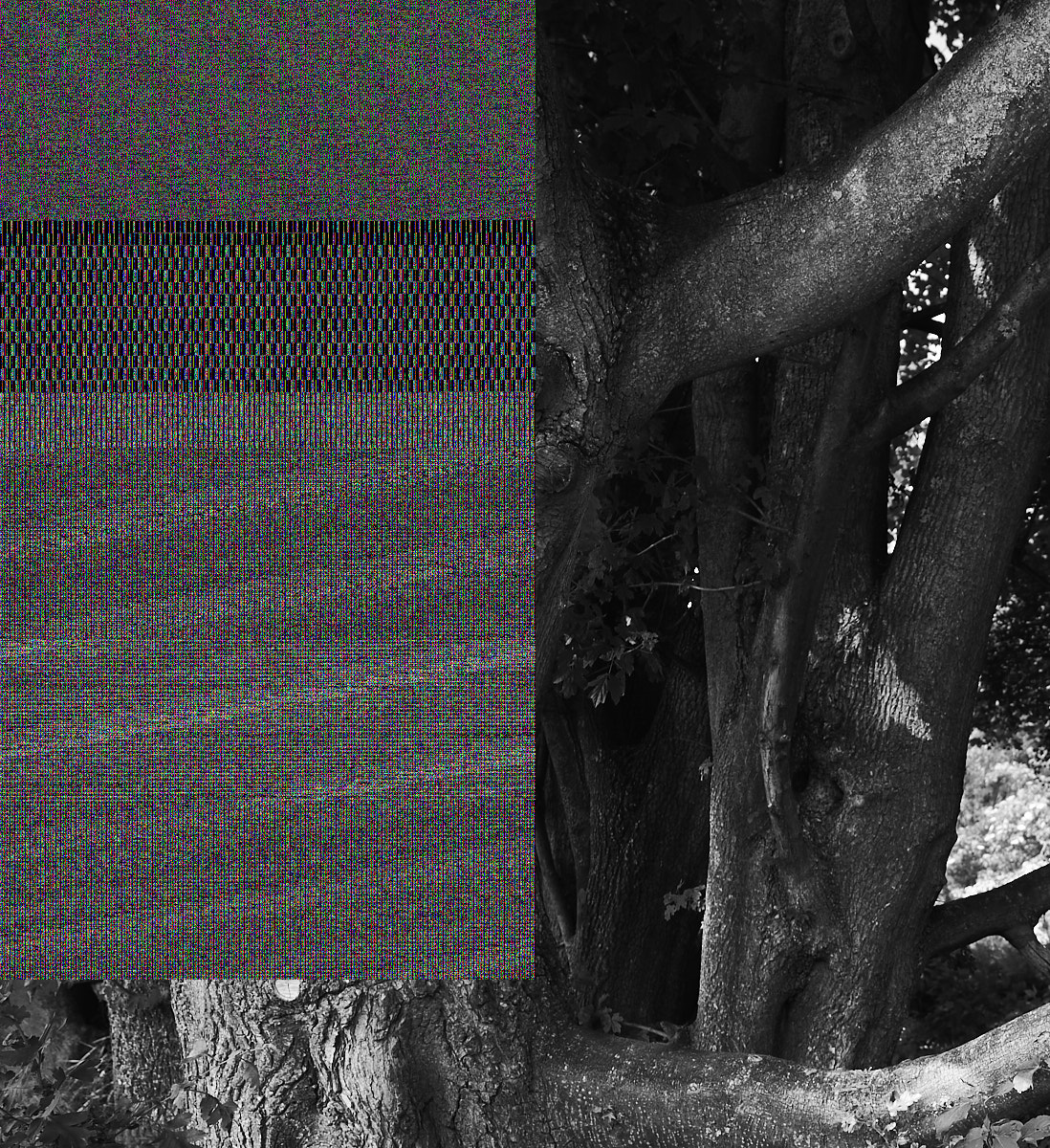
I have artefacts in the pictures if i export them. I tried different pictures to export, there are huge areas with artefacts. Pictures are RAW from Nikon Z6 II. Import is no problem, only after the export. I dont wanna switch to Luminar where all works fine. So pls fix it and tell me how to get it work.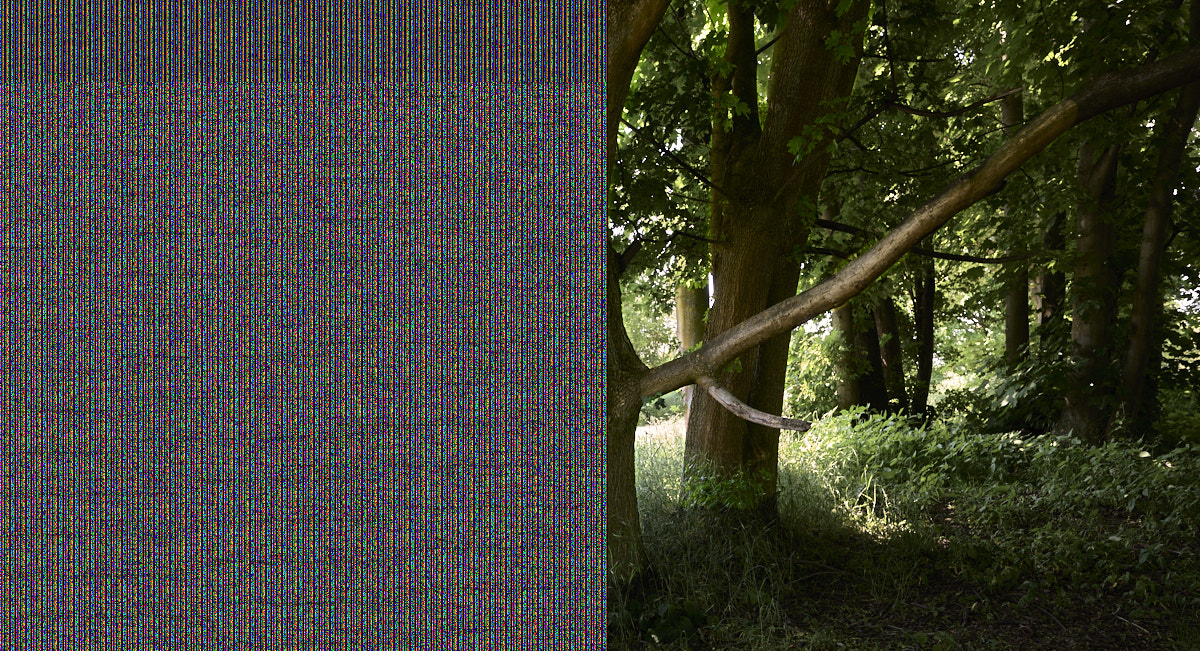
-
 Permanently deleted user
What happens if you turn off Hardware Acceleration?
0 -
thx. Works now like a charm.
0 -

Since the latest update CO Pro 14.2 , working with a layer results in a mess. But when I stop with OpenCL there is no problem.
After updating my GPU driver NVIDIA and after that starting OpenCL there seems no problem left.
Kind regards,
0 -
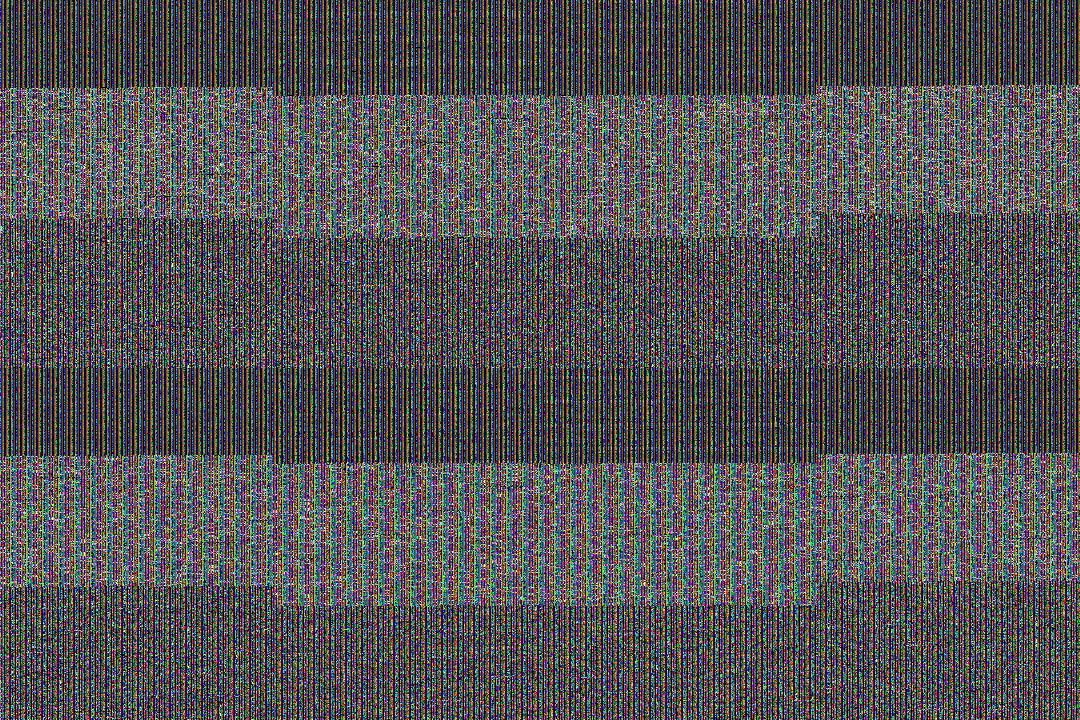
Hello, the same thing happens to me, when I export an image, almost the entire image appears with artifacts. I have disabled hardware acceleration. But it has not been fixed.
It's awful! I'm doing some jobs and I can't do anything!
After leaving Photoshop and Lightroom, and moving to Capture One - I was very content - It's terrible. Please, I need a solution. My operating system is Windows 10.+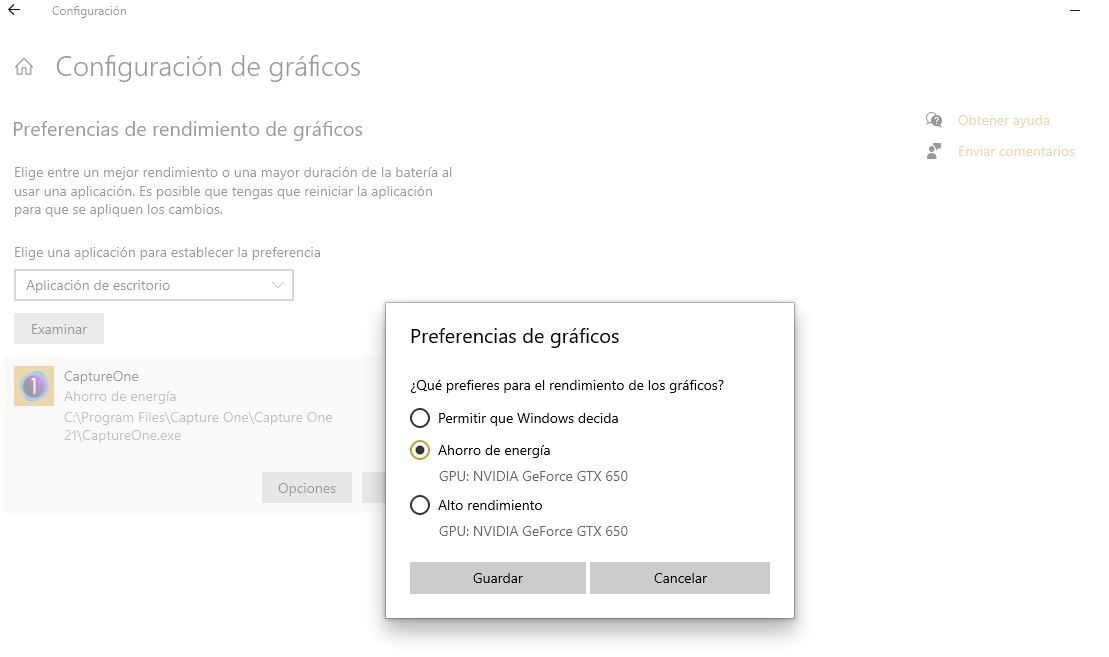
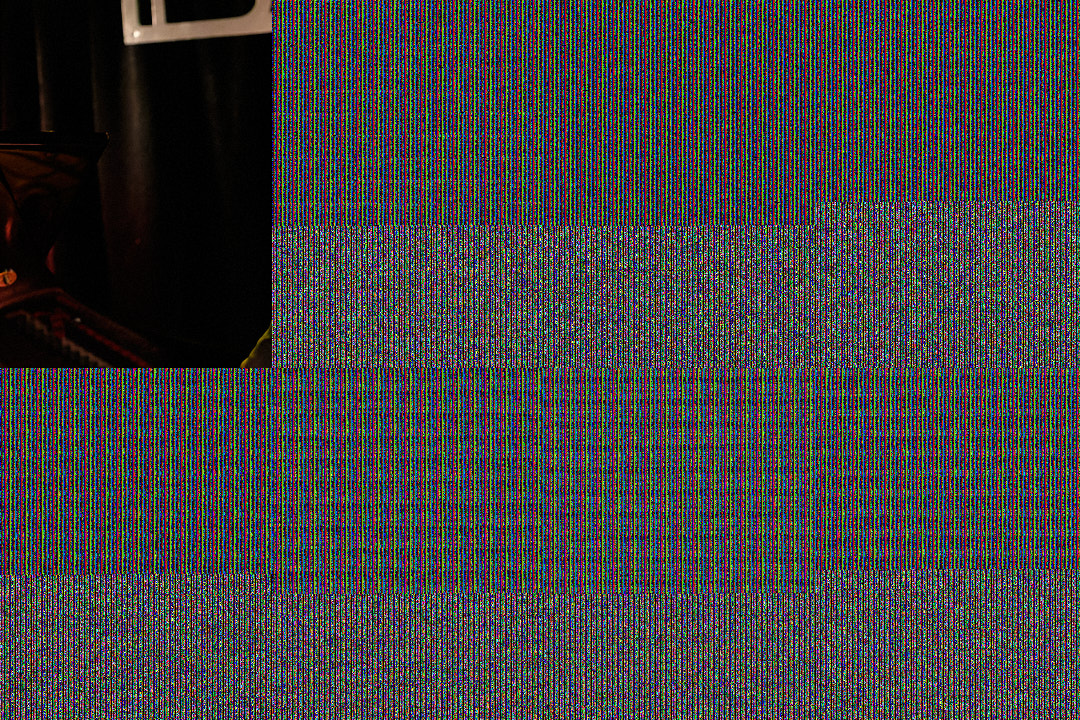 0
0 -
I have already found the solution. What a relief! I pass you on the link on the Capture One website "Frequently Asked Questions".
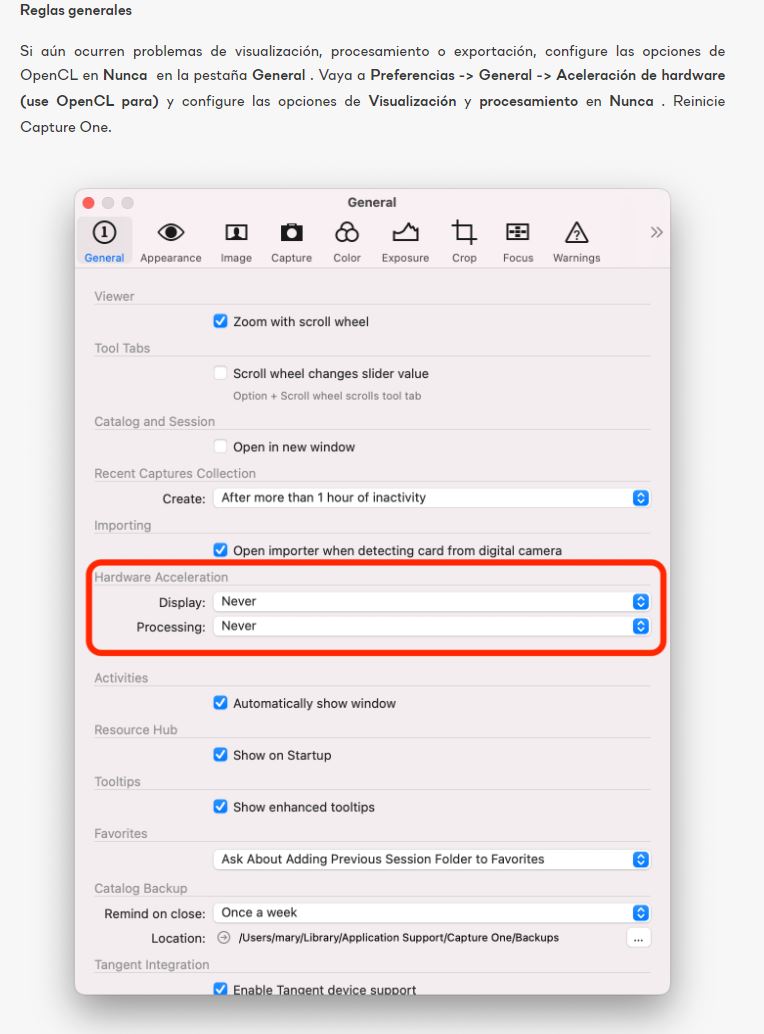 0
0 -
Permanently deleted user
That's exactly what I suggested, Jorge - and you said in your previous post that you'd done it to no effect:
I have disabled hardware acceleration. But it has not been fixed.
0 -

Hello,
I'm having the same problem with artifacts in my images. I have tried multiple versions of video card drivers and turning off hardware acceleration didn't help either.
Downgrading CO21 to 14.1.1 solved the problem with artifacts in images.0
投稿コメントは受け付けていません。
コメント
7件のコメント