psd preview very low quality

Hi all!
I just switched to the new Mac M1 Pro using Capture One 22 Build 15.0.1.8.
Edited my first PSD and once I saved it and it shows up on C1 it looks like a badly made gif. This issue goes away if I zoom into the image at 50% and beyond. You can see on the images what I am saying.
Anyone have any idea about this issue? I looked around and haven't been able to find anything.
Thank you so much for the assistance in advance.
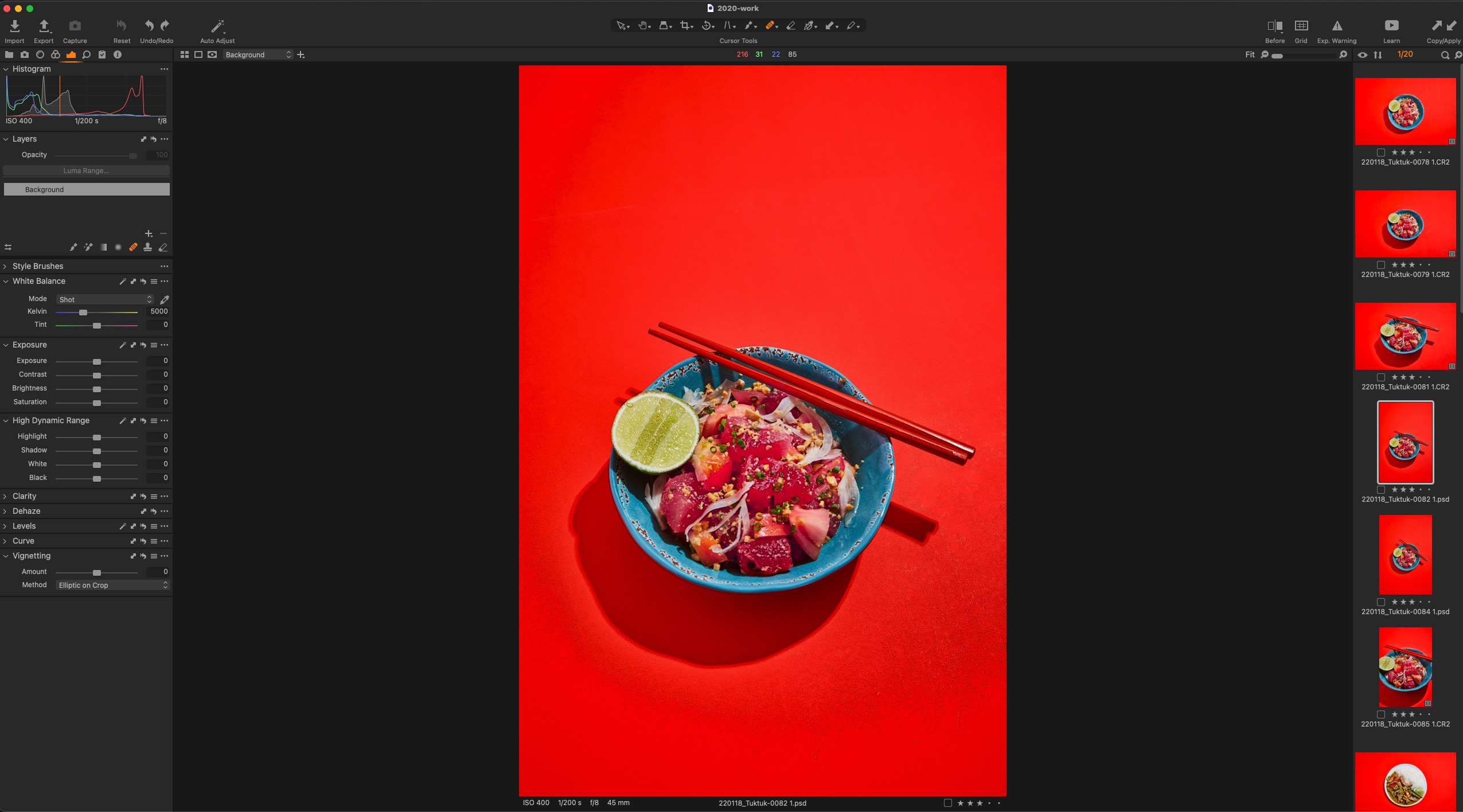

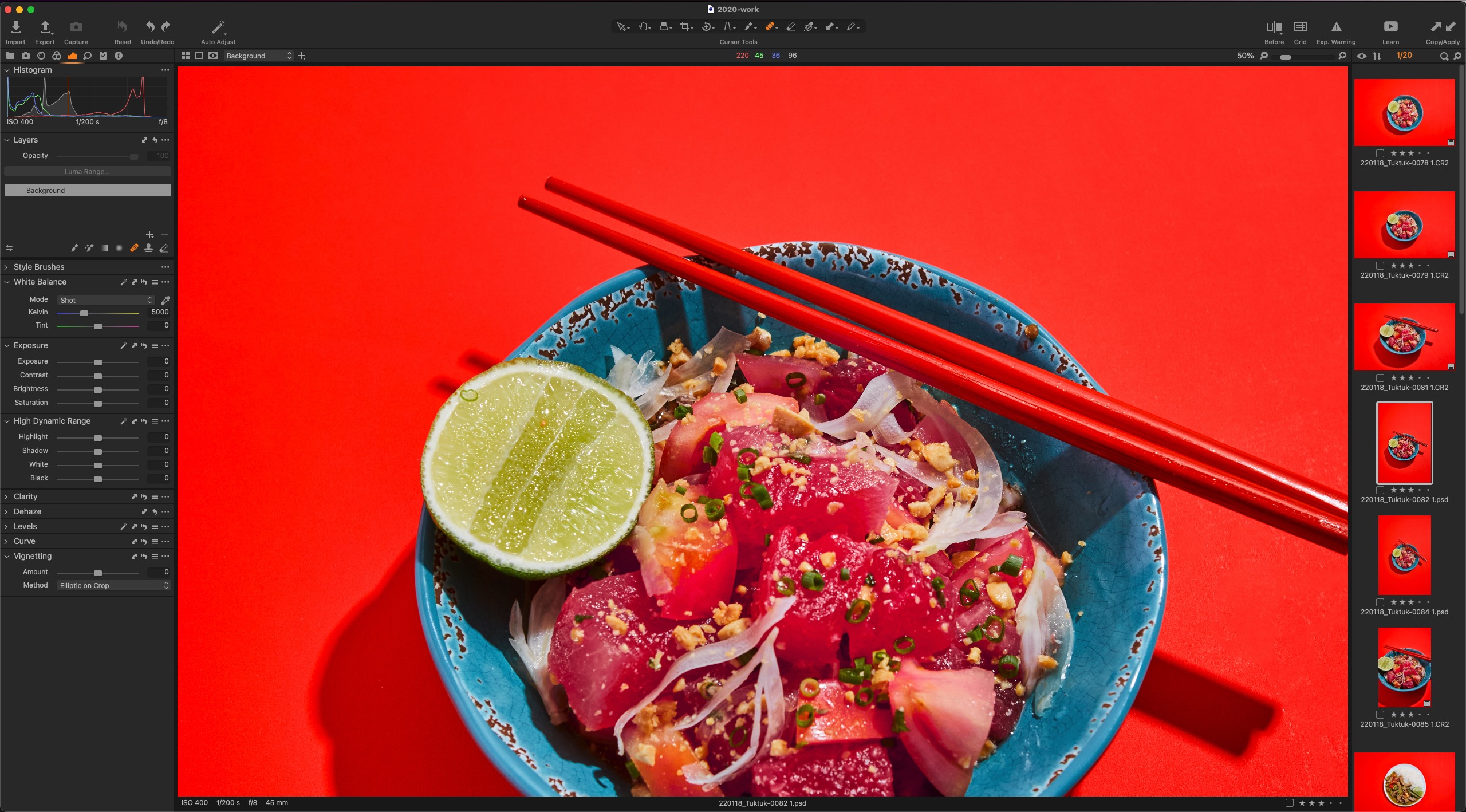
-

I don't see a response so I'll try. I actually can't see the problem from your screen shots, but it sounds like the PSD has processed fine but looks terrible viewed in C1 until you zoom in? I don't use C1 to look at PSD files, however, there are known problems with the new M1 Macs and hardware acceleration in C1 and if this is new for you with your new Mac that would be my first guess. They say they are working on a fix. In General Preferences try turning off Hardware Acceleration for Display and see if that helps (you may need to restart C1 and possibly your computer to see the difference). Personally I've turned off Hardware Acceleration for Processing because this is a bigger problem for me. I've left Display acceleration on because I don't like how it affects the display while making adjustments. YMMV.
0
投稿コメントは受け付けていません。
コメント
1件のコメント