Some DNG files can't be imported

I've started to migrate from LR to C1. I made several panoramas, HDR panoramas and HDR files in LR to import them into C1. And deleted source files in order to save some space. But I figured out that I can import pano DNG fiels into C1, but can't import HDR panoramas and regular HDR. I also can't import some huge not-HDR panoramas too (but it is whole different story).
And I don't understand why, All of mentioned files are DNG and all of them made by LR, but HDR DNG can't be imported.
Is there any explanation? Or is there some way to convert my HDR DNG files to some other lossless file which C1 can import? I tried to export files from LR to TIFF, but it doesn't look very lossless. to be honest.
I'm using C1 14.3.1.14
Here is dropbox folder with two files: which can and can't be imported - https://www.dropbox.com/sh/k8u8zbgcs5tij26/AABTtgBEuvSnoPxmeb2S8TZKa?dl=0
-

Not much help but I downloaded both your files and yes one can be imported but not the other.
Also not much help, my own LR HDRs and Panos import ok.1 -

When I try to download the not importable file I get an error message:
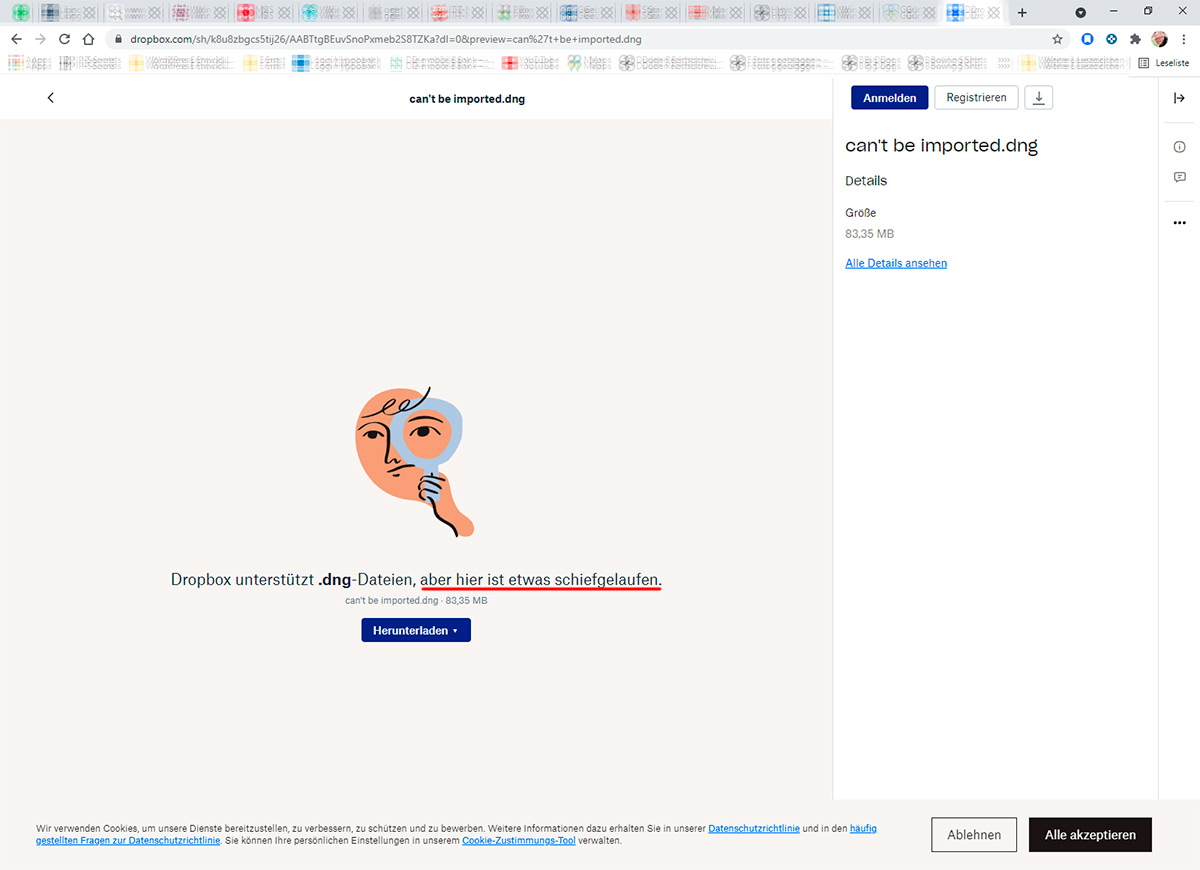 This file has no thumbnail in dropbox view too, the other DNG is okay. It seems that there is a problem with the file format.1
 -
Ernst Weinzettl, yes I've noticed it too.
For the test I also made 3 RAW photos and made HDR form them using photoshop, Same result - can't import outcoming DNG into C1.The most important questions for me right now:
Is there a way to convert my files to edit them in C1 or I can only use LR to edit the?
Is there other HDR stitcher which can merge RAW files into HDR and which is supported by C1?0 -
I'm surprised you saw much quality loss when converting to tiff with LR.
When you converted did you set 16bit output in LR preferences for the tiff?0 -
gb
I found one of the HDR raw images which is underexposed.
I've exported NEF without any settings as 16bit TIFF sRGB and as adobe RGB from LR, imported both files and original NEF to C1 and applied same settings to all the files.
And as you can see there is big differense in exposure and I need to push exposure slider for TIFF files mach more to have same exposure and as result I have more distorted resulting jpegs.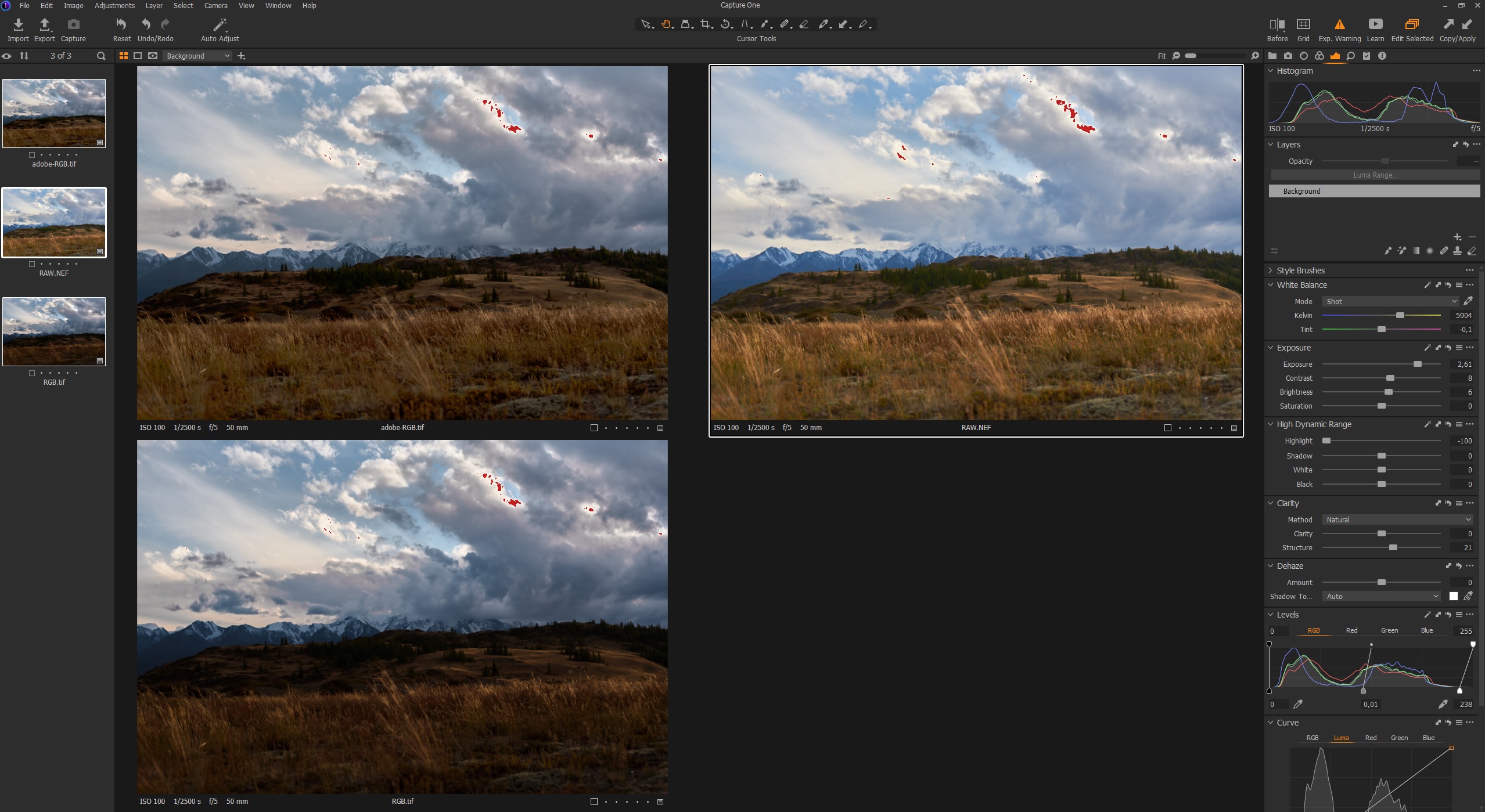 0
0 -
Hi gb,
I would export the DNG from Lightroom to TIF (16 Bit) and Import to C1. Lightroom did the garbage and should be able to handle the file.Regards Ernst
0 -
FirstName LastName
You might try using the ProPhoto color space which is a bit wider than Adobe RGB.
0 -
I have imported LR HDRs in previous versions
but now the current version is just not seeing them at all.
Strange that LR Panos still import into C1 ok for me.0
投稿コメントは受け付けていません。
コメント
8件のコメント